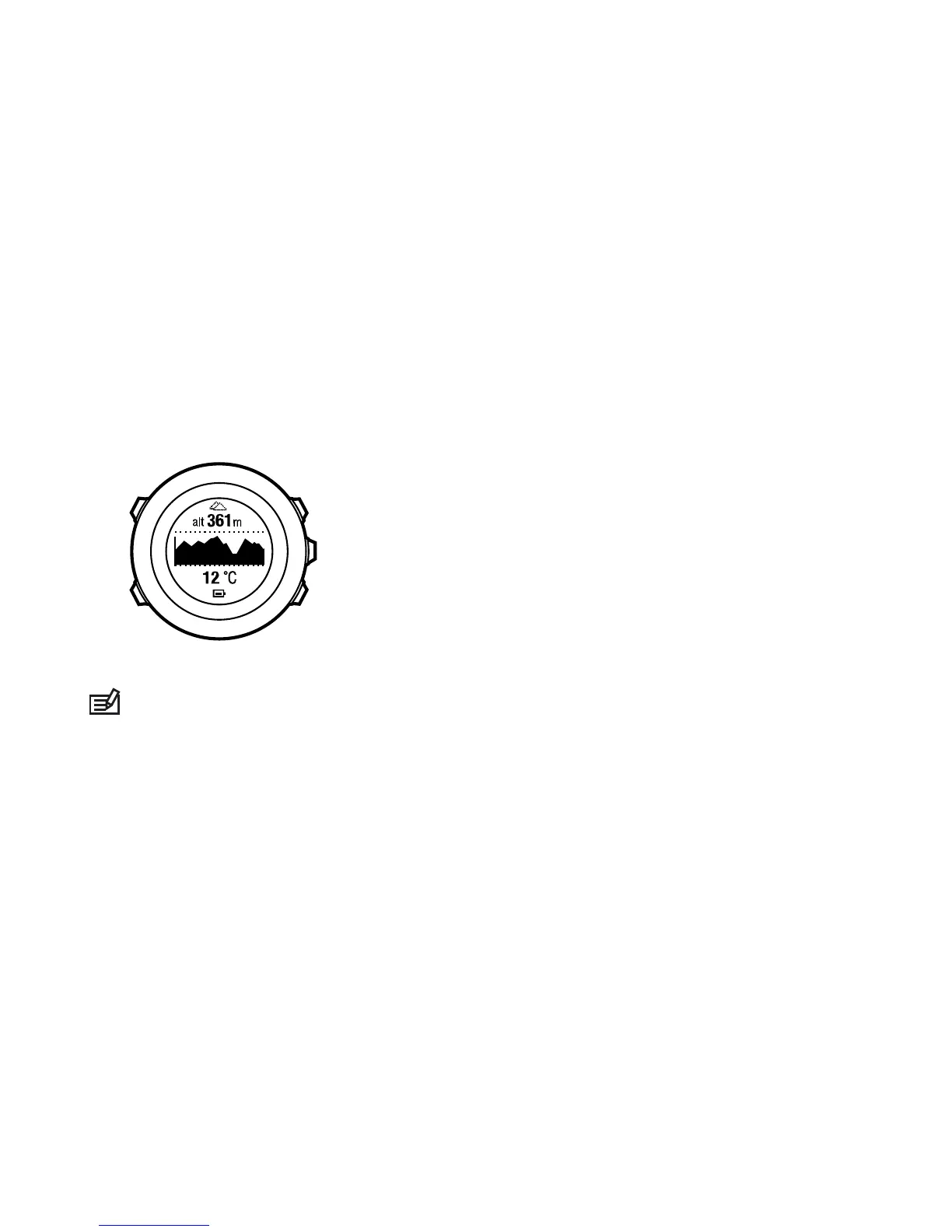
the altimeter icon is shown on the display. For information on
setting the profile, see
9.4.1 Setting profiles
.
When the Altimeter profile is activated, you can access the
following views:
•
top row: your current altitude
•
middle row: altitude information on a 12-hour timeline in graph
form
•
bottom row: toggle between time and temperature with [View]
NOTE:
If you are wearing your Suunto Ambit2 on your wrist,
you will need to take it off in order to get an accurate temperature
reading because your body temperature will affect the initial
reading.
9.6 Using Barometer profile
The Barometer profile shows the current sea level air pressure. This
is based on the reference values added in the settings and the
constantly measured absolute air pressure. For information on
setting the reference values, see
9.4.2 Setting reference values
.
60














 To Next Page