NOTE: If you select cumulative ascent/decent as a display option,
the data will only be shown if you have also selected best GPS
accuracy. For more information about GPS accuracy, see 8.1.3 GPS
accuracy and power saving.
TIP: You can access more detailed data in Movescount.
11.7.3 Recovery time
Suunto Ambit2 always shows your current cumulative recovery time
from all your saved exercises. The recovery time indicates how long
it takes for you to fully recover and be ready to exercise with full
intensity. As your recovery time decreases or increases, the watch
updates it in real time.
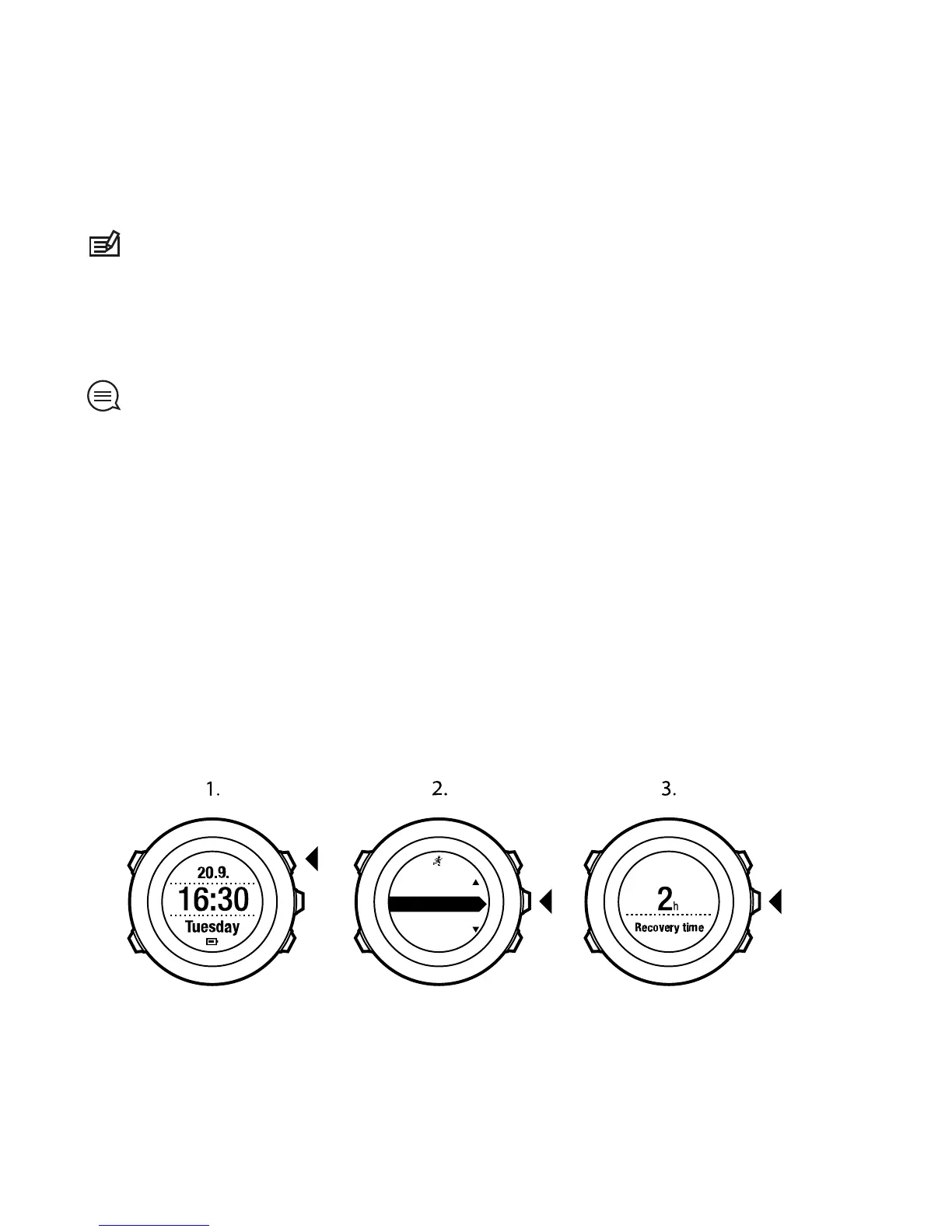
To view your current recovery time:
1. Press [Start Stop] to enter the start menu.
2.
Scroll to LOGBOOK with [Light Lock] and select with [Next].
3. The recovery time is shown on the display.














 To Next Page