8.4.2 Navigating a route
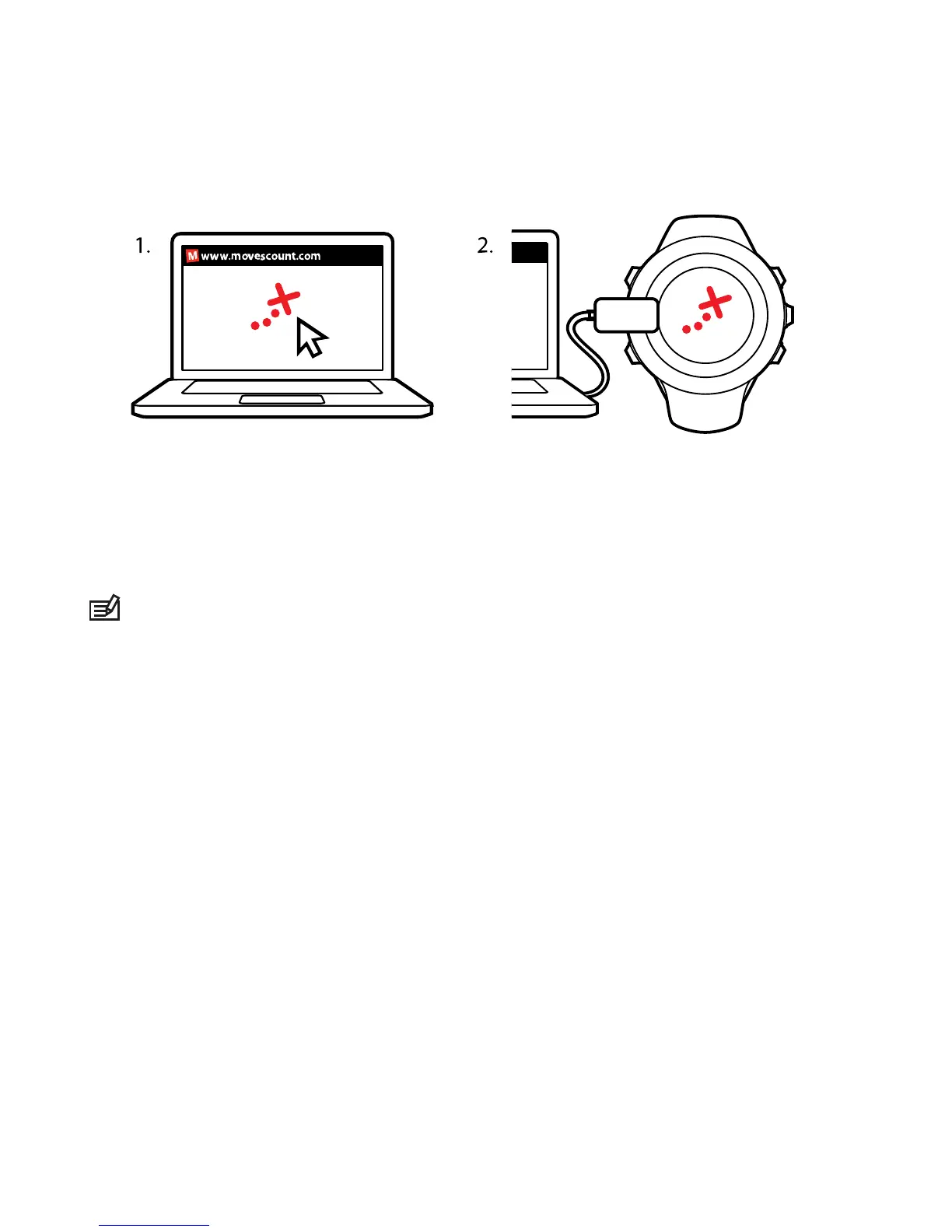
You can navigate a route you have downloaded to your Suunto
Ambit2 from Movescount, see
8.4.1 Adding a route
.
NOTE:
You can also navigate as a sport mode, see
11.6.7 Navigating during exercise.
To navigate a route:
1. Press [Start Stop] to enter the start menu.
2.
Scroll to NAVIGATION with [Start Stop] and enter with [Next].
3.
Scroll to Routes with [Start Stop] and enter with [Next].
The watch displays the number of saved routes and after that a
list of all your routes.
4. Scroll to the route you want to navigate with [Start Stop] or
[Light Lock]. Select with [Next].
5. The watch displays all the waypoints on the selected route. Scroll
to the waypoint you want to use as the starting point with [Start
Stop] or [Light Lock]. Accept with [Next].
47














 To Next Page