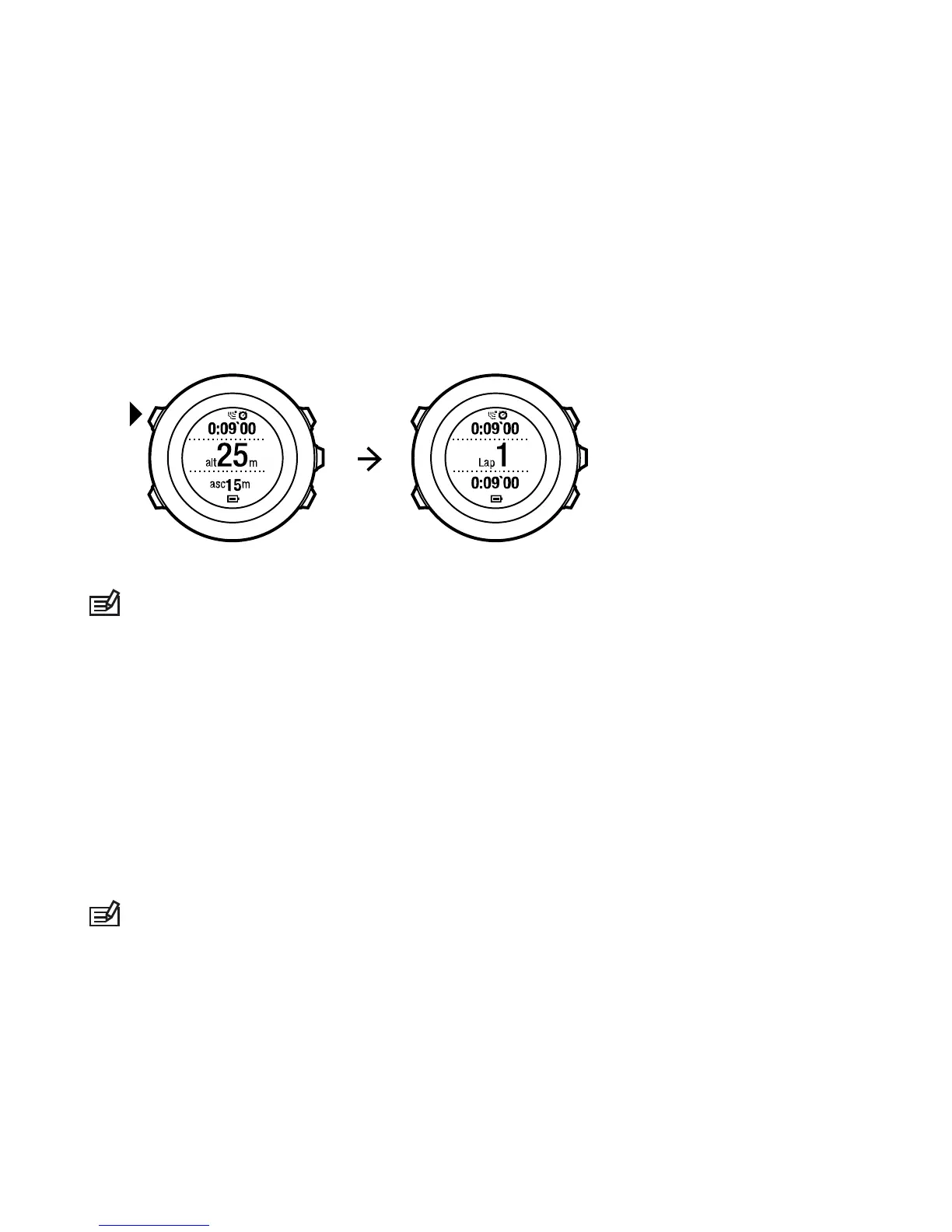
To make laps manually, press [Back Lap] during the exercise.
Suunto Ambit2 shows you the following information:
•
top row: split time (duration from the start of the log)
•
middle row: lap number
•
bottom row: lap time
NOTE:
The exercise summary always shows at least one lap, your
exercise from start to finish. The laps you have made during the
exercise are shown as additional laps.
11.6.3 Recording altitude
Your Suunto Ambit2 stores all your movements in altitude between
the start and stop time of the log. If you are engaged in an activity
in which your altitude changes, you can record the altitude changes
and view the stored information later.
NOTE:
By default, altitude measurement is based on FusedAlti.
For more information, see 9.8 FusedAlti.
To record altitude:
83














 To Next Page