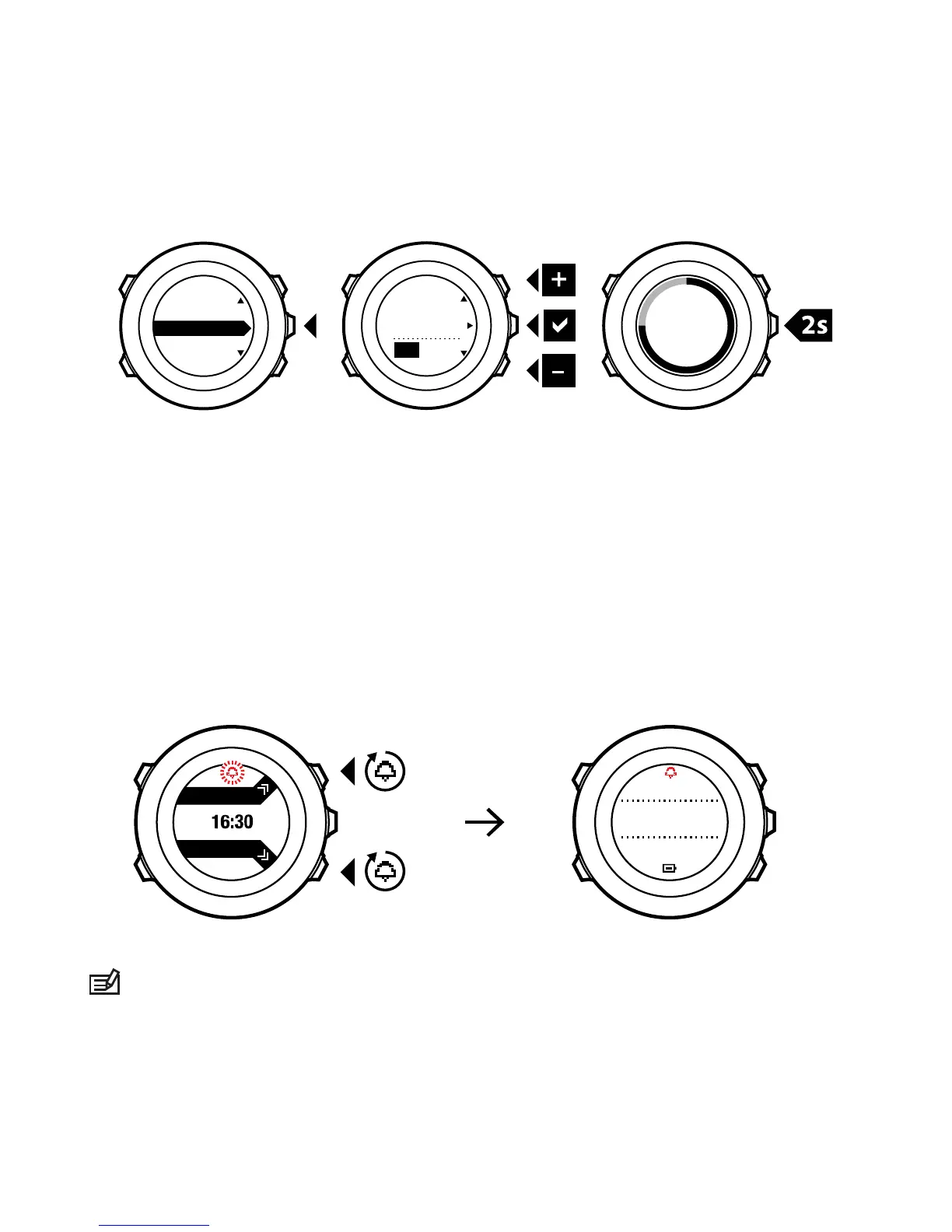
When the alarm is switched on, the alarm symbol is shown on most
of the displays.
When the alarm sounds, you can:
•
Select Snooze by pressing [Light Lock]. The alarm stops and
restarts every 5 minutes until you stop it. You can snooze up to
12 times for a total of 1 hour.
•
Select Stop by pressing [Start Stop]. The alarm stops and restarts
the same time the following day, unless you switch the alarm off
in the settings.










 To Next Page