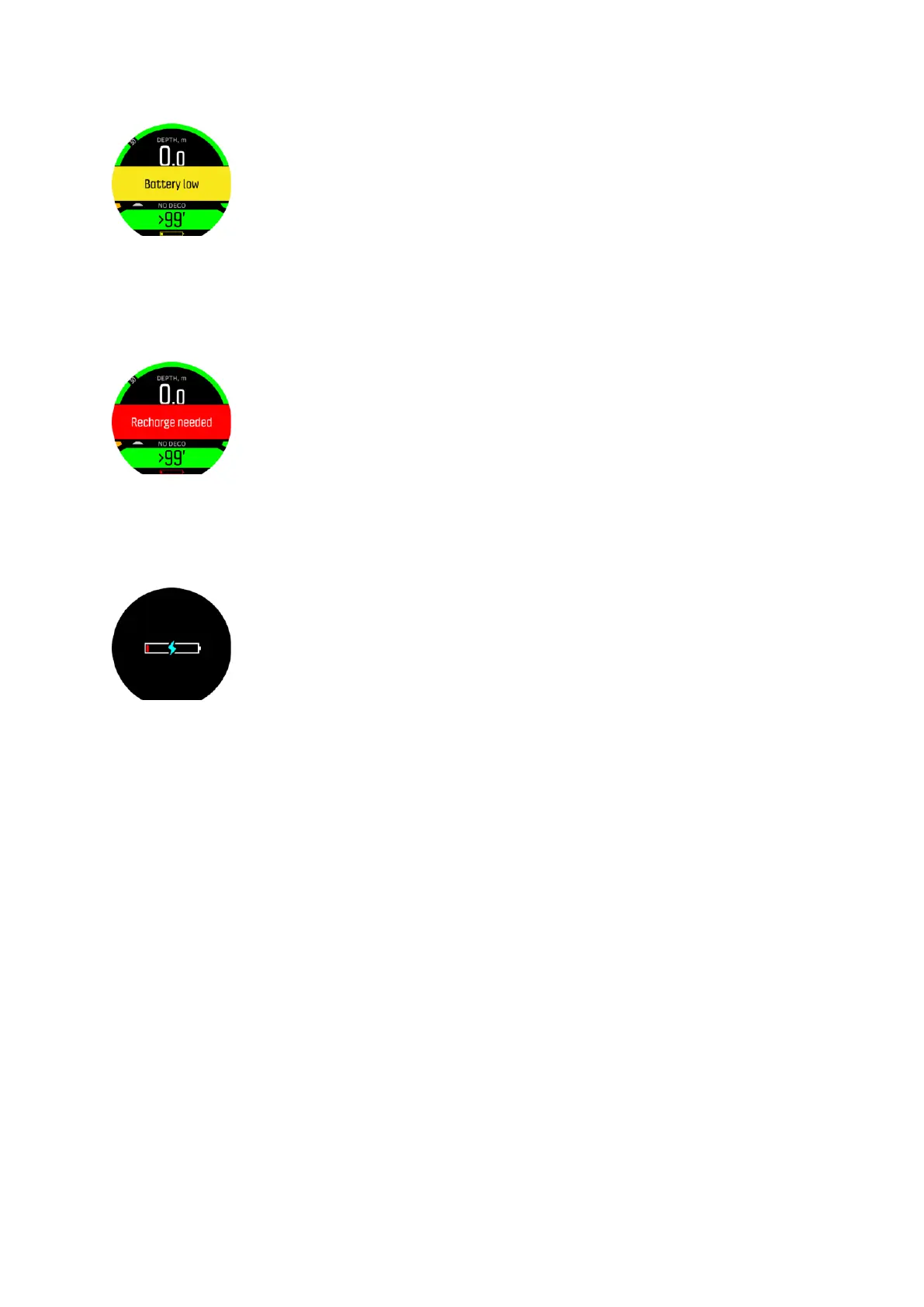
When the time left decreases to 2 (two) hours a 'Recharge needed' red pop-up notification
appears. The red pop-up will stay on the screen on top of everything else and you cannot
make it disappear until the device is charged or you change to time view. In case of scuba
diving, when the charge level drops below 2 (two) hours, you cannot start a dive with Suunto
D5. For freediving the limit is 30 minutes.
During a dive the red battery icon (see above) is displayed. The notification pop-up comes
only on the surface so it will not cover information on the display during a dive.
When the battery runs empty, a charging symbol on a blank screen notifies you to recharge
your Suunto D5.
3.5. Bookmark
Adding a bookmark (timestamp) to an active log is really easy in Suunto D5. See 4.11. How to
add bookmarks for the procedure.
3.6. Clock
Suunto D5's time and date settings are found under Device settings.
Time and date formats are found under Units & formats. For setting, see 4.4. How to set time
and date.
A daily alarm can be activated under Main menu » Alarm clock. For more information, see
4.5. How to set the alarm clock.
Sound and vibration are always on by default. This setting cannot be changed for the alarm
clock.
3.7. Compass
By repeatedly short pressing the middle button brings up the compass. First calibrate the
compass, for more information see 3.7.1. Calibrating compass.
The information on the display depends on which mode you are in.
Suunto D5
16



 To Next Page