4. Use
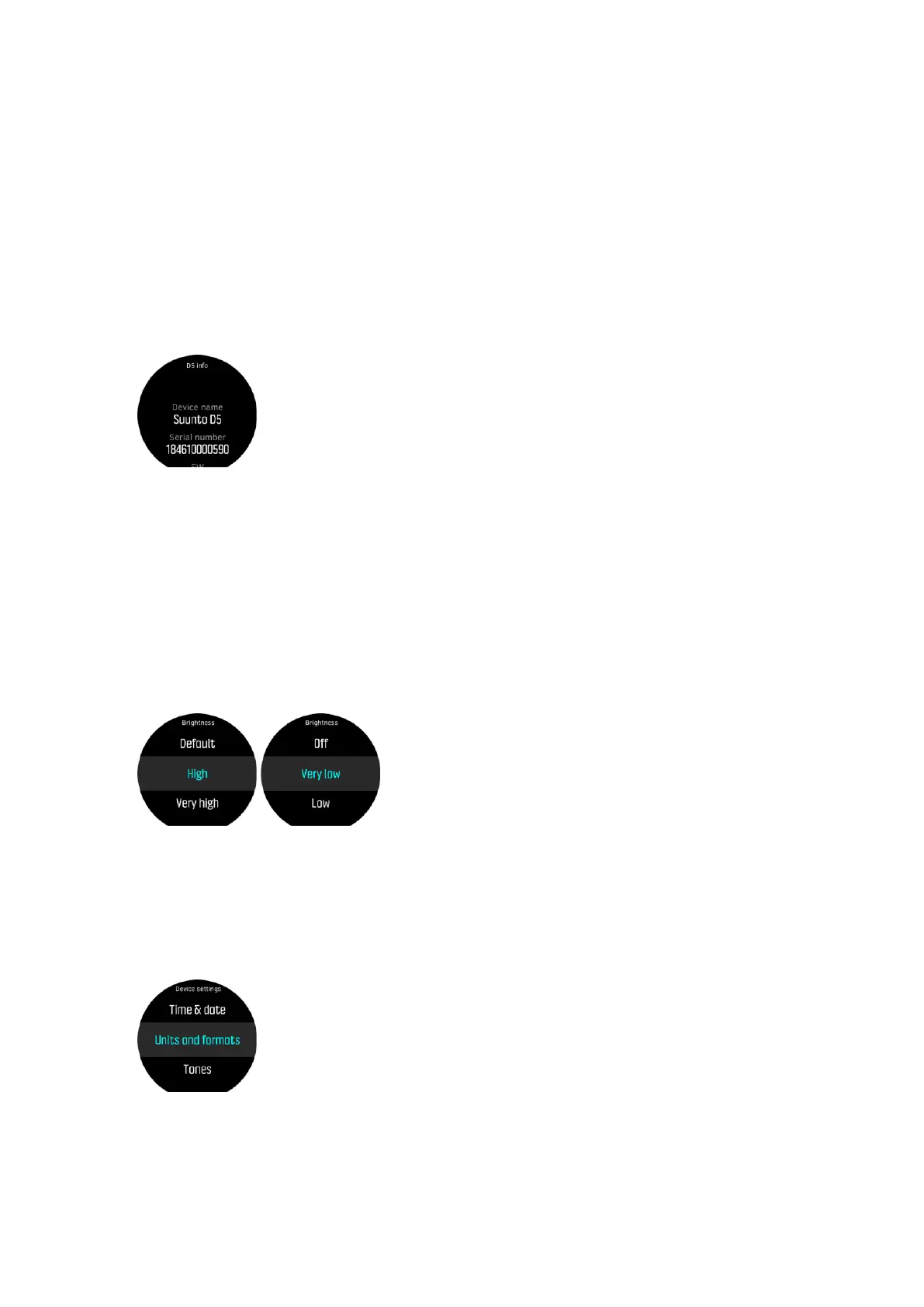
4.1. How to access device info
To access Suunto D5 information:
1. Keep middle button pressed to enter the main menu.
2. Scroll to General with the upper or lower buttons and press the middle button.
3. Press the middle button to enter About D5.
4. Scroll to D5 info, press to enter.
5. Scroll with the lower button to see all information.
6. Keep middle button pressed to go back and exit from the menu.
4.2. How to change display brightness
To change brightness level:
1. Go to General » Device settings » Brightness.
2. Select from default, high, very high, low, or very low.
3. Turn the display brightness down or switch it
o when there is ambient light available to
save battery life significantly.
4.3. How to set language and unit
To change the device language and unit system:
1. Go to Main menu » General » Device settings » Language and select your language.
2. Go to Main menu » General » Device settings » Units & formats.
3. Select Date format, or Units, or Time format.
4. Use the upper or lower button to select from the available formats.
Suunto D5
43



 To Next Page