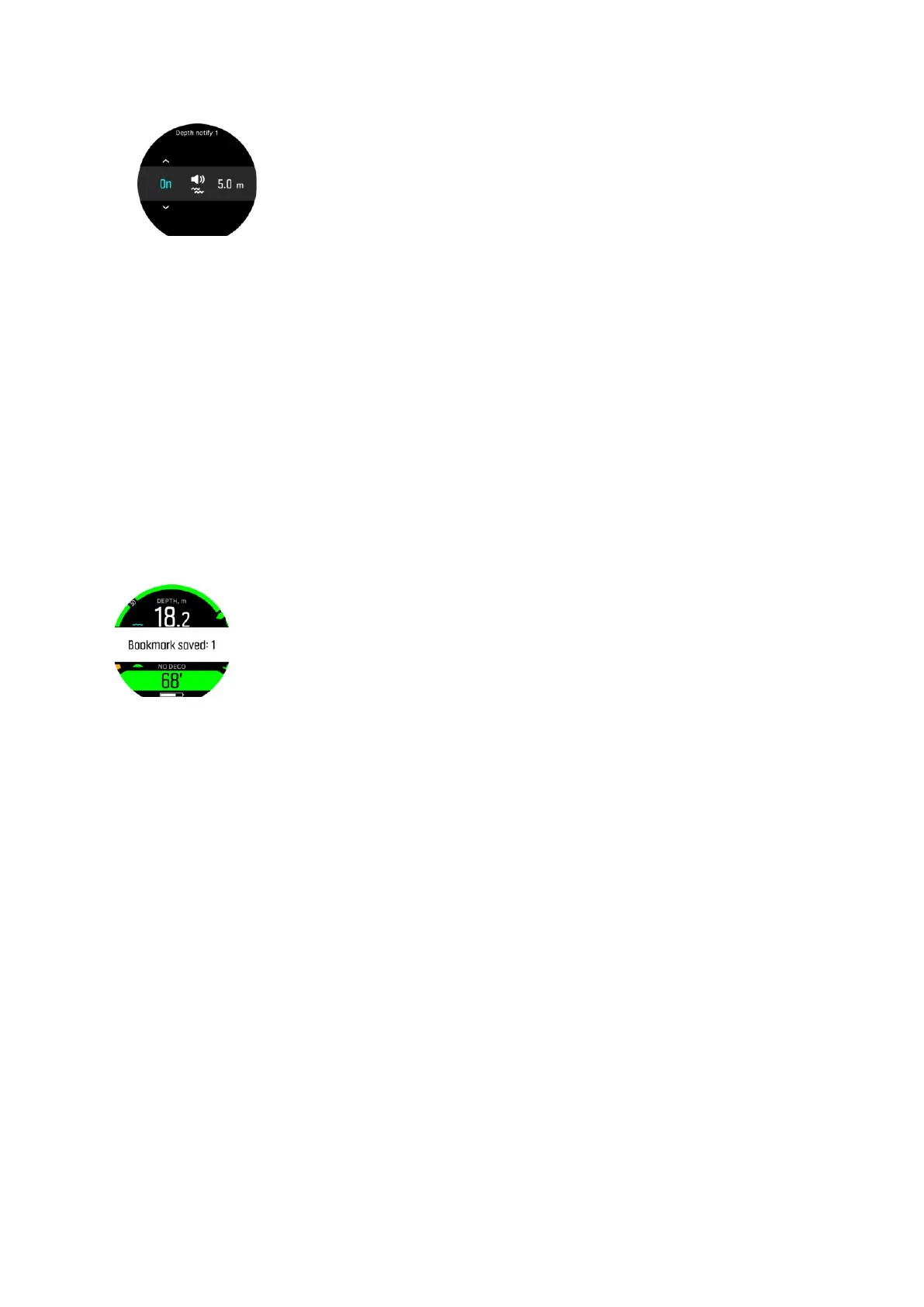
3. Move to the rightmost field with the middle button to set the depth in meters.
Note: The depth
notifications can be set between 3 - 99 m. By default
•
Depth notify 1 is set to 3.0 m
•
Depth notify 2 is set to 5.0 m
•
Depth notify 3 is set to 10.0 m
•
Depth notify 4 is set to 15.0 m
•
Depth notify 5 is set to 20.0 m showing you the max value of the depth gauge.
When you reach the notification depth, the alarm you selected (sound, vibration or both) will
alert you.
4.11. How to add bookmarks
Keep the lower button pressed to add a bookmark (timestamp) to the active log for later
reference.
If you keep the lower button pressed while the compass view is active, both a timestamp and
the current compass heading are stored to the active log.
Suunto D5
51



 To Next Page