NOTE: Under the unit settings, you have the option of selecting metric or Imperial as
a global setting: it will
aect all measurements.
5. To set the unit system for
specific measurements select Advanced. For example, you
could use metric for depth, and Imperial for tank pressure.
4.4. How to set time and date
To change time and date
1. Keep the middle button pressed to enter menu.
2. Browse to General » Device settings » Time & date.
3. Scroll to Set time or Set date with the upper or lower button.
4. Press the middle button to enter the setting.
5. Adjust the setting with the upper or lower button.
6. Press the middle button to move to the next setting.
7. Press again the middle button when last value is set to save and go back to Time & date
menu.
8. Keep middle button pressed to exit when done.
To change time and date formats
1. Keep the middle button pressed to enter menu.
2. Browse to General » Device settings » Units & formats.
3. Scroll to Time format or Date format with the upper or lower button.
4. Follow steps 5-8 as above to change and save formats.
4.5. How to set the alarm clock
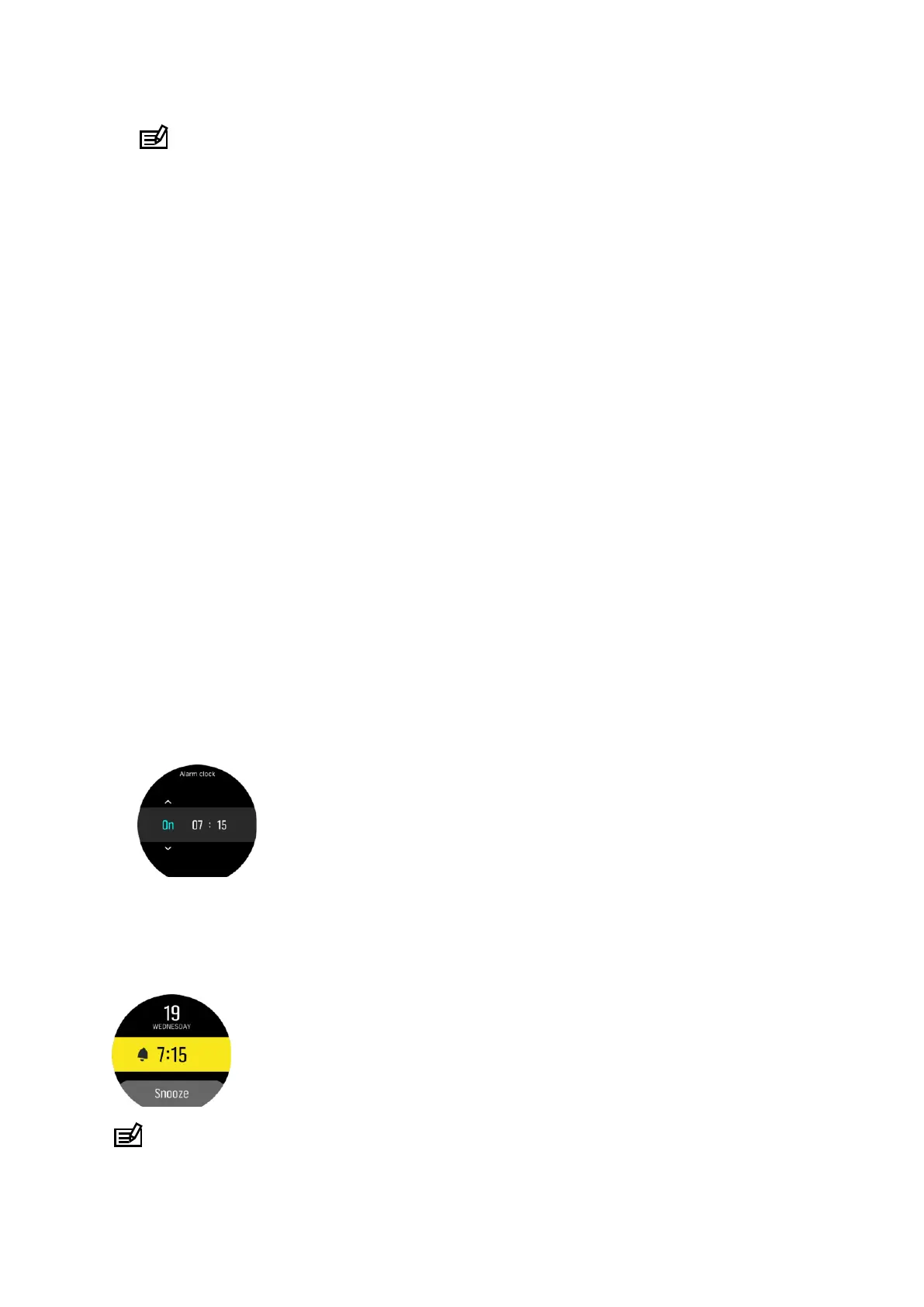
Activate the alarm clock under Main menu » Alarm clock:
1. Use the upper or lower button to set the alarm on or
o.
2. Change fields with the middle button and use the upper or lower buttons to set the hours
and minutes.
3. Press and hold the middle button to exit.
In the below example you set the alarm to 7:15 a.m.:
NOTE: The alarm clock will be active every day until it is set to o.
Suunto D5
44



 To Next Page