To set declination:
1. Keep the middle button pressed to enter the menu.
2. Browse to General / Compass.
3. Press the middle button to enter Compass.
4. Press the middle button again to enter Declination.
5. Scroll up/down to set the angle of declination: Starting from 0.0º scroll up towards East or
down towards West declination. To turn declination
o, set declination angle to 0.0º.
6. Press middle button to save changes and go back to the Compass menu.
7. Keep the middle button pressed to exit.
3.7.3. Locking the bearing
A bearing is the angle between north and your target. In simple terms, it is the direction you
want to travel. Your heading, on the other hand, is your actual direction of travel.
You can set a bearing lock to help you orientate yourself underwater and ensure you maintain
your direction of travel. For example, you can set a bearing lock for the direction to the reef
before leaving the boat.
You can reset the bearing lock at any time, but you can only clear a bearing lock while at the
surface.
To lock the bearing:
1. Press the middle button to change to compass view.
2. Hold your Suunto D5 in level in front of you, with the top pointing in the direction to your
target.
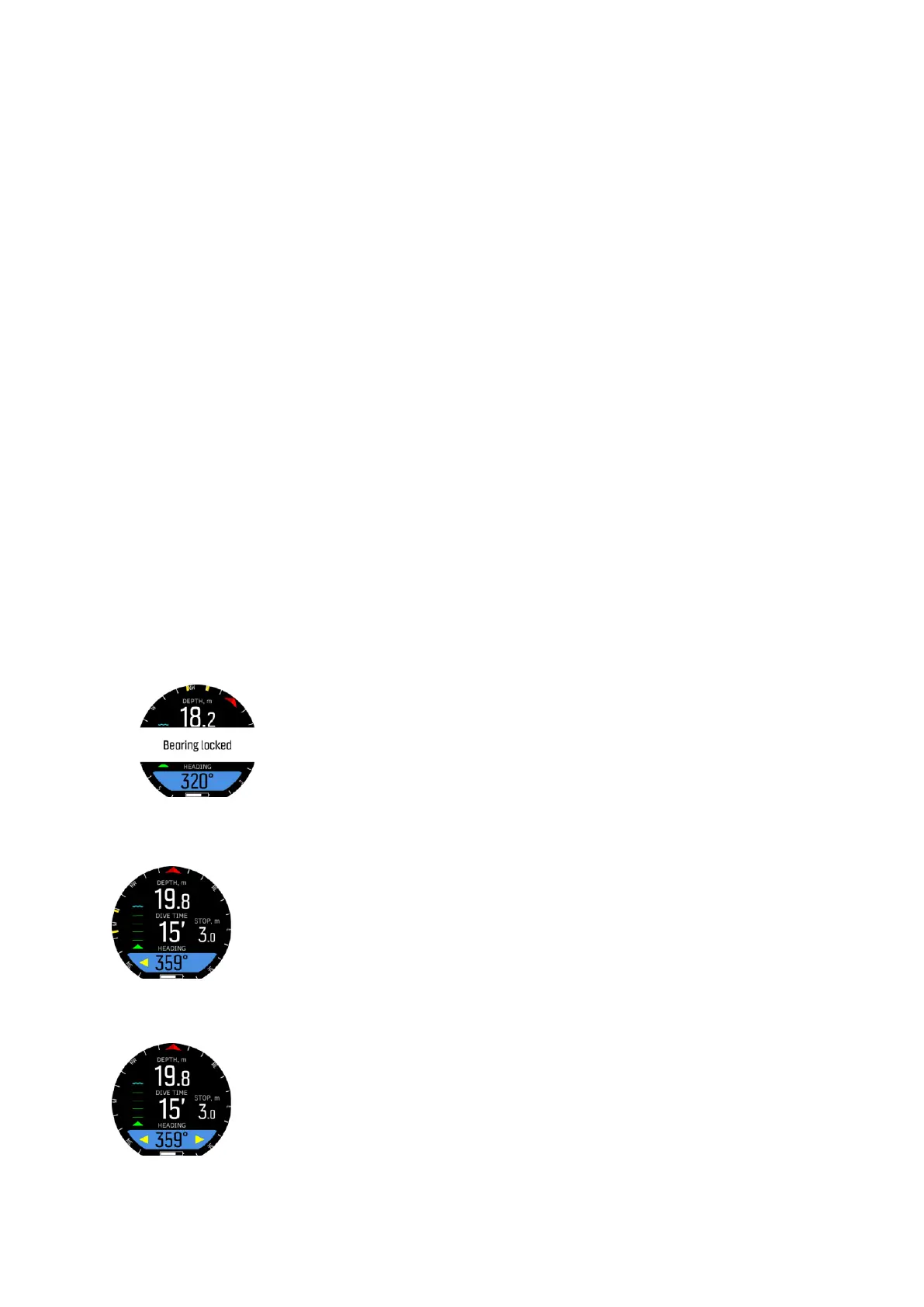
3. Keep the lower button pressed until you see the Bearing locked
notification.
After you locked the bearing, you can see yellow bars to indicate the angle where you locked
the bearing:
When the bearing is at 0°, no arrows are shown beside the value, as above. When the bearing
is at 180°, two yellow arrows are shown beside the value:
Suunto D5
18



 To Next Page