5 ©2022 Sveaverken. All rights reserved.
Sveaverken F100 Auto Steer System Software User Manual
Refer to section 4.1 "Home Screen Elements" for details.
Figure 7.
Home screen
2.5 Connecting to a Signal Source
After the home screen is opened, connect to a correction signal source.
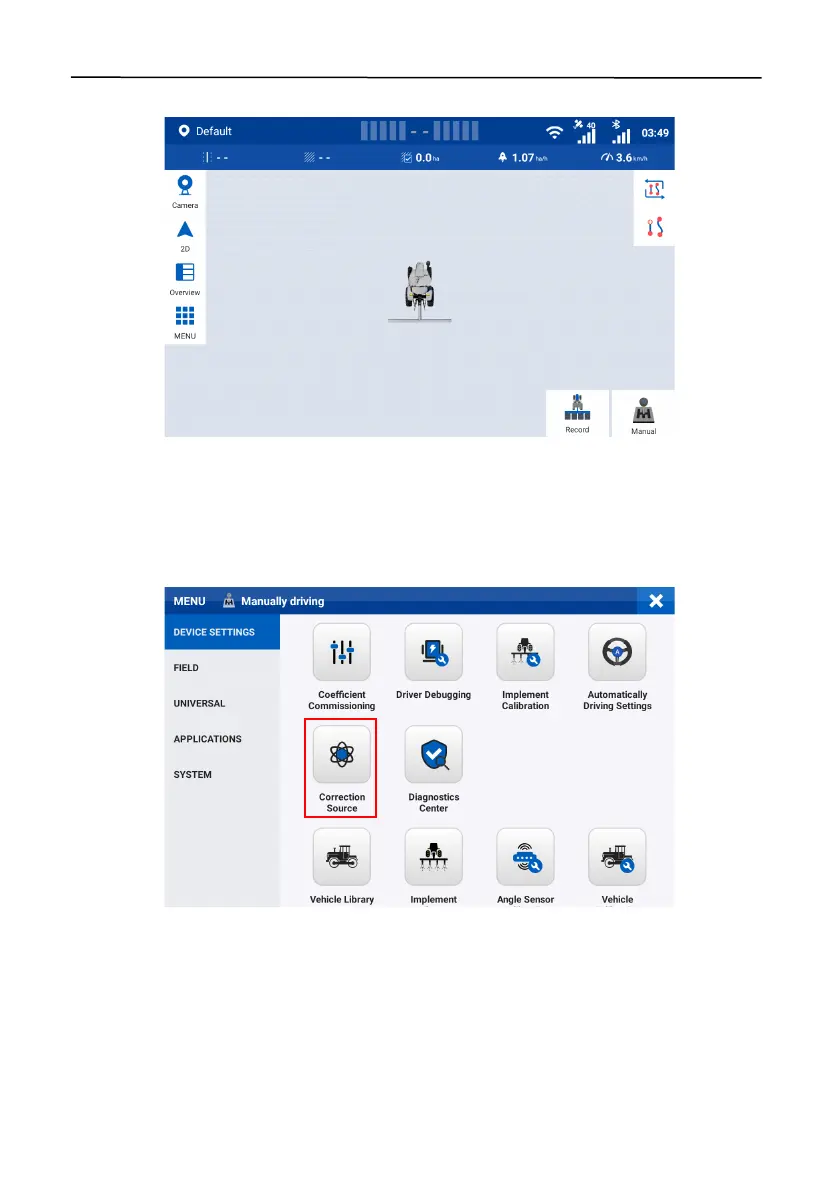
Step 1: Choose
MENU
>
DEVICE SETTINGS
>
Correction Source
.
Figure 8.
Select Correction Source
Step 2: Tap
Network RTK
,
Mobile Base Station RTK
,
SBAS
,
Bluetooth RTK
, or
External Bluetooth
RTK
, to initiate a connection request or set connection parameters. The connection mode you
enabled is selected automatically the next time you log in.



 To Next Page