©2022 Sveaverken. All rights reserved. 72
Sveaverken F100 Auto Steer System Software User Manual
Press the button to complete the
guidance line creation.
Trim to the left; Trim to
the right
In the autosteering mode, tap
the trim button on the home
screen, set the trim distance, and
then you can press the button to
trim the vehicle to the left or
right.
Turn left and right when
the
Basic U-turn
switch
is turned on
In the autosteering mode, turn
on the
Basic U-turn
switch, and
then you can press the button to
turn left or right.
Note:
Wait for at least 1 second before you press the button again
5.6 Remote Debugging
Remote debugging, supported by the background control program, enables the service personnel
to remotely control the screen to perform debugging.
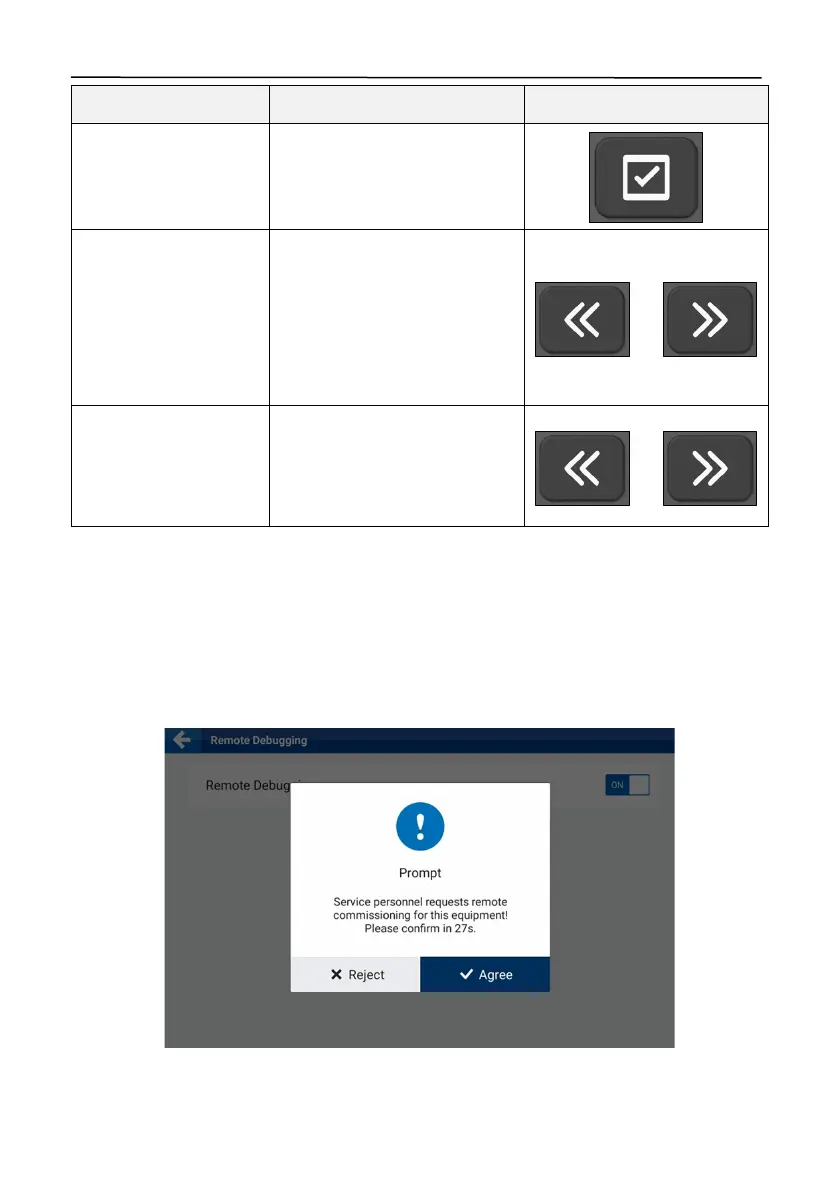
Turn on the
Remote Debugging
switch, and the following popup appears when the service person
initiates a debugging request remotely. Tap
Agree
before the countdown ends, and then tap
START NOW
to start remote debugging.
Figure 118.
Remote debugging request



 To Next Page