29 ©2022 Sveaverken. All rights reserved.
Sveaverken F100 Auto Steer System Software User Manual
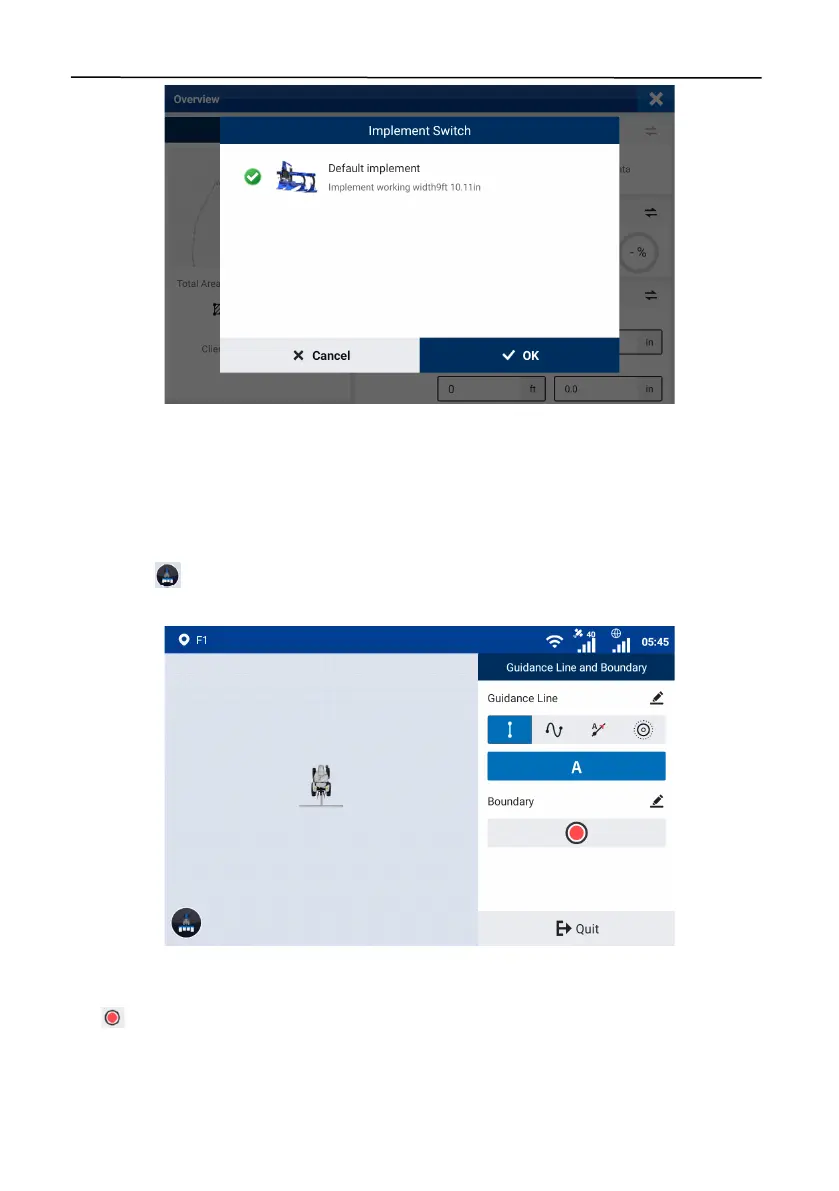
Figure 50.
Switch the implement
3.3 Creating a Boundary (available after activating advanced mode) and Guidance
Line
To record the boundary or create four types of guidance lines, tap
Line Creation
on the home
screen. Tap in the lower left corner to record the operation while the boundary and guidance
line are created.
Figure 51.
Create a guidance line
3.3.1 Creating a Boundary (Available after activating advanced mode)
Tap on the right, and select the leftmost, center, or rightmost position as the reference based
on the boundary and implement position relation.



 To Next Page