©2022 Sveaverken. All rights reserved. 28
Sveaverken F100 Auto Steer System Software User Manual
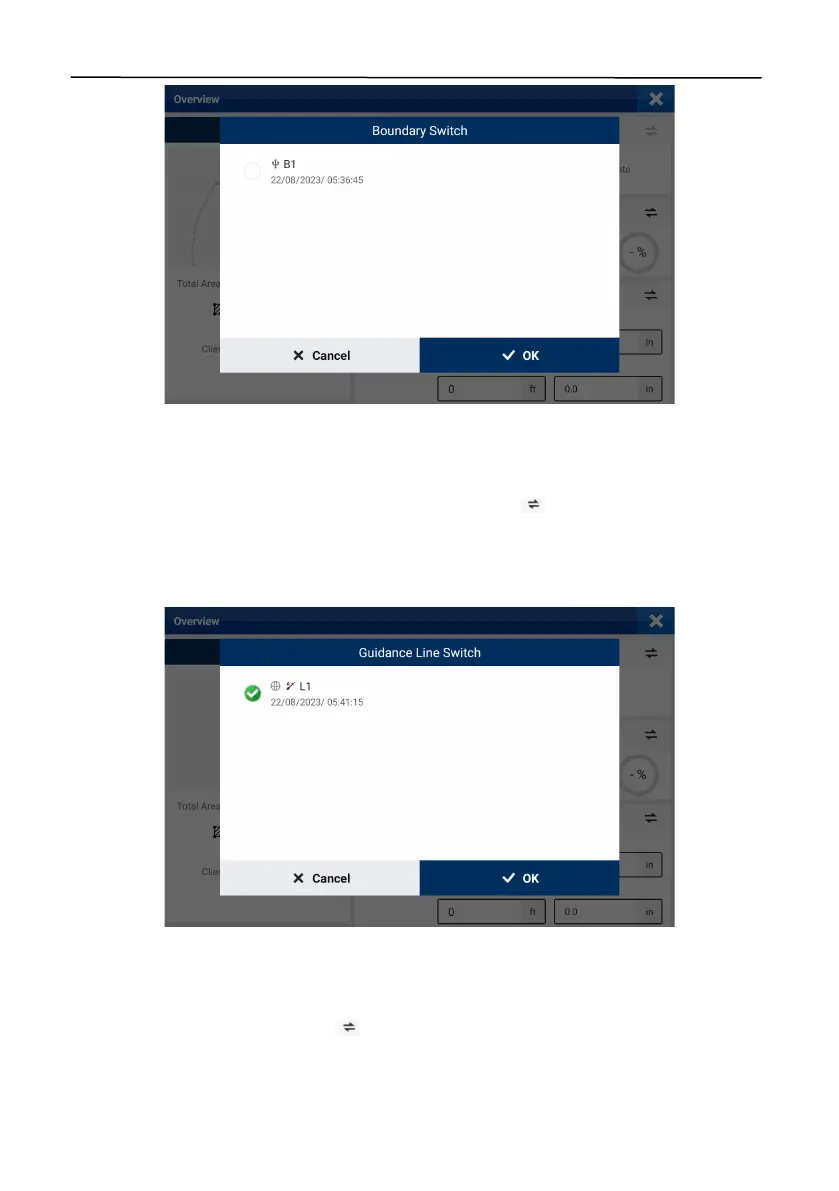
Figure 48.
Switch the boundary
3.2.4 Selecting a Guidance Line
The guidance line name and type, signal source used, and creation time are displayed in the
Guidance Line
section on the right of the
Overview
screen. Tap to switch to another guidance
line bound to the same field. If no guidance line is required for the operation, keep the guidance
line part empty. Refer to section 3.3 "Creating a Boundary and Guidance Line" for details on
guidance line creation.
Figure 49.
Switch the guidance line
3.2.5 Checking the Implement Configuration
The implement name, working width, and skip/overlap are displayed in the
Implement
section on
the right of the
Overview
screen. Tap to switch to another implement. Refer to section 2.9
"Setting Implement Parameters" for details on implement creation.



 To Next Page