©2022 Sveaverken. All rights reserved. 84
Sveaverken F100 Auto Steer System Software User Manual
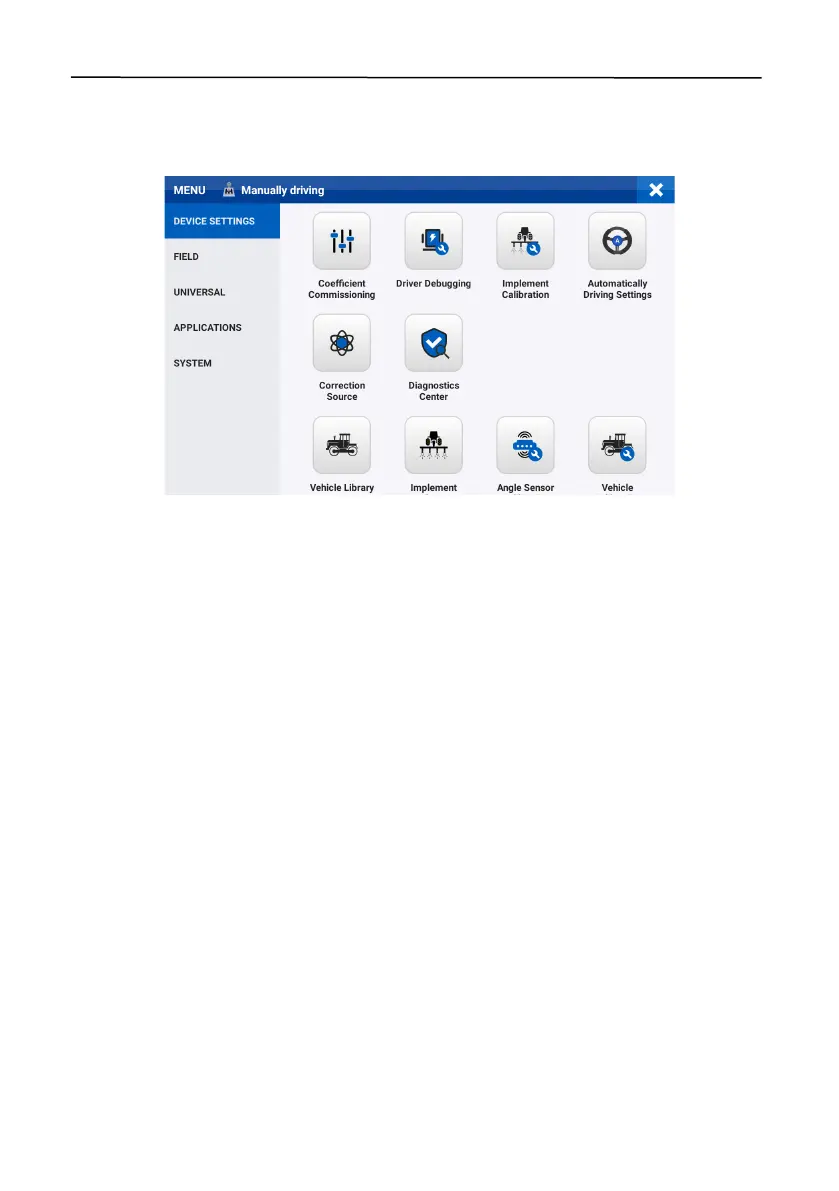
6.3 Device Settings
Choose
MENU
>
DEVICE SETTINGS
to access features regarding parameter adjustment,
calibration, and diagnosis, as shown below.
Figure 138.
DEVICE SETTINGS screen
6.3.1 Coefficient Commissioning
Tap
Coefficient Commissioning
on the
DEVICE SETTINGS
screen to adjust the online
aggressiveness, reverse online aggressiveness, approach aggressiveness, reverse approach
aggressiveness, reversed safety distance, and maximum turning angle.
Note:
The greater the approach aggressiveness (reverse approach aggressiveness), the faster the
vehicle will approach the target guidance line, but the stability may be impaired. The greater the
online aggressiveness (reverse online aggressiveness), the faster the direction adjustment along the
guidance line.



 To Next Page