15 ©2022 Sveaverken. All rights reserved.
Sveaverken F100 Auto Steer System Software User Manual
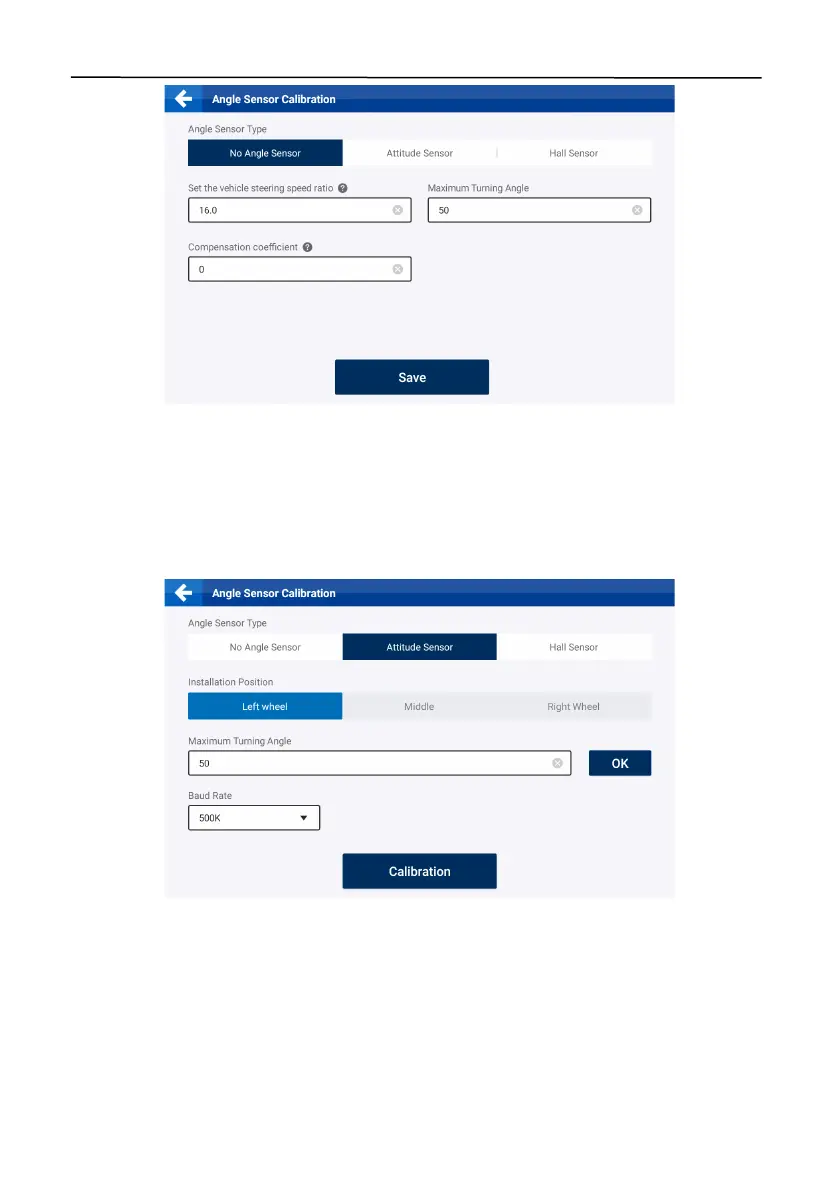
Figure 23.
Calibration for no angle sensor installed
2.7.2 Attitude Sensor
If an attitude sensor is installed, select
Attitude Sensor
for the sensor type, and the corresponding
settings screen appears.
Maximum turning angle
The maximum a n g l e that the wheels can tu rn to the left or r i g h t f r o m t h e a ligned po s ition .
Figure 24.
Calibrate the attitude sensor
2.7.3 Hall Sensor
If a Hall sensor is installed, select
Hall Sensor
for the sensor type, and the corresponding settings
screen appears. You can check the calibration parameters and real-time parameters on the screen.
Select the installation position, tap
Calibration
at the bottom, and turn the steering wheel to the
leftmost, rightmost, and center positions as prompted.



 To Next Page