41 ©2022 Sveaverken. All rights reserved.
Sveaverken F100 Auto Steer System Software User Manual
right, the guidance line number, the total field area (available after activating advanced mode),
the operated area, the completion ratio (available after activating advanced mode), the
operation efficiency, and the current speed.
4.
Camera button:
Tap to turn on the Wi-Fi camera. Refer to section 4.2.14 "Turning on the Wi-Fi
Camera" for details.
5.
View switch button:
Tap to switch between the 2D view and the 3D view. Refer to section 4.2.13
"Switching Views" for details.
6.
Overview button:
Click to view or switch task configuration.
7.
Menu button:
Click to enter device settings, guidance line & task management or field
management for advanced mode, universal settings, application center and system settings.
8.
Mark headland button:
When there is no boundary, two lines of field end can be marked at a
distance of more than 50m. An early warning will pop out when it is about to arrive at the field
end.
9.
Guidance line translation button:
Click to translate the guidance line to be center aligned to the
vehicle or to translate it to the left or right by a certain distance. Only available under manual
driving mode.
10.
Tr im b ut t on :
Click to translate the position of the vehicle to the left or right with small steps.
Only available under auto driving mode.
11.
Switch button:
Click to switch to another boundary or guidance line.
12.
Line creation button:
Click to start drawing a new boundary or a new guidance line.
13.
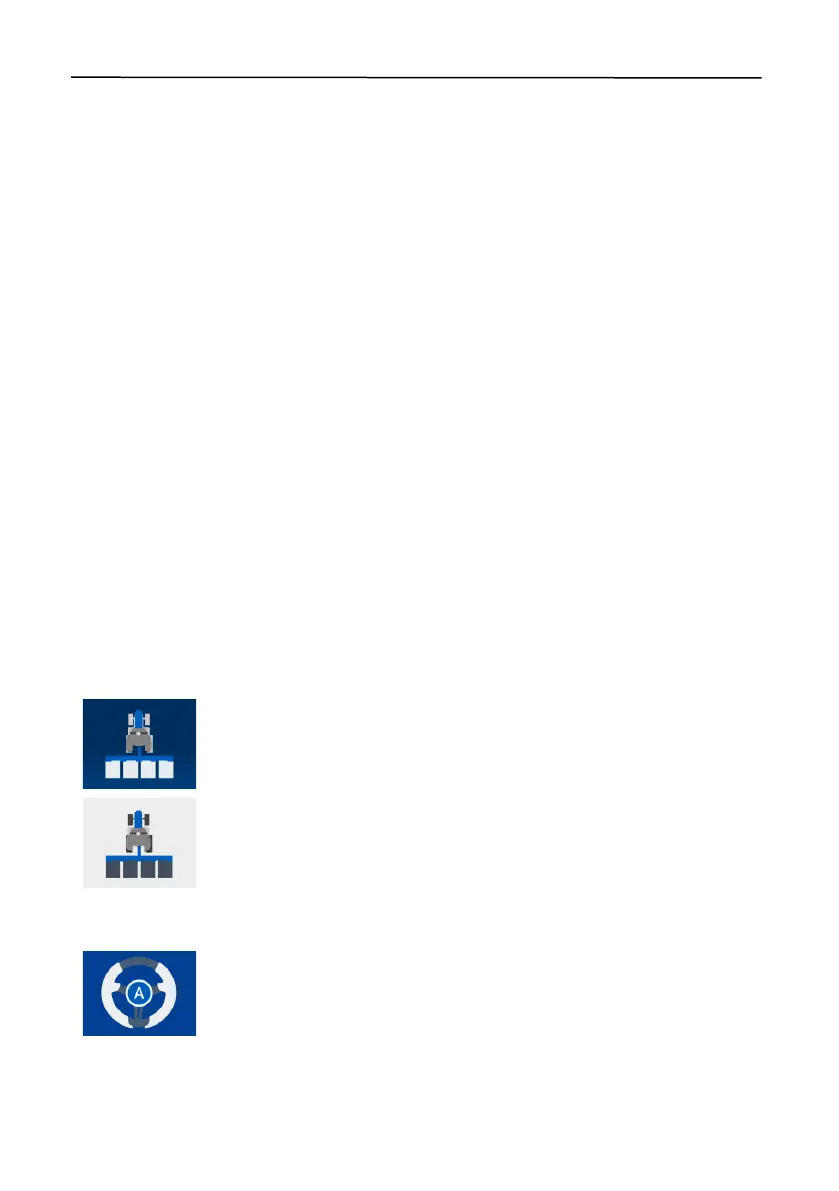
Operation recording button:
Tap to turn on or off the operation recording. Refer to section
4.2.2 "Turning On or Off Operation Recording" for details.
The task operation is being recorded.
The task operation is not being recorded.
14.
Driving mode button:
Tap to switch to the autosteering or manual mode. Refer to section 4.2.1
"Switching the Driving Mode" for details.
You are driving in the autosteering mode.



 To Next Page