55 ©2022 Sveaverken. All rights reserved.
Sveaverken F100 Auto Steer System Software User Manual
4.2.13 Turning on the Wi-Fi Camera
A Wi-Fi camera installed on the vehicle body helps to monitor the real view of the operation site,
and assists with reversing if installed on the back of the vehicle. When a Wi-Fi camera is turned on,
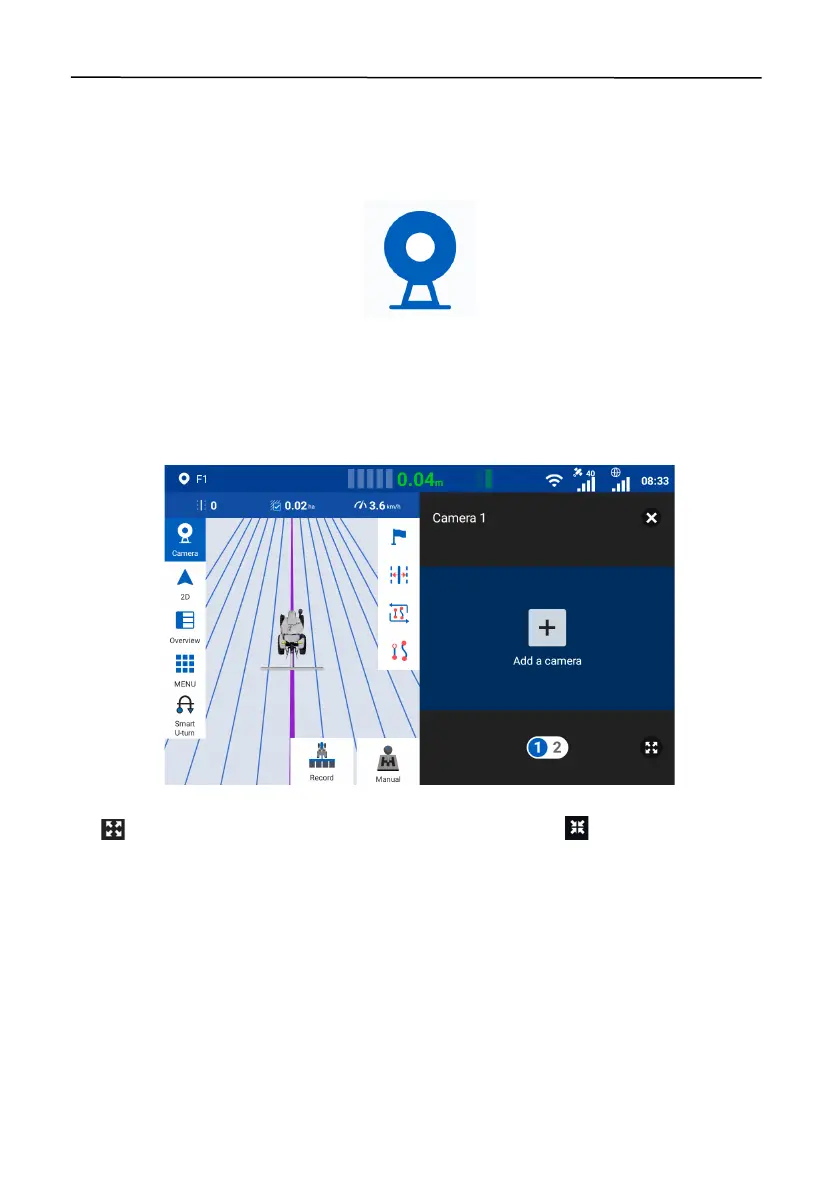
the system splits the screen to show the mapping guidance panel and the camera image.
Figure 98.
Wi-Fi camera button
When no Wi-Fi cameras are connected, tap
Add a camera
on the camera panel, and follow the
instructions in section 5.8 "Wi-Fi Camera (Optional)" to connect the camera.
When two Wi-Fi cameras are connected, you can tap the number at the bottom of the camera
image panel to switch to another camera image.
Figure 99.
Screen splitting
Tap at the bottom to expand the camera image to full screen. Tap to restore the screen
splitting.



 To Next Page