Equipment details
115
There are two types of LCD refrigerators:
Electric and Automatic. Automatic LCD are
supplied with the SES system, which allows
the consumer to switch the refrigerator in
AUTO mode which allows the refrigerator to
automatically select the best power source.
Smart Energy Selection (SES)
When you start up a refrigerator equipped
with Smart Energy Selection (SES) you should
usually select the AUTO mode. The SES
system will then automatically select the best of
the three available energy sources.
The system will apply the following priority:
- mains voltage (230V)
- direct current (12V)
- liquid gas
If an energy source becomes available that has
a higher priority than the source the refrigerator
is currently using (e.g. if your vehicle engine is
started), the system will stop using the current
energy source and switch to the energy source
with the higher priority.
If a fault occurs in one or more of the possible
energy sources, the system will not generate
an error message while an alternative energy
source is still available. The SES system
switches over automatically.
If none of the energy sources are available, the
blue LED flashes every second and an error
code is shown on the display.
Automatic modes additionally allow you to
select the desired energy source manually.
Switching on the refrigerator
Important! The memory of the SES system
saves every change made to the setting.
Consequently, the SES system will start up
on each subsequent occasion in the last
selected setting.
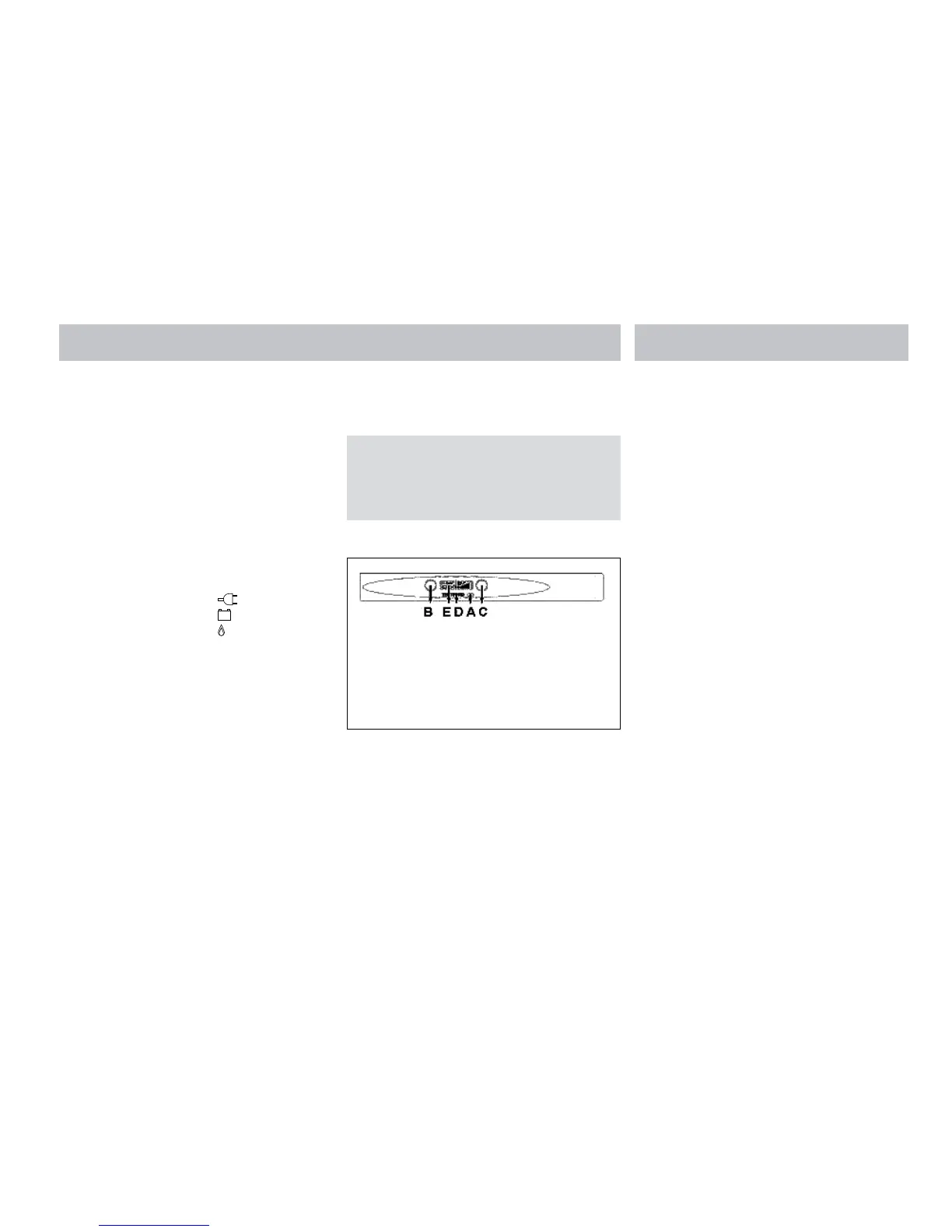
Illustration 7
A = Main switch (on/off)
B = Mode selection switch
C = cooling level selection switch
D = Function LED
E = LCD display
F = Divider heater switch
1. Open the valve of the gas bottle.
2. Open the taps of the gas supply.
3. Press main switch (A). The function LED
will turn blue and all symbols on the LCD
display will light up.
4. Use the mode selection (B) switch to select
the ‘Auto’ function or one of the power
supplies that you want. The LCD display
will show the option you have selected.
5. Set the desired refrigerating cooling level by
means of the cooling level selection switch
(C). The LCD will show the cooling level
setting you have selected.
A. Use the main switch to switch the
refrigerator on and off. The function LED
will turn blue. The display LCD shows the
most recent settings. After 10 seconds the
LCD displays backlight will go out. The
function LED remains blue.
B. Press the mode selector switch and the
display LCD display backlight will show
the setting for 10 seconds. Pressing the
mode selector switch successive times
take you through the menu in the following
sequence AUTO, manual DC (12V), manual
gas, manual mains voltage (230V) and back
to AUTO. Select either the AUTO option or
one of the other power supplies that you
want to use. The LCD display shows the
option you have selected. If you select the
AUTO option, the system will choose the
most suitable power supply and the AUTO
symbol and the symbol of the power supply
chosen by the system will both be shown
on the LCD display. Ten seconds after
release of the mode selector switch, the
system will switch off the LCD backlight.
C. Use the cooling level selector switch to
control the temperature of the refrigerator.







 To Next Page