Electrical systems
66
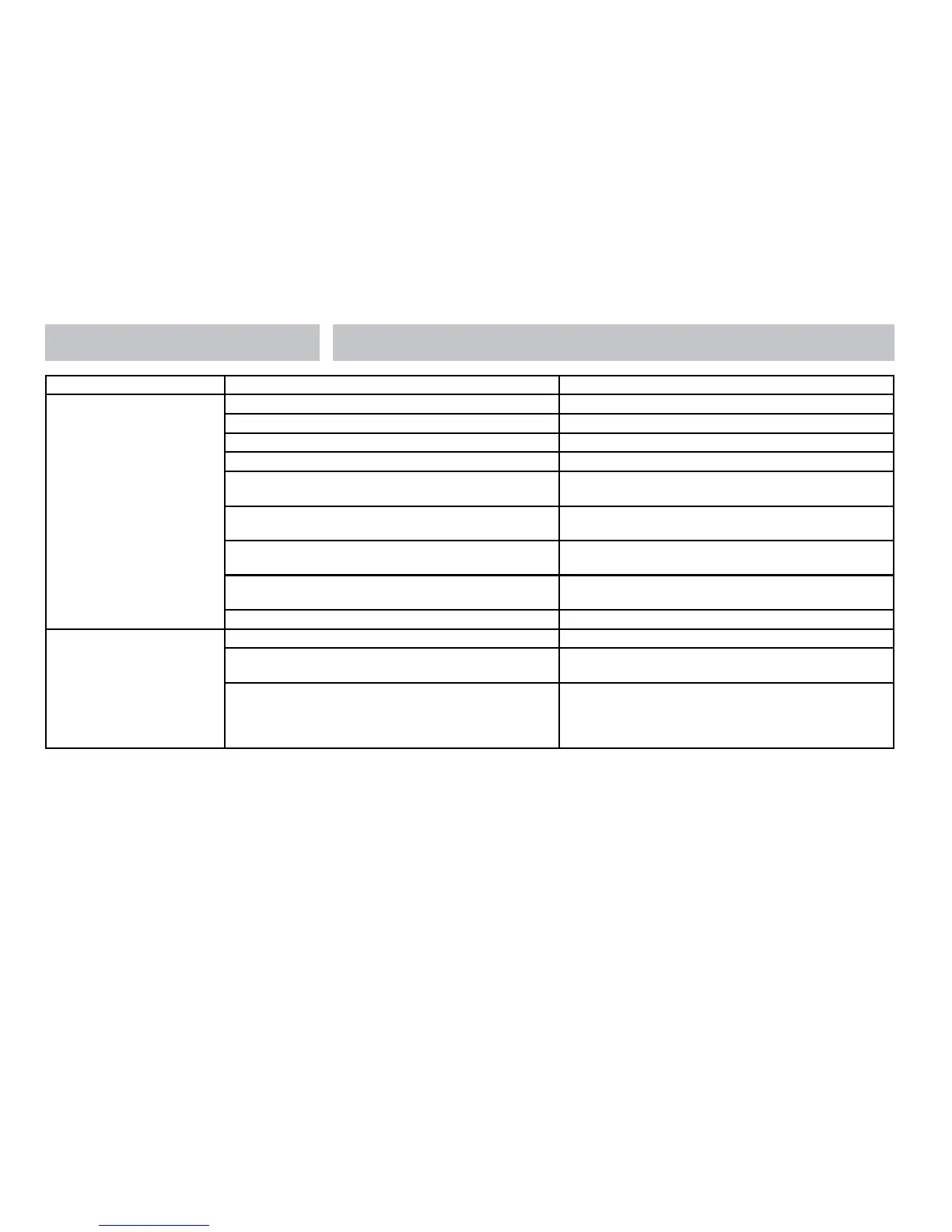
Fault Possible Cause Proposed Fix
No 12 volt output
from PSU
No 230v supply Check all above
Charger not switched on Turn charger switch on, switch will illuminate
Battery not connected and / or charged Install charged battery
Power button on control panel not switched to on Turn power on at control panel
Battery flat / Battery fuse blown
Recharge battery, check fuses, check charging voltage is
present at battery
Fuse blown
Check all fuses are intact and the correct value fuse is
installed as per fuse table
Equipment switched off / unplugged
Check equipment is switched on and connected to the
12v supply
PSU overheated / auto shutdown operated
Reduce load on system. Allow PSU to cool down.
PSU will automatically restart when cool.
Other fault Contact your Dealer
Pump not working
Fuse blown Replace fuse with correct value as per fuse table.
Pump turned off
Turn pump on by pressing the pump button at the control
panel.
Setting incorrect
Both the internal and external pump feeds are controlled
from the control panel. To alter the setting of the
pump switch
Ensure the setting matches your desired requirement.
3.5 Contact details
Sargent Electrical Services Limited provide a technical help line during office hours. Please contact 01482 678981 if you require technical help.
For out of hour support please refer to the tech support section of the Sargent web site www.sargentltd.co.uk







 To Next Page