EasyManua.ls Logo

Symbol VC5090 - User Manual

Symbol VC5090
210 pages
Print Icon
To Next Page IconTo Next Page
Loading...
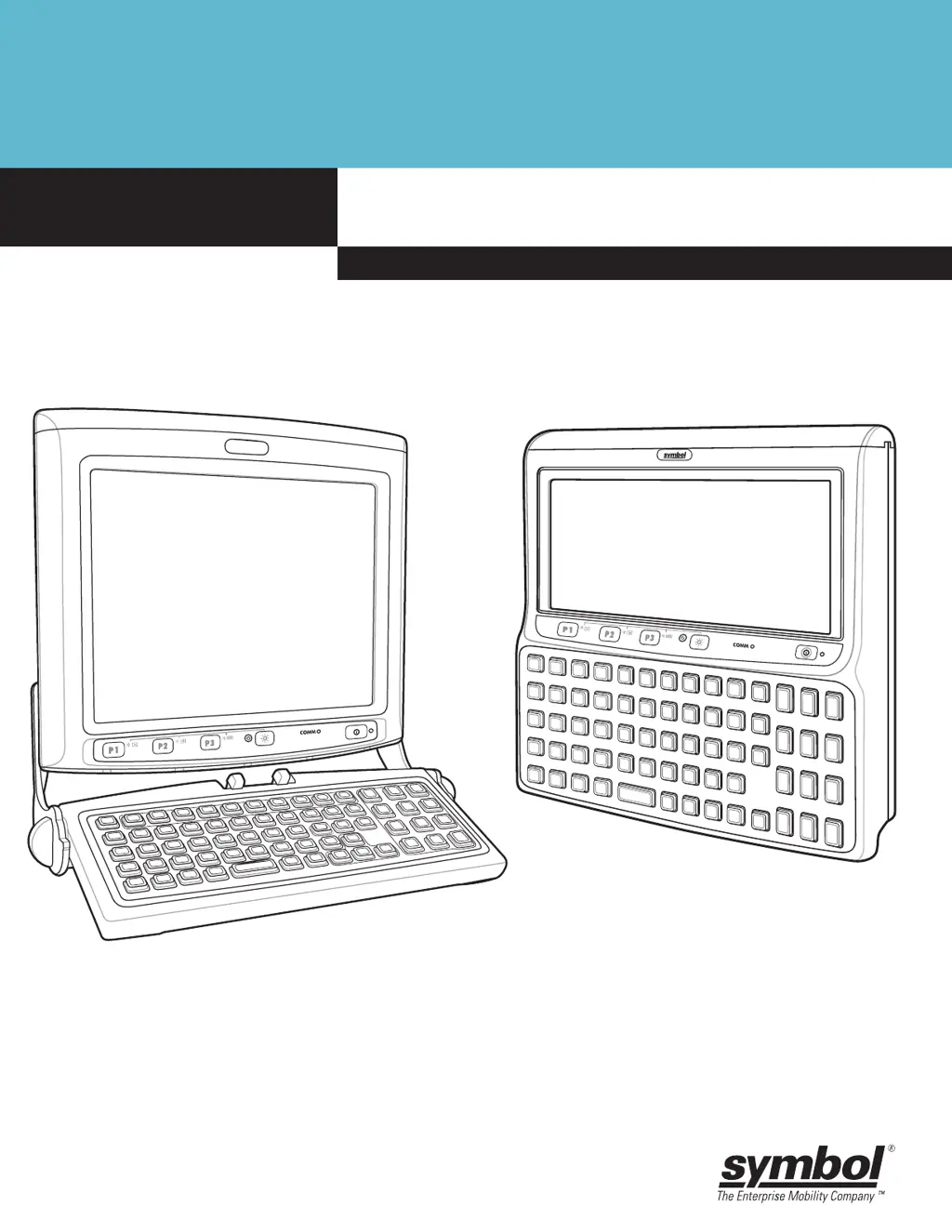
Product Reference Guide
VC5090 Vehicle Computer

Table of Contents

Other manuals for Symbol VC5090

Questions and Answers

Summary

VC5090 Vehicle Computer Product Reference Guide

VC5090 Installation

Installing in Vehicles (Forklifts)

Procedures for installing the VC5090 securely within various vehicle types, like forklifts.

Power Cable Connection

Instructions for correctly connecting the power cable to the VC5090 and vehicle power source.

Wireless and Bluetooth Connectivity

Wireless Network Setup

Covers setting up WLAN, finding networks, managing profiles, and configuring wireless parameters.

Bluetooth Device Management

Guides on enabling/disabling Bluetooth, pairing devices, discovering services, and managing connections.

ActiveSync Configuration

Instructions for installing and configuring ActiveSync to synchronize data between the vehicle computer and a host.

Application Development and Deployment

Hex Image Creation and Deployment

Procedures for creating and loading hex images using TCM, including error handling.

Maintenance, Troubleshooting, and Specifications

Troubleshooting Common Problems

Offers solutions for common problems like power issues, display problems, and connectivity failures.

Summary

VC5090 Vehicle Computer Product Reference Guide

VC5090 Installation

Installing in Vehicles (Forklifts)

Procedures for installing the VC5090 securely within various vehicle types, like forklifts.

Power Cable Connection

Instructions for correctly connecting the power cable to the VC5090 and vehicle power source.

Wireless and Bluetooth Connectivity

Wireless Network Setup

Covers setting up WLAN, finding networks, managing profiles, and configuring wireless parameters.

Bluetooth Device Management

Guides on enabling/disabling Bluetooth, pairing devices, discovering services, and managing connections.

ActiveSync Configuration

Instructions for installing and configuring ActiveSync to synchronize data between the vehicle computer and a host.

Application Development and Deployment

Hex Image Creation and Deployment

Procedures for creating and loading hex images using TCM, including error handling.

Maintenance, Troubleshooting, and Specifications

Troubleshooting Common Problems

Offers solutions for common problems like power issues, display problems, and connectivity failures.

Symbol VC5090 Specifications

General IconGeneral
TouchscreenYes
Device CategoryVehicle Mount Computer
Wireless Connectivity802.11a/b/g, Bluetooth
ScanningIntegrated 1D/2D imager
Operating Temperature-30° C to 50° C
Storage Temperature-40° C to 70° C
MountingVehicle mount