4 - 14 VC5000 Vehicle Computer Product Reference Guide
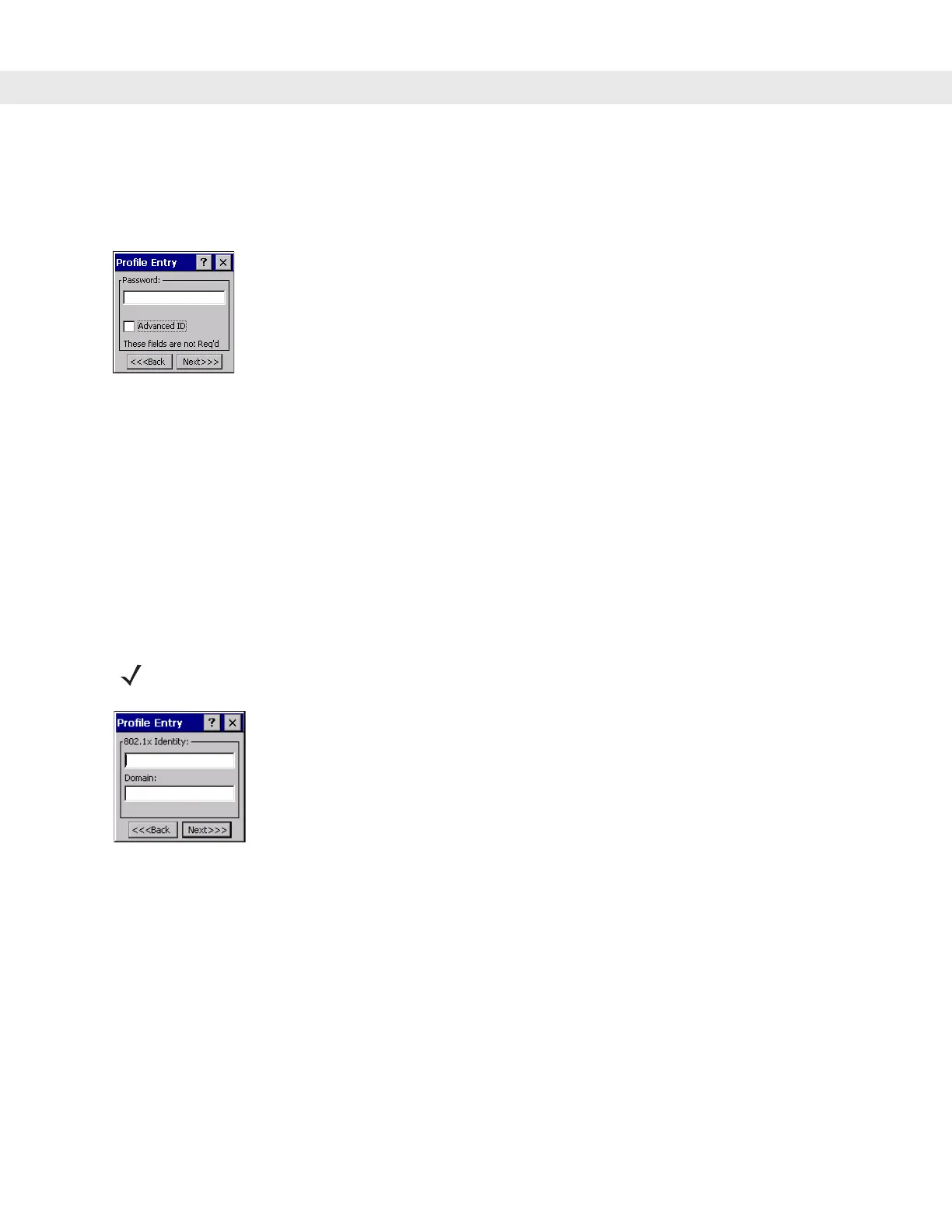
Password
Use the Password dialog box to enter a password. If EAP/TLS is the selected authentication type, the
password is not required and the field is disabled.
Figure 4-17
Password Dialog Box
1. Enter a password in the Password field.
2. Select the Advanced ID check box, if advanced identification is required.
3. Tap Next. The Encryption dialog box displays. See Encryption on page 4-15.
Advanced Identity
Use the Advanced ID dialog box to enter the 802.1X identity to supply to the authenticator. This value can be
63 characters long and is case sensitive. In TTLS and PEAP, it is recommended entering the identity
anonymous (rather than a true identity) plus any desired realm (e.g., anonymous@myrealm). A user ID is
required before proceeding.
Figure 4-18
Advanced Identity Dialog Box
Tap
Next. The Encryption dialog box displays.
NOTE When authenticating with a Microsoft IAS server, do not use advanced identity.


 To Next Page