Chapter 4
Wireless Applications
Chapter 4
Wireless Applications
Introduction
Wireless Local Area Networks (WLANs) allow mobile computers to communicate wirelessly and send captured
data to a host device in real time. Before using the vehicle computer on a WLAN, the facility must be set up
with the required hardware to run the wireless LAN and the vehicle computer must be configured. Refer to the
documentation provided with the access points (APs) for instructions on setting up the hardware.
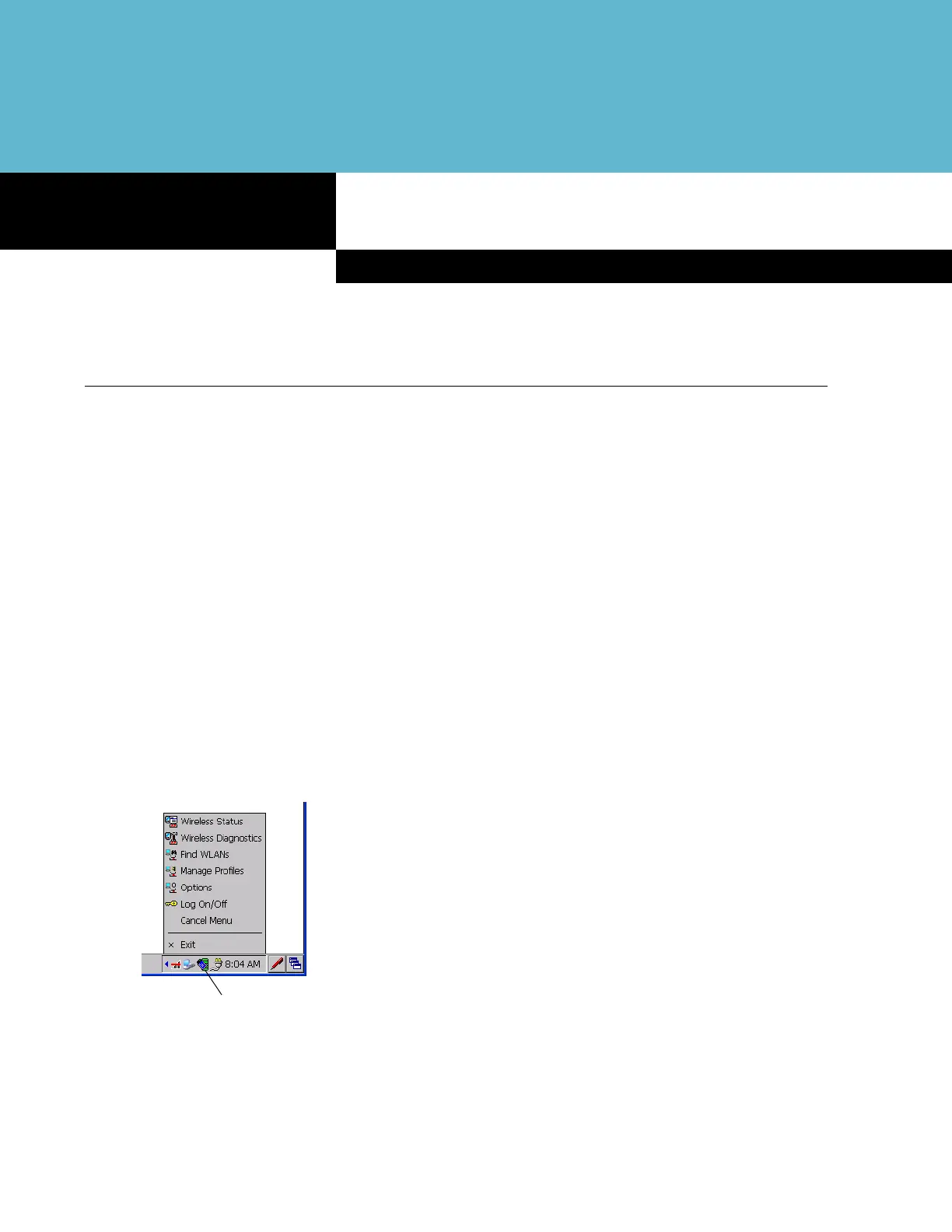
To configure the vehicle computer, a set of wireless applications provide the tools to configure and test the
wireless radio in the vehicle computer. The
Wireless Application menu on the task tray provides the following
wireless applications:
•
Wireless Status
•
Wireless Diagnostics
•
Find WLANs
•
Manage Profiles
•
Options
•
Log On/Off.
Tap the
Signal Strength icon to display the Wireless Applications menu.
Figure 4-1
Wireless Applications Menu
Signal Strength Icon


 To Next Page