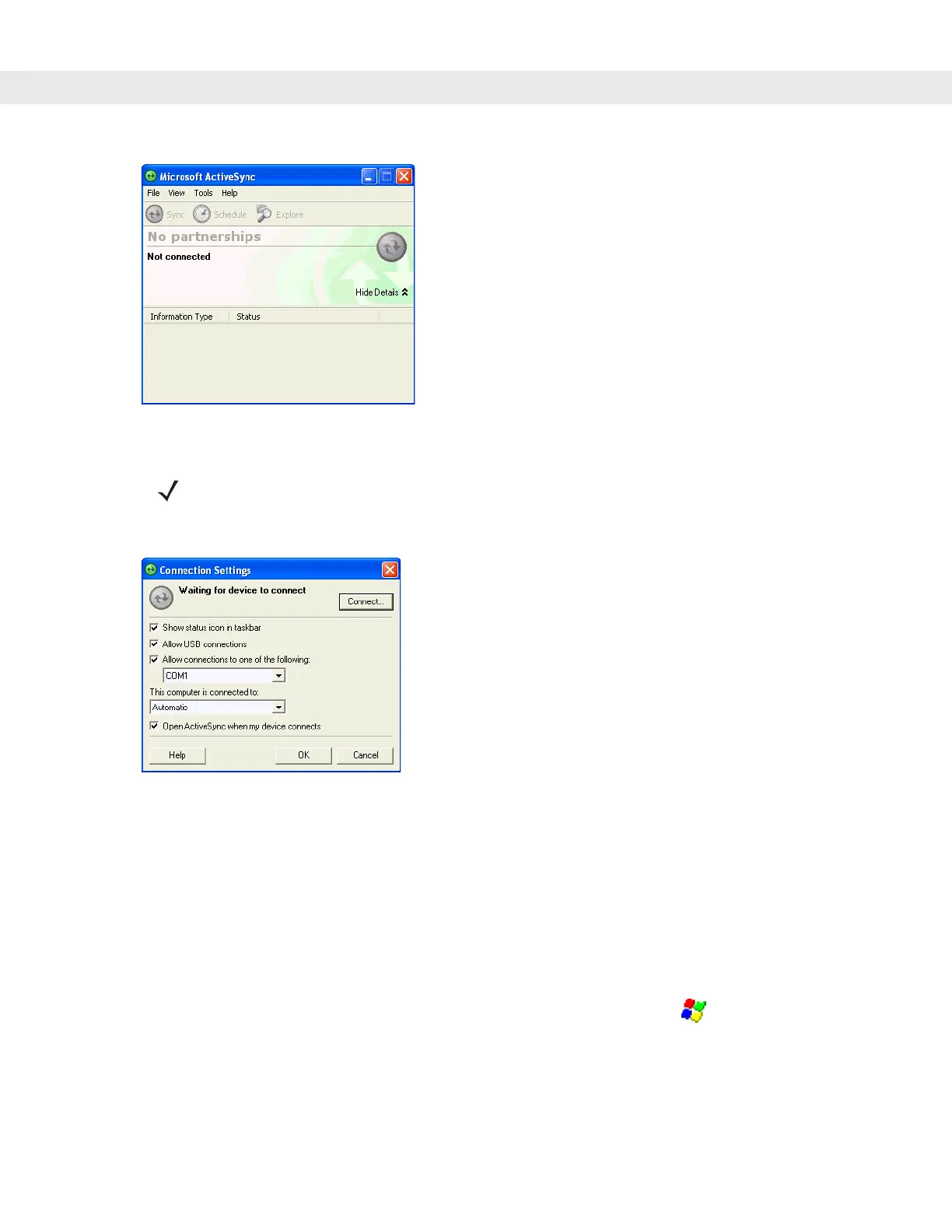
ActiveSync 6 - 3
Figure 6-3
ActiveSync Window
2. In the ActiveSync window, select File > Connection Settings. The Connection Settings window appears.
Figure 6-4
Connection Settings Window
3. Select the appropriate check box for the type of connection used.
4. Select the Show status icon in Taskbar check box.
5. Select OK to save any changes made.
Setting up a Partnership
To set up a partnership:
1. If the Get Connected window does not appear on the host computer, select > All Programs > Microsoft
ActiveSync.
NOTE Assign each vehicle computer a unique device name. Do not try to synchronize more than one vehicle
computer to the same name.


 To Next Page