Application Development and Deployment 7 - 37
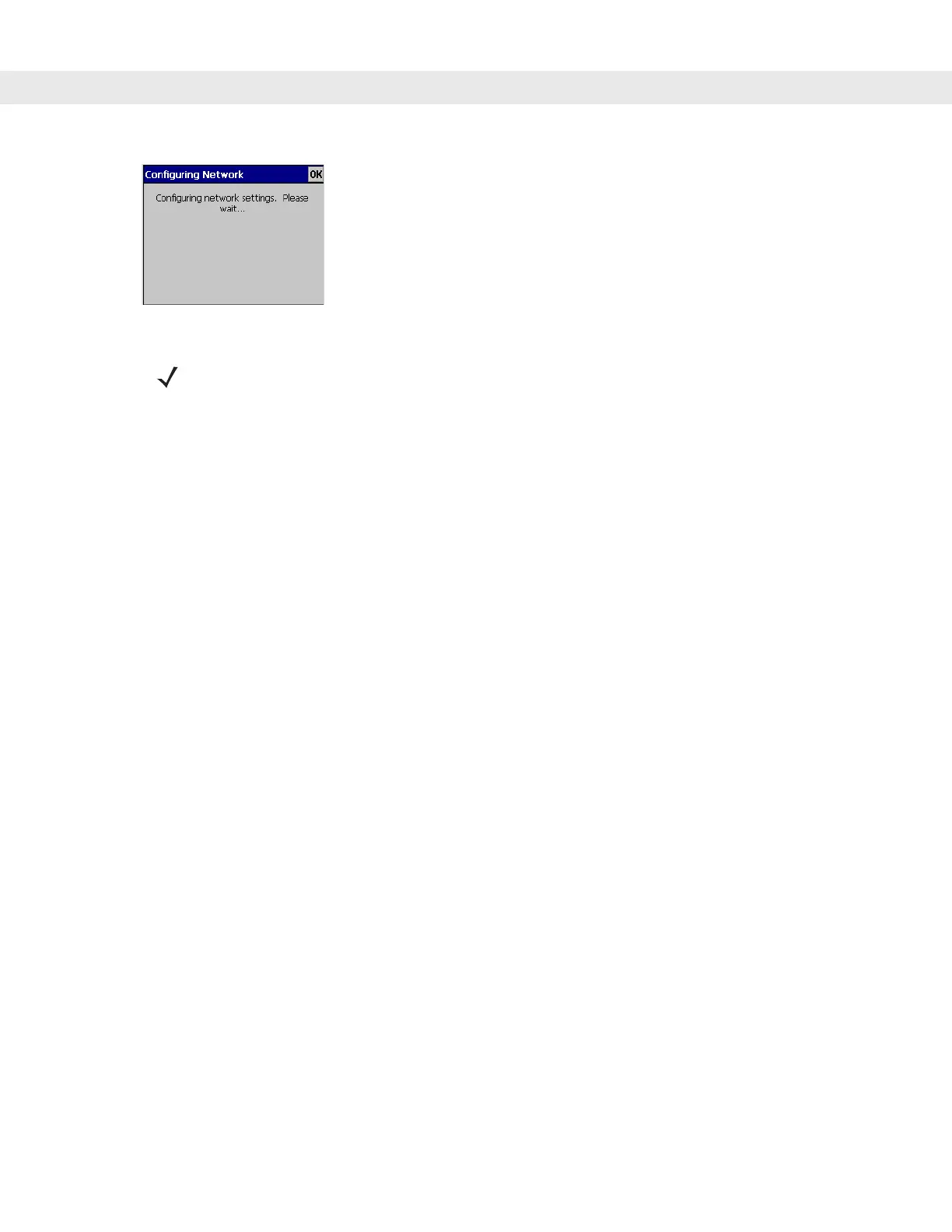
Figure 7-33
Rapid Deployment Window - Configuring
5. When configuration is complete:
a. A new Wireless profile is created on the vehicle computer from the data encoded in the bar code(s)
scanned. See Chapter 4, Wireless Applications for more information about wireless profiles.
b. The designated package(s) are downloaded from the FTP server.
NOTE If the vehicle computer cannot connect to the server, it continues to retry until the user cancels (exits) the
application. If failure to connect to the server persists, see the MSP Administrator.


 To Next Page