2 - 24 VC5090 Vehicle Computer Product Reference Guide
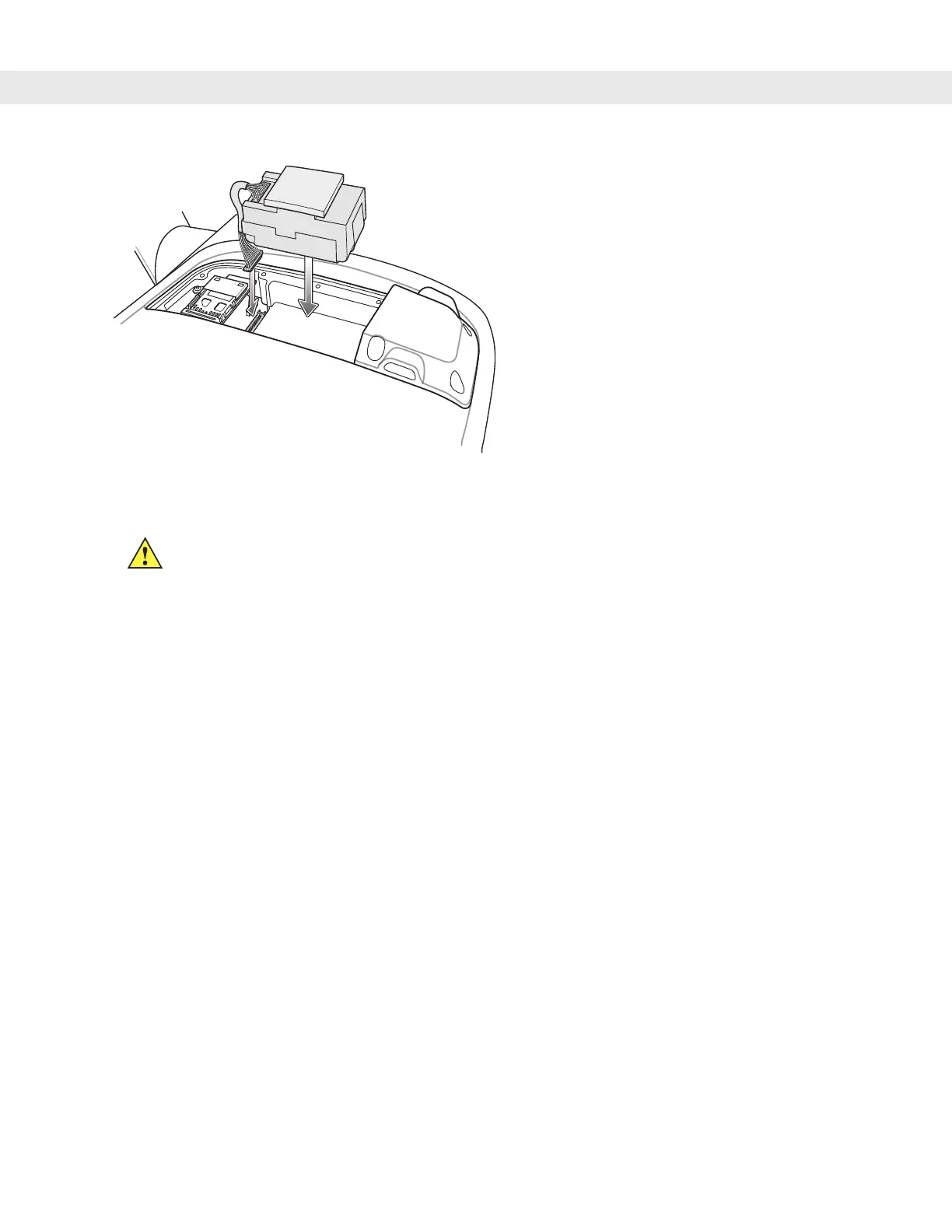
Figure 2-30
Connecting UPS to PCB
5. Place the UPS/Storage Card door over the UPS and secure using the eight new screws.
6. Torque the screws to 9 ± 0.5 kgf/cm (7.8 ± 0.4 in-lbs).
7. Place the Main Power switch to the on position.
The UPS fully charges in approximately four hours.
CAUTION Ensure that you torque the screws to seal the device properly. Otherwise, sealing can be
compromised.


 To Next Page