2 - 26 VC5090 Vehicle Computer Product Reference Guide
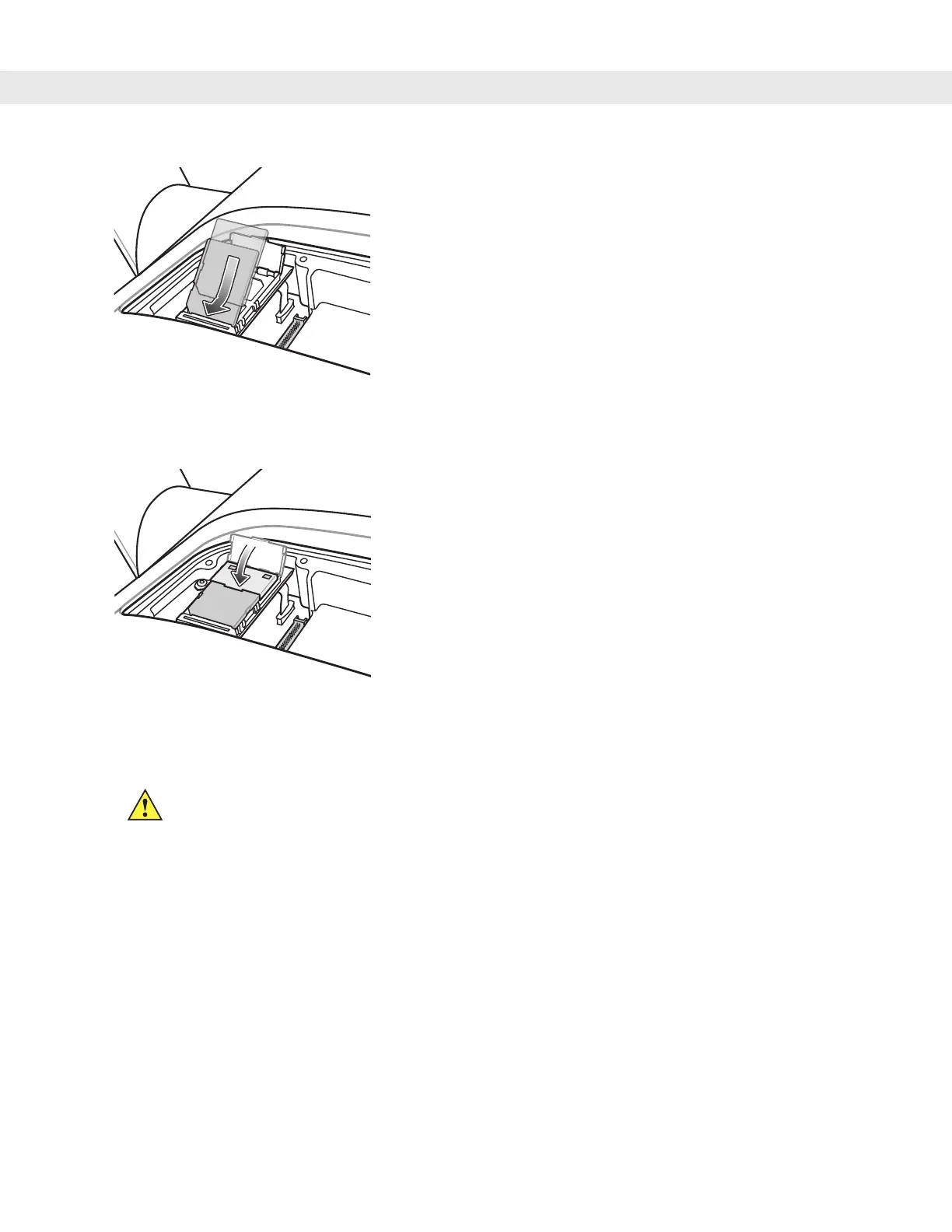
Figure 2-33
Position of SD Card
5. Snap the retaining door closed.
Figure 2-34
Close Retaining Door
6. Place the UPS/Storage Card door over the UPS and secure using the eight new screws.
7. Torque the screws to 9 +/- 0.5 kgf/cm (7.8 ± 0.4 in-lbs).
8. Place the Main Power switch to the on position.
CAUTION Ensure that you torque the screws to seal the device properly. Otherwise, sealing can be
compromised.


 To Next Page