Synology DiskStation User's Guide
Based on DSM 3.1
110 Chapter 9: Back Up Data
Edit a Backup Task
1 Select the backup task you want to edit.
2 Click Edit and modify settings.
3 Click OK.
Delete a Backup Task
1 Select the backup task you want to remove. (Press and hold Shift or Ctrl while making multiple selections.)
2 Click Delete.
Perform Immediate Backup
You can perform an immediate backup for a backup task at any time.
To perform immediate backup:
1 Select the backup task you want to back up. (Press and hold Shift or Ctrl while making multiple selections.)
2 Click Back up now.
Cancel a Backup Task
You can cancel backup tasks in progress or in waiting list.
To cancel a backup task:
1 Select the backup task to you want to cancel. (Press and hold Shift or Ctrl while making multiple selections.)
2 Click Cancel.
Restore Backup Data
Click Restore and follow the wizard to complete the setup.
Back Up and Restore System Configuration
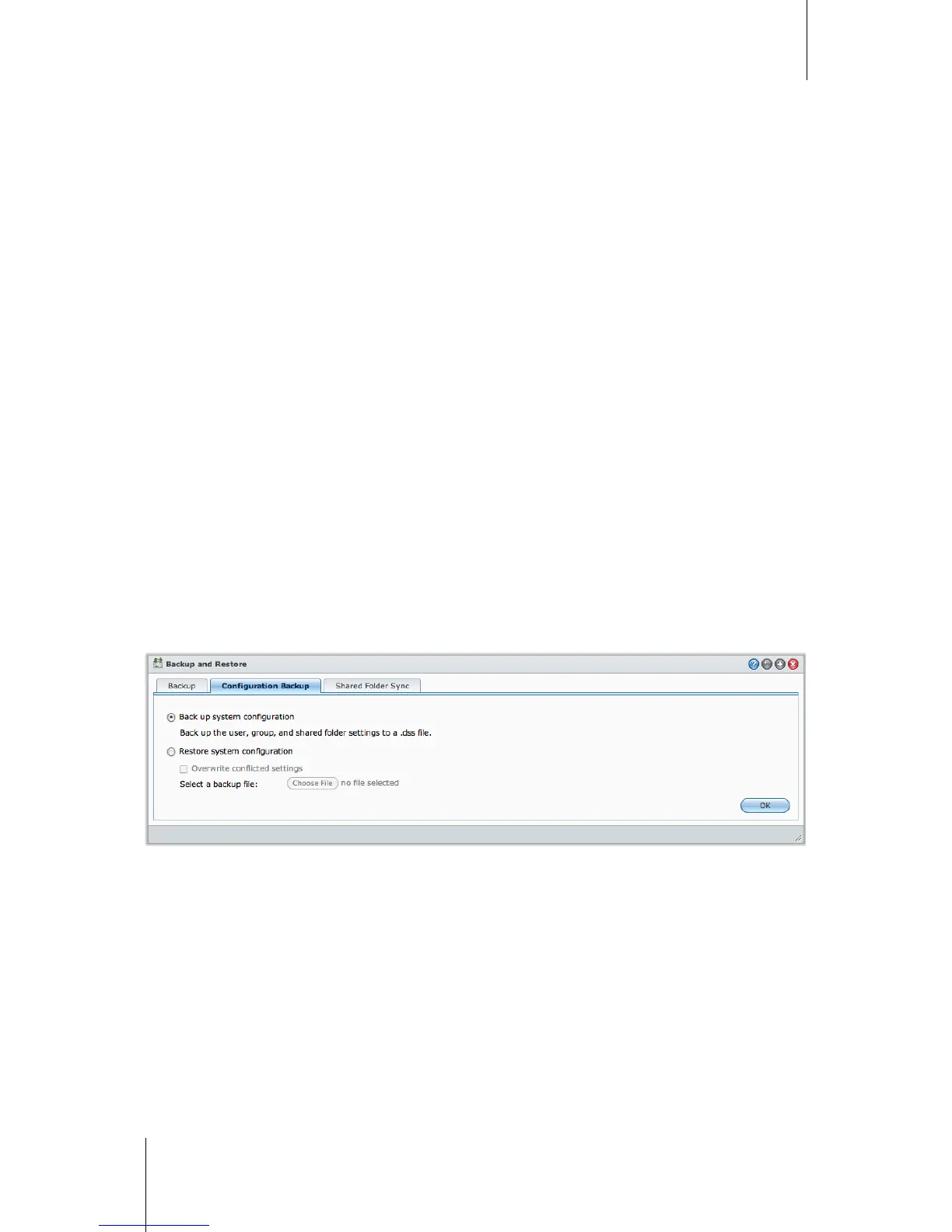
Go to Main Menu > Backup and Restore > Configuration Backup to back up and restore the settings of your
Synology DiskStation, including users, groups, and shared folders.
To back up system configuration:
1 Choose Back up system configuration.
2 Click OK.
3 The configuration file (named configuration.dss) will be downloaded to your computer’s default download
folder.
To restore system configuration:
1 Choose Restore system configuration.
2 Click the button next to Select a backup file to select configuration.dss.
3 Click OK.






 To Next Page