Chapter 13: Download Files with Download Station
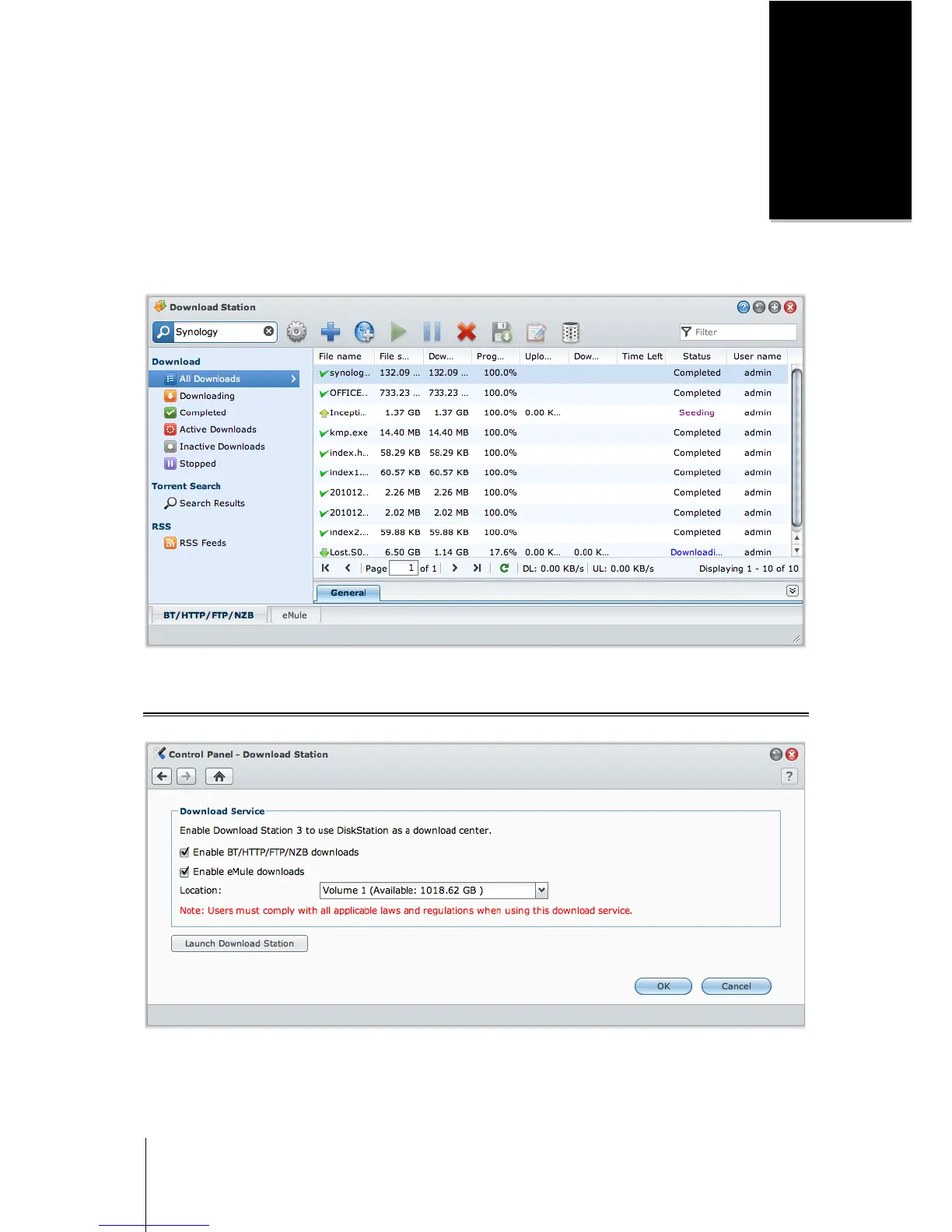
Download Station is a web-based download application, allowing you to download files from the Internet to your
DiskStation.
This chapter explains how to enable Download Station and manage download tasks.
Enable Download Station
Go to Main Menu > Control Panel > Download Station to enable Download Station.
To enable Download Station:
Tick Enable BT/HTTP/FTP/NZB downloads or/and Enable eMule downloads, depending on which download
methods you want to use.






 To Next Page