Synology DiskStation User's Guide
Based on DSM 3.1
30 Chapter 3: Modify System Settings
Network Interface
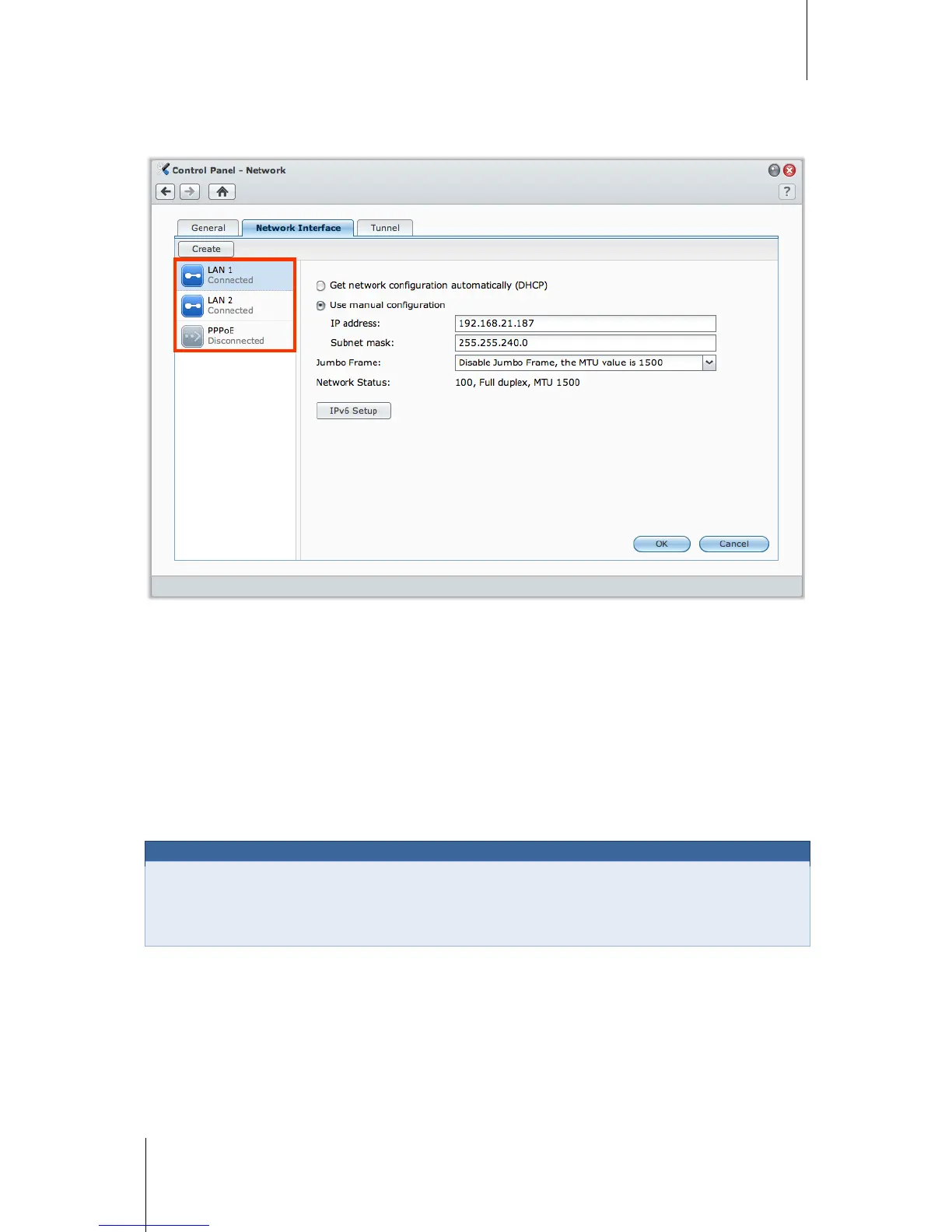
In this section, you can connect your DiskStation to the network via any of the following network interfaces.
LAN
If your DiskStation is connected to a local area network, you can click LAN or LAN [number] (for DiskStations
with multiple LAN ports) on the left side to configure the network interface.
To decide how your DiskStation obtains IP address:
1 Choose either of the following:
Get network configuration automatically (DHCP): Get IP address automatically via DHCP.
Use manual configuration: Manually enter the IP address, subnet mask, DNS, and gateway.
2 Click OK.
To set up IPv6:
Click IPv6 Setup. See "IPv6 Setup" on Page 33 for more information.
Transmission Unit (MTU), allowing Ethernet transmission of large files to be more efficient. It can only be
enabled under Gigabit network environment. To ensure Jumbo Frame works properly, all the computers and
devices across the network accessing your DiskStation must support it and use the same MTU value.






 To Next Page