Synology DiskStation User's Guide
Based on DSM 3.1
167 Chapter 13: Download Files with Download Station
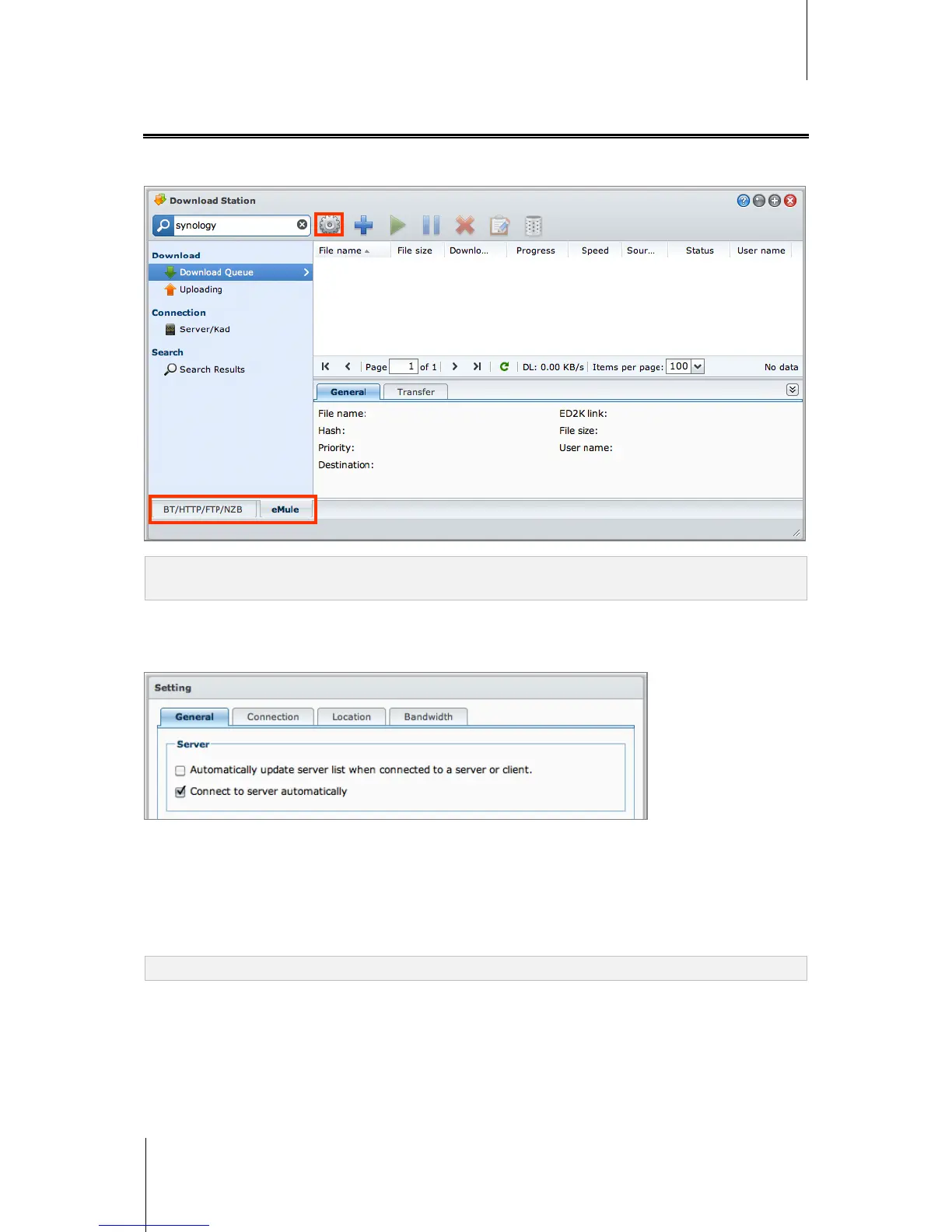
Set up eMule
Click the BT/HTTP/FTP/NZB tab at the bottom of Download Station, and click the gear icon next to the search
field at the top of Download Station to manage the following settings of eMule.
Note: For detailed information about eMule settings, open DSM Help and then go to Download Station > eMule >
Set up eMule.
General
In this section, you can manage the settings of ED2K server, notification, and protocol obfuscation.
To manage server settings:
1 Tick any of the following:
Automatically update server list when connected to a server or client allows you to retrieve server lists
from other servers or eMule clients.
Connect to server automatically allows Download Station to connect to ED2K server automatically.
2 Click OK.
Note: See "Connect to ED2K Server/Kad" on Page 169 for more information about ED2K servers.






 To Next Page