Synology DiskStation User's Guide
Based on DSM 3.1
36 Chapter 3: Modify System Settings
Modify Regional Options
Go to Main Menu > Control Panel > Regional Options to configure the following regional options.
Language
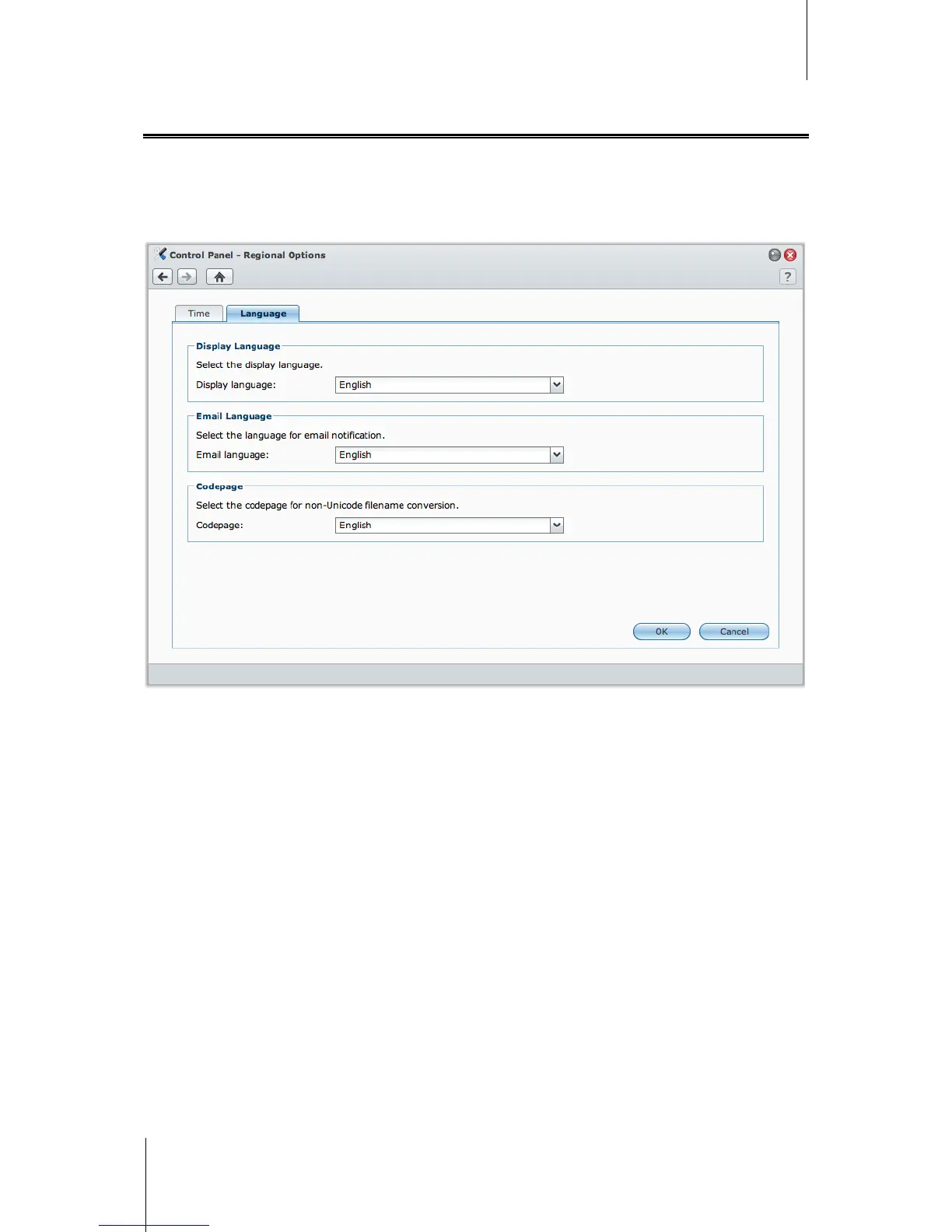
Click the Language tab to set the language for Synology DiskStation Manager, email notification, and specify the
codepage for Unicode filename conversion.
Display Language: Choose your preferred display language, or have it the same as your default browser
setting.
Email Language: Set your preferred language for email notification from Synology DiskStation.
Codepage: Synology DiskStation uses Unicode to avoid file inaccessibility from computers using different
languages. But for the following devices or applications to use Synology DiskStation services without problem,
you need to choose the appropriate codepage for them:
Computers without Unicode support
Applications that convert non-Unicode strings to Unicode, such as FTP service, UPnP support, music
metadata indexing






 To Next Page