Synology DiskStation User's Guide
Based on DSM 3.1
37 Chapter 3: Modify System Settings
Set Up Time
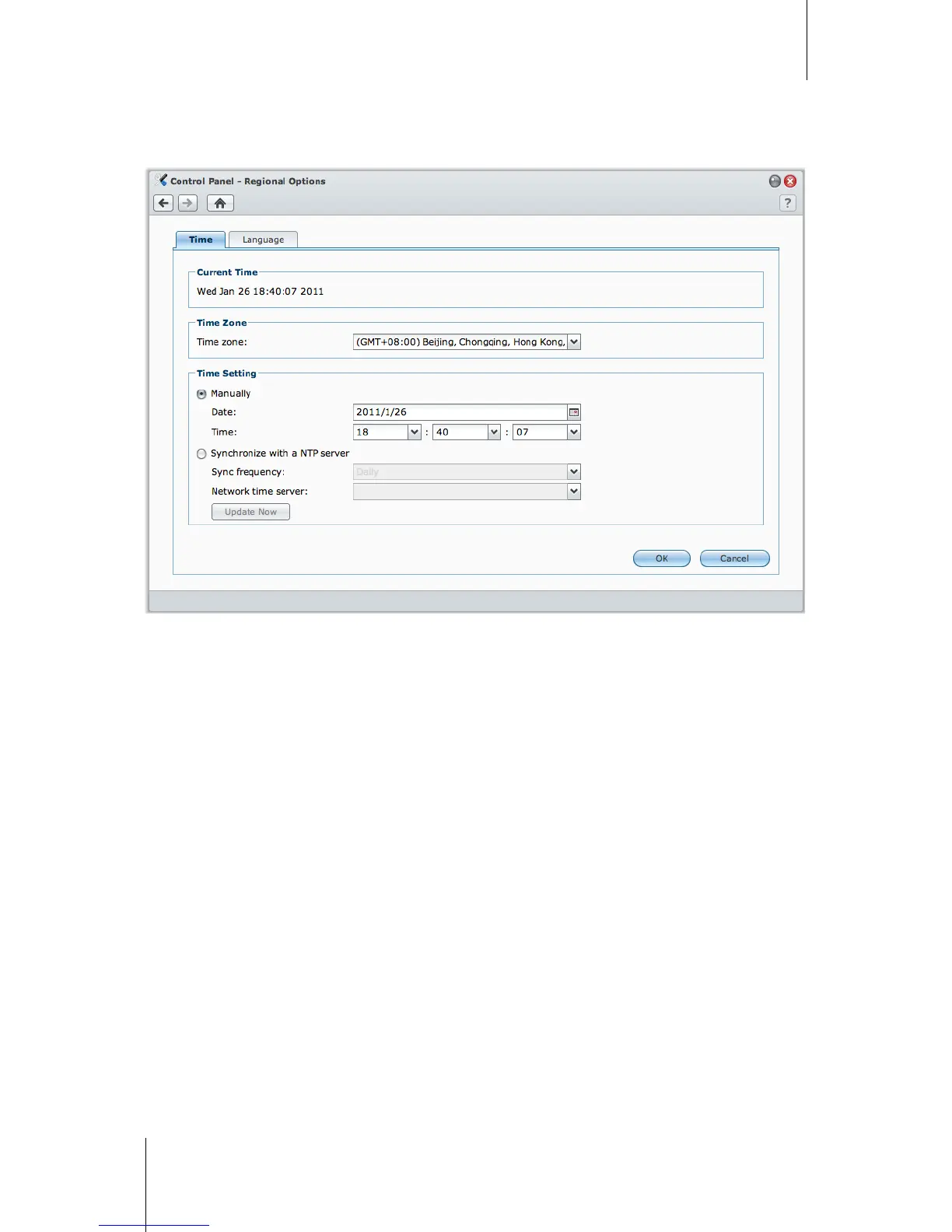
Click the Time tab to set up the time. You can check the current time, manually set the server's date and time, or
have them set automatically using a network time server.
To set the time zone:
1 Choose a time zone from the Time zone drop-down menu.
2 Click OK.
To set the date and time manually:
1 Choose Manually and select the date and time.
2 Click OK.
To sync the date and time with NTP server:
1 Make sure a valid DNS server IP has been entered at Main Menu > Control Panel > Network and that your
DiskStation is connected to the Internet.
2 Choose Synchronize with a NTP server.
3 Assign a sync frequency from the drop-down menu.
4 Enter the address of your network time server, or choose a server from the drop-down menu.
5 Click Update now to make sure you can successfully synchronize time with the server.
6 Click OK.






 To Next Page