Synology DiskStation User's Guide
Based on DSM 3.1
156 Chapter 13: Download Files with Download Station
To connect to Download Station, do any of the following:
Click Launch Download Station.
Go to Main Menu > Download Station.
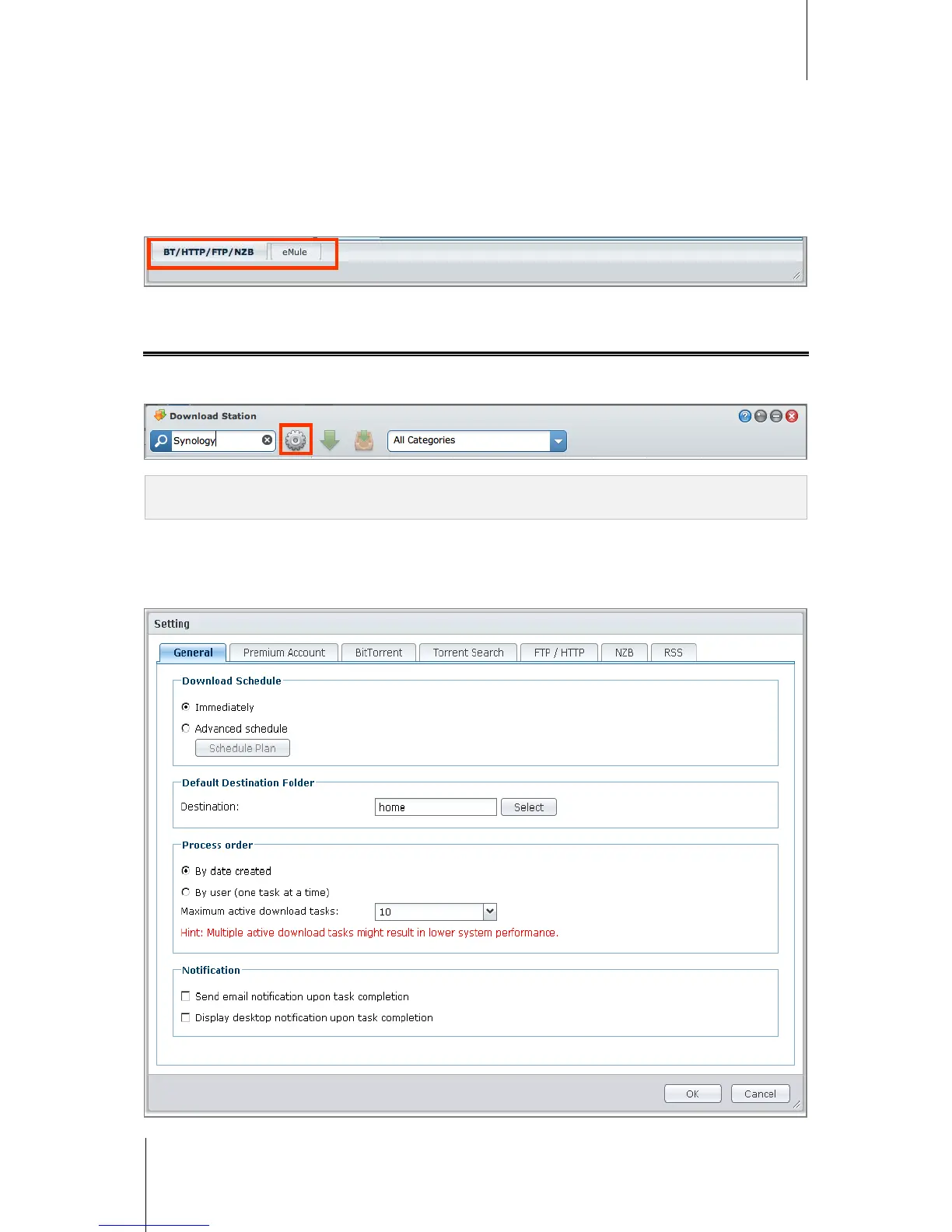
To go to the BT/HTTP/FTP/NZB or eMule section of Download Station:
After connecting to Download Station, click the BT/HTTP/FTP/NZB or eMule tab at the bottom of Download
Station.
Set up BT/HTTP/FTP/NZB
Click the BT/HTTP/FTP/NZB tab at the bottom of Download Station, and click the gear icon next to the search
field at the top to manage the following settings of BT/HTTP/FTP/NZB.
Note: For detailed information about BT/HTTP/FTP/NZB settings, open DSM Help and then go to Download
Station > BT/HTTP/FTP/NZB > Set up BT/HTTP/FTP/NZB.
General
In this section, you can set download schedule, specify download destination folder, prioritize process order, and
enable notification.






 To Next Page