Synology DiskStation User's Guide
Based on DSM 3.1
216 Chapter 16: Perform Advanced Management Tasks
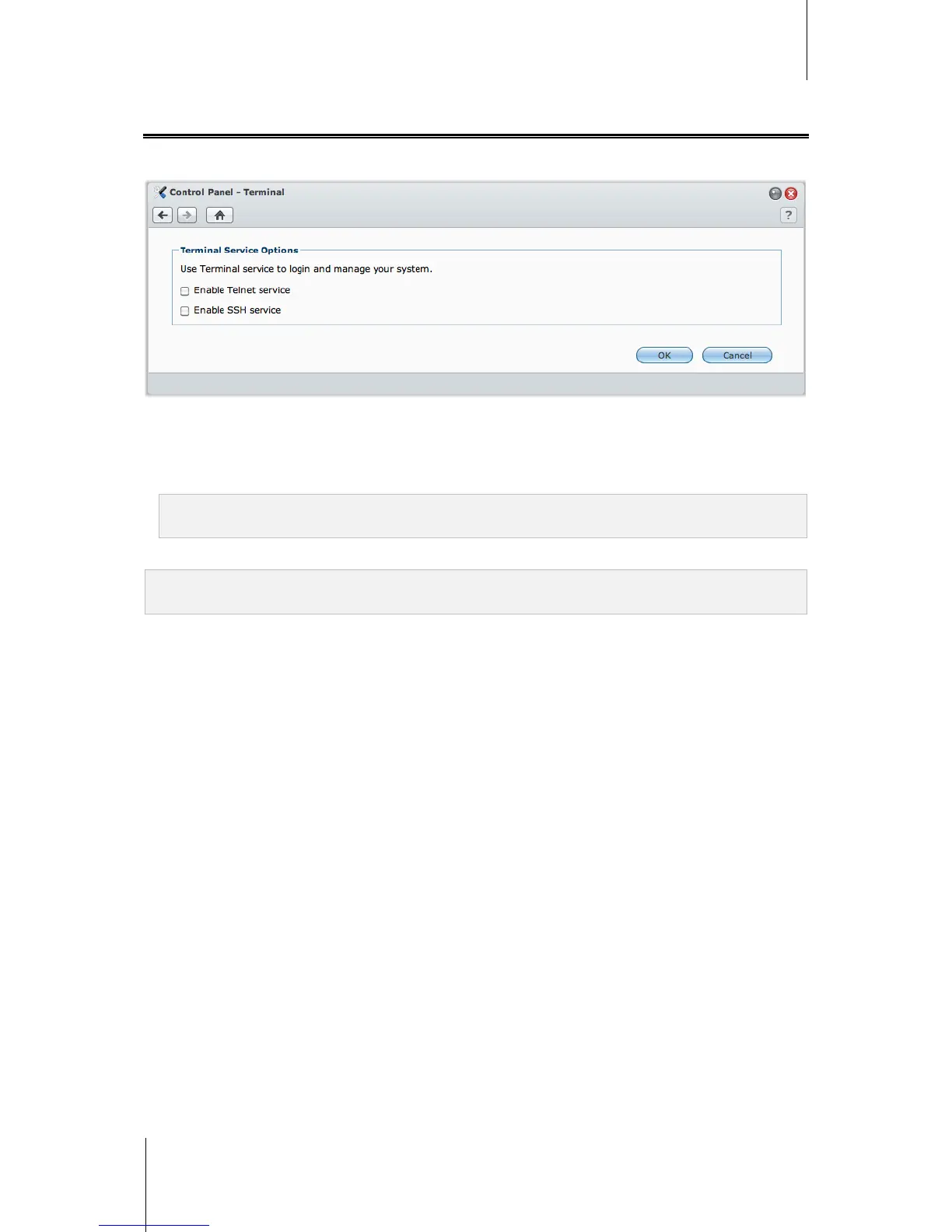
Enable Terminal Services
Go to Main Menu > Control Panel > Terminal to enable Terminal service, allowing you to use Telnet or SSH to
log in to Synology DiskStation and modify its settings.
To enable connection to Synology DiskStation via Telnet or SSH:
1 Do any of the following:
If you want to enable the Telnet service, tick Enable Telnet service.
If you want to enable the SSH service, tick Enable SSH service.
Note: When you disable the SSH service, all SSH tasks will be terminated immediately. If you disable the SSH
service while performing a backup task, perform the task again after the SSH service is disabled.
2 Click OK.
Important: Use the Terminal service with caution. Improper manipulation or modification to Synology DiskStation
may result in system malfunction or data loss.






 To Next Page