Synology DiskStation User's Guide
Based on DSM 3.1
174 Chapter 13: Download Files with Download Station
Manage eMule Download Tasks
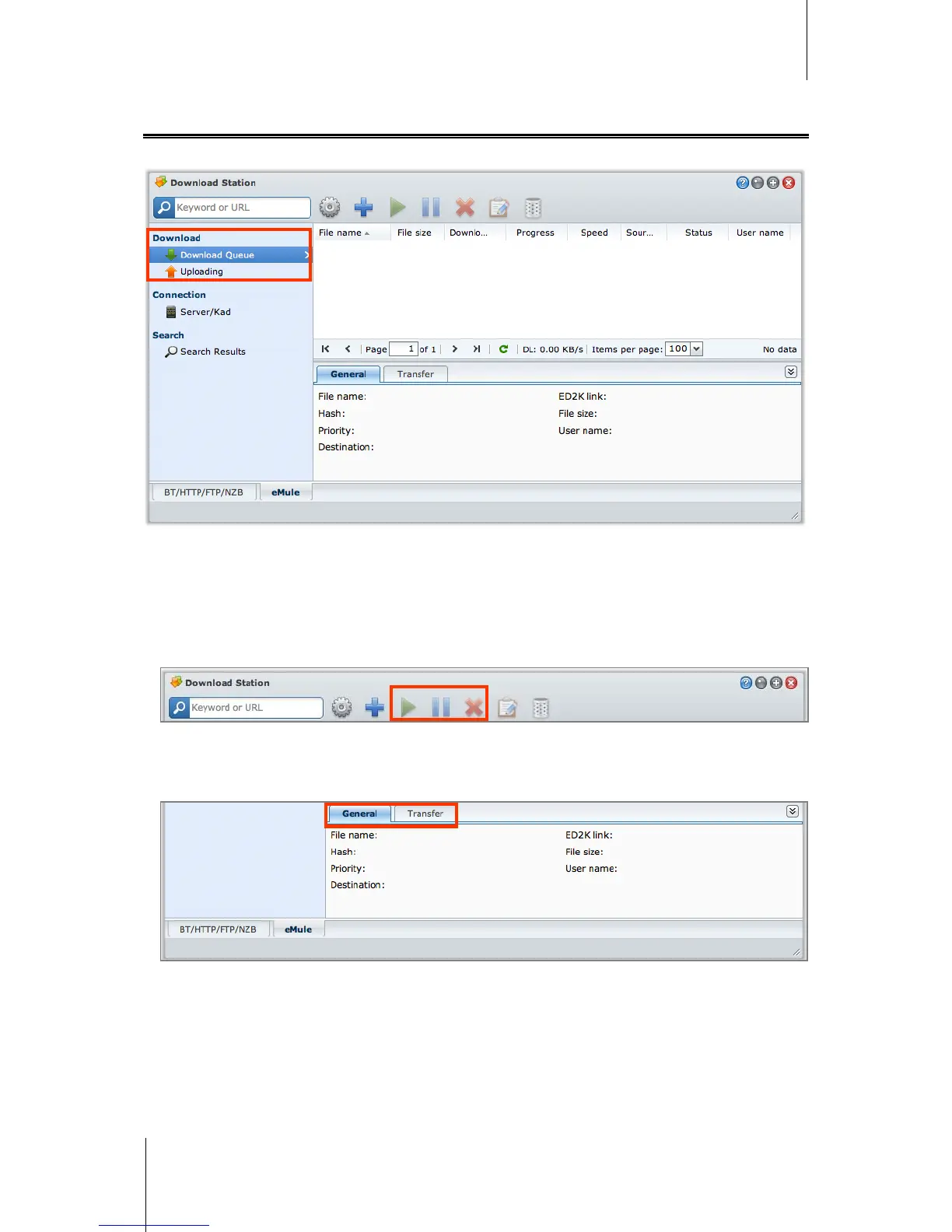
You can check the download tasks you just created, and manage the tasks with eMule.
Manage Download Queue
Click Download Queue on the left panel to manage the download tasks.
To pause/resume/remove download tasks:
1 Select the download task(s) you want to pause, resume, or remove.
2 Click Pause or Resume or Remove.
To view detailed information about a download task:
1 Select the download task you want to view.
2 Click the tabs below the download queue to view detailed information of the task.






 To Next Page