Synology DiskStation User's Guide
Based on DSM 3.1
175 Chapter 13: Download Files with Download Station
To edit download tasks:
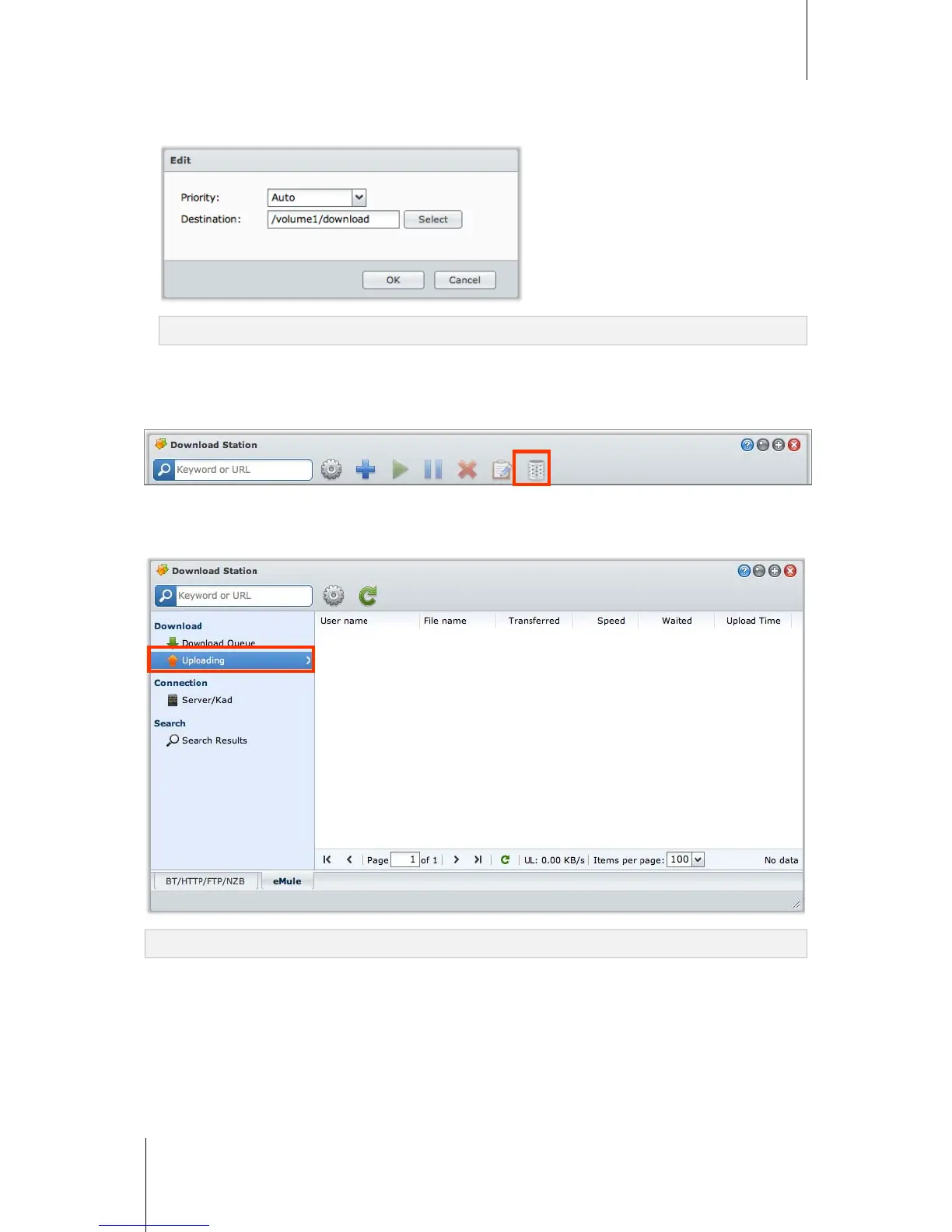
1 Click Edit to edit the priority and change destination folder for the task.
Note: To change the default destination folders for all download tasks, see "Location" on Page 168.
2 Click OK.
To clear finished download tasks:
Click Clear. Downloaded files will remain in the destination shared folder.
Check Upload Queue
Click Upload Queue on the left panel to check your shared files currently uploaded to other eMule clients.
Note: To specify folders you want to share with other eMule clients, see "Location" on Page 168.






 To Next Page