Synology DiskStation User's Guide
Based on DSM 3.1
172 Chapter 13: Download Files with Download Station
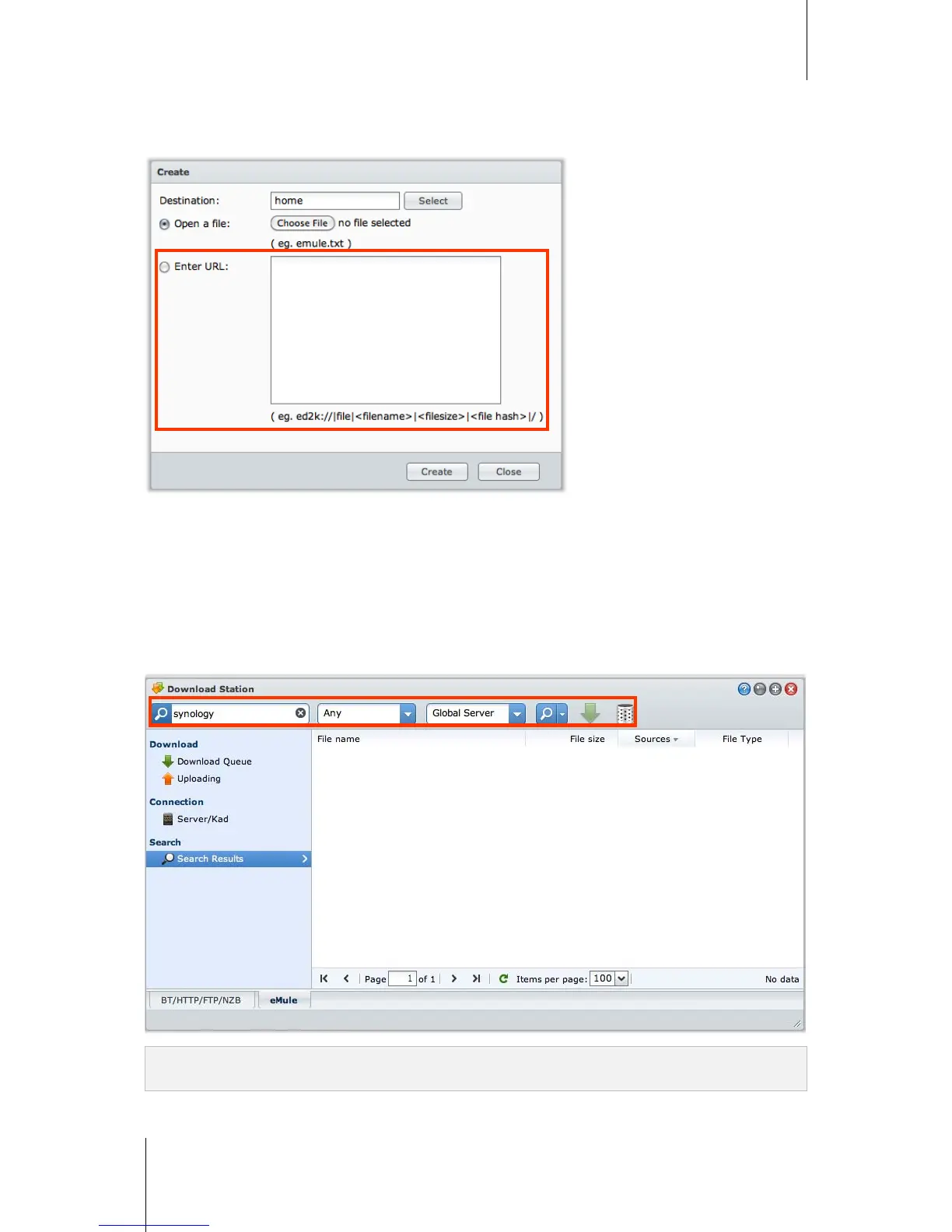
Create by Entering URLs
You can create download tasks by entering URLs.
To create download tasks by entering URLs:
1 Click Create.
2 In the window that appears, choose Enter URL, and enter the URLs of the file you want to download. You can
enter up to 20 URLs in the box.
3 Click Create.
Create via eMule Search
Click Search on the left panel to search and download the files your are looking for.
Note: If you want to perform eMule search, make sure you are connected to an ED2K server at Server/Kad. See
"Connect to ED2K Server/Kad" on Page 169.






 To Next Page