Synology DiskStation User's Guide
Based on DSM 3.1
183 Chapter 14: Safeguard Your Environment with Surveillance Station
Configure Layout
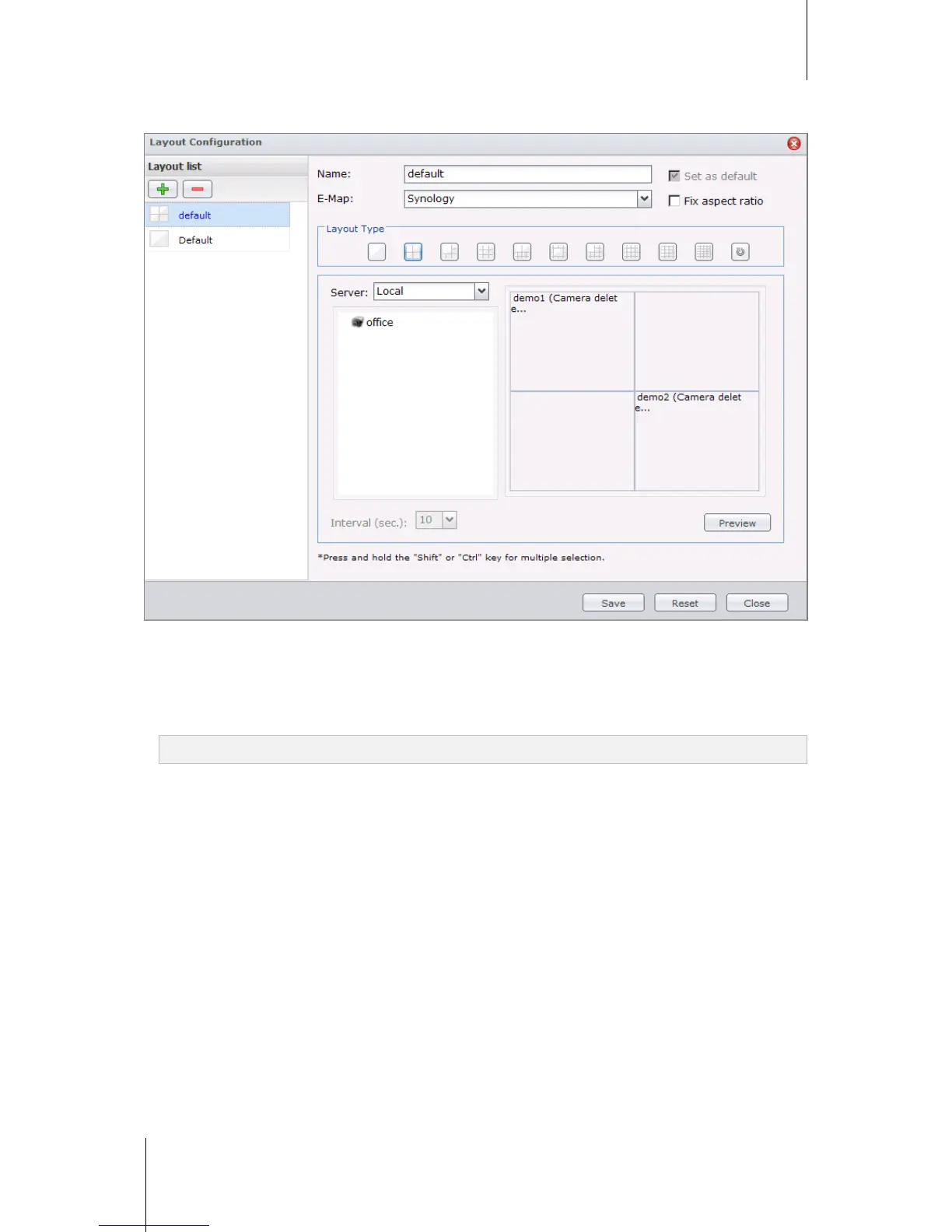
The administrator can configure layout setting using Internet Explorer. To customize how the live view will be
displayed, click on Configure and follow the steps below:
1 Add a new layout or click on an existing layout to edit.
2 Enter a layout name.
3 Select the corresponding E-Map. If you select None, the E-Map button will be disabled.
Note: For more information about E-map, see "Use E-Map" on Page 192.






 To Next Page