Synology DiskStation User's Guide
Based on DSM 3.1
42 Chapter 3: Modify System Settings
Power Schedule
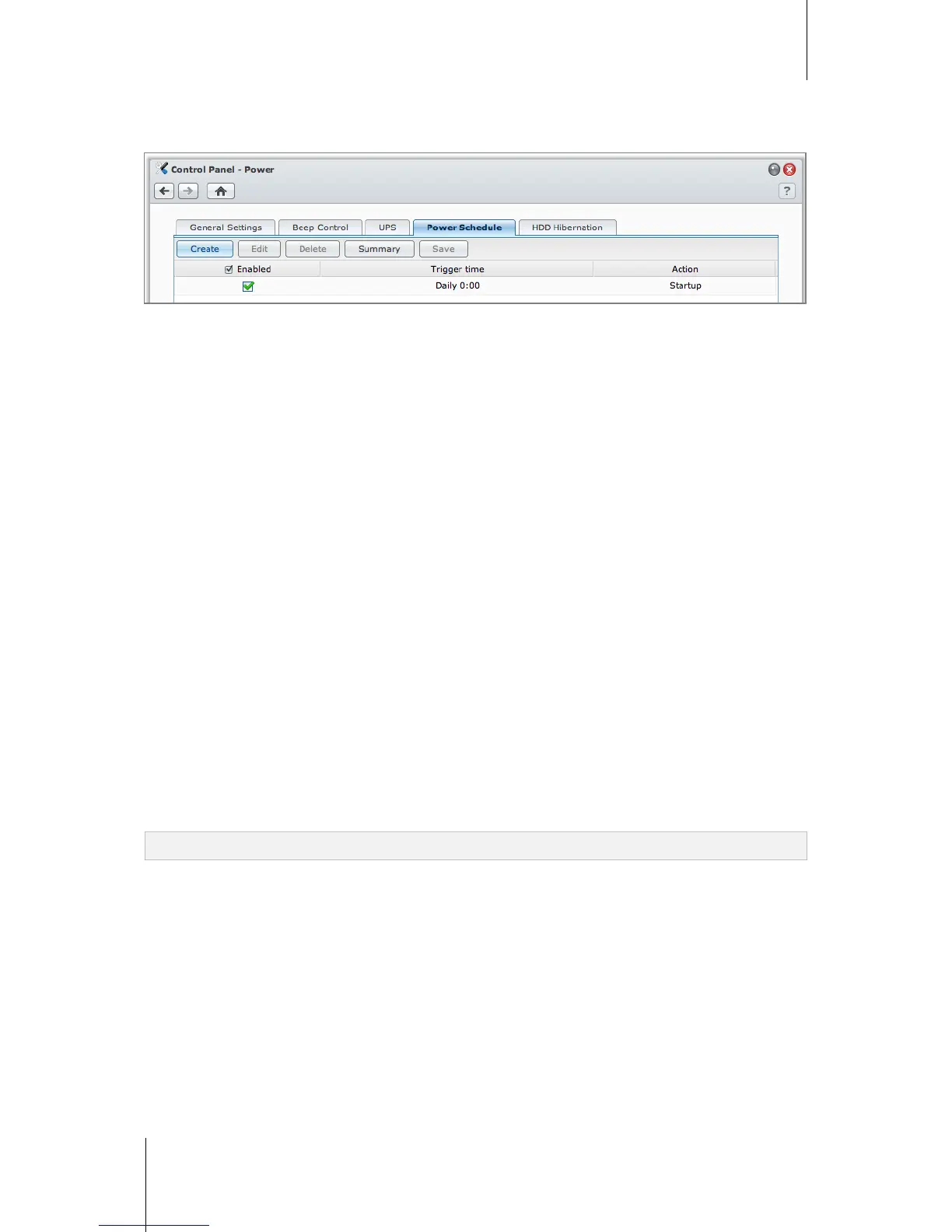
Click the Power Schedule tab to start up or shut down automatically at a specified time.
To add a new startup/shutdown schedule:
1 Click the Create button to open the Add Schedule dialog.
2 Choose Startup or Shutdown.
3 Set the Date and Time for startup or shutdown.
4 Click OK.
5 Click Save.
The new schedule will be added to the schedule list.
To edit a schedule:
1 Select the schedule and click Edit to edit the schedule.
2 Click OK.
3 Click Save.
To enable or disable a schedule:
1 Tick or uncheck the checkbox for the schedule.
2 Click Save.
To enable or disable all schedules:
1 Tick or uncheck the Enabled checkbox.
2 Click Save.
To delete a schedule:
1 Select a schedule and click Delete.
2 Click Save.
To view schedule summary:
Click Summary to browse the weekly schedule for startup/shutdown.
Note: You can specify up to 100 schedules for one DiskStation.






 To Next Page