Synology DiskStation User's Guide
Based on DSM 3.1
89 Chapter 8: Access Files from Anywhere
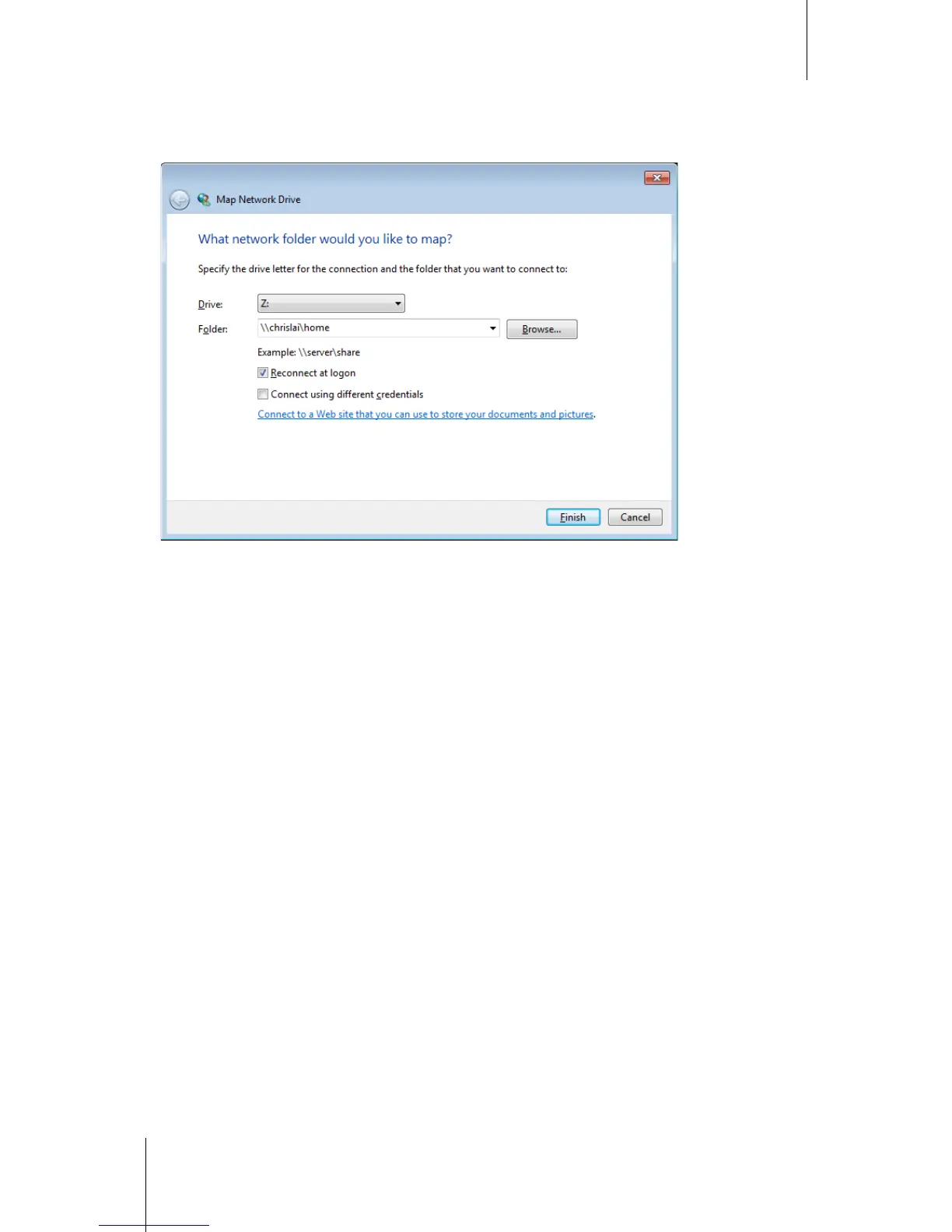
Method 3: Use Window Explorer.
1 Open a Windows Explorer window and choose Tools > Map network drive to show the Map Network Drive
window.
2 Choose a drive number from the Drive drop-down menu.
3 Locate the shared folder by doing one of the following:
Enter \\Synology_Server_Name\Shared_Folder_Name in the Folder field.
Click Browse to locate the shared folder, and then click OK.
4 Click Finish.
5 Enter your user name and password for Synology DiskStation Manager and click OK.
Upon completion, you can access the mapped shared folder directly in Windows Explorer.






 To Next Page