Synology DiskStation User's Guide
Based on DSM 3.1
99 Chapter 8: Access Files from Anywhere
Open a File in a New Window
Open a file on Synology DiskStation in a new tab or window of the web browser to preview it instantly.
To open a file in a new window:
1 Select the file you want to preview.
2 Do one of the following:
Choose Open in New Window from the Action menu.
Right-click the file and choose Open in New Window.
If your browser can view the selected file, it will be opened in a new browser window.
Note: The browser setting will decide what file types can be viewed directly.
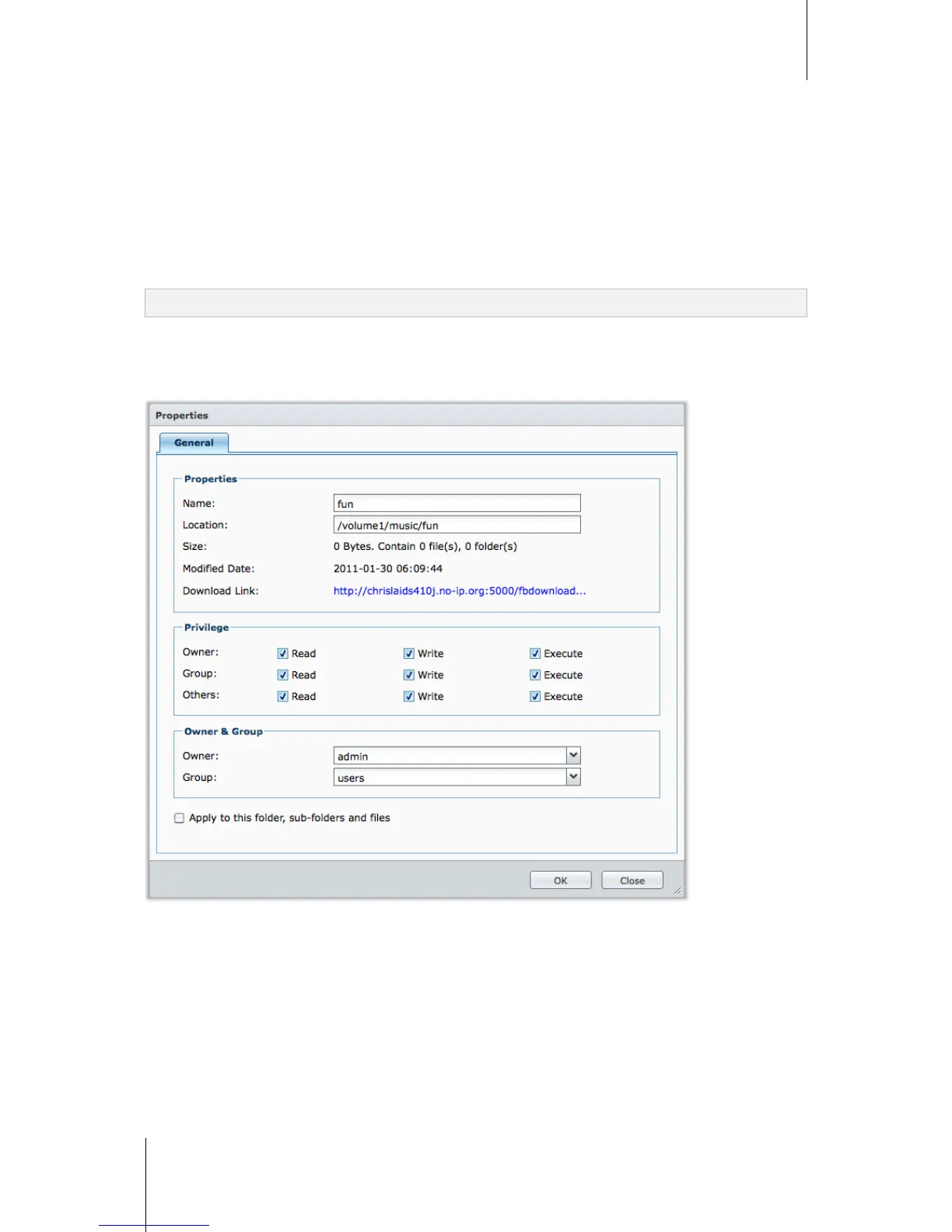
Edit the Properties of Files and Subfolders
You can edit the access privileges to files and subfolders (meaning folders and their subfolders in a shared
folder), copy download links and open file in a new browser window in the Properties window.






 To Next Page