How to Replace Hard Disk Backplane for 8 bay/5 bay DiskStation
Page 16 of 39
Date: 2014/4/11
Issued by: Hardware Development Group, Synology
®
Inc.
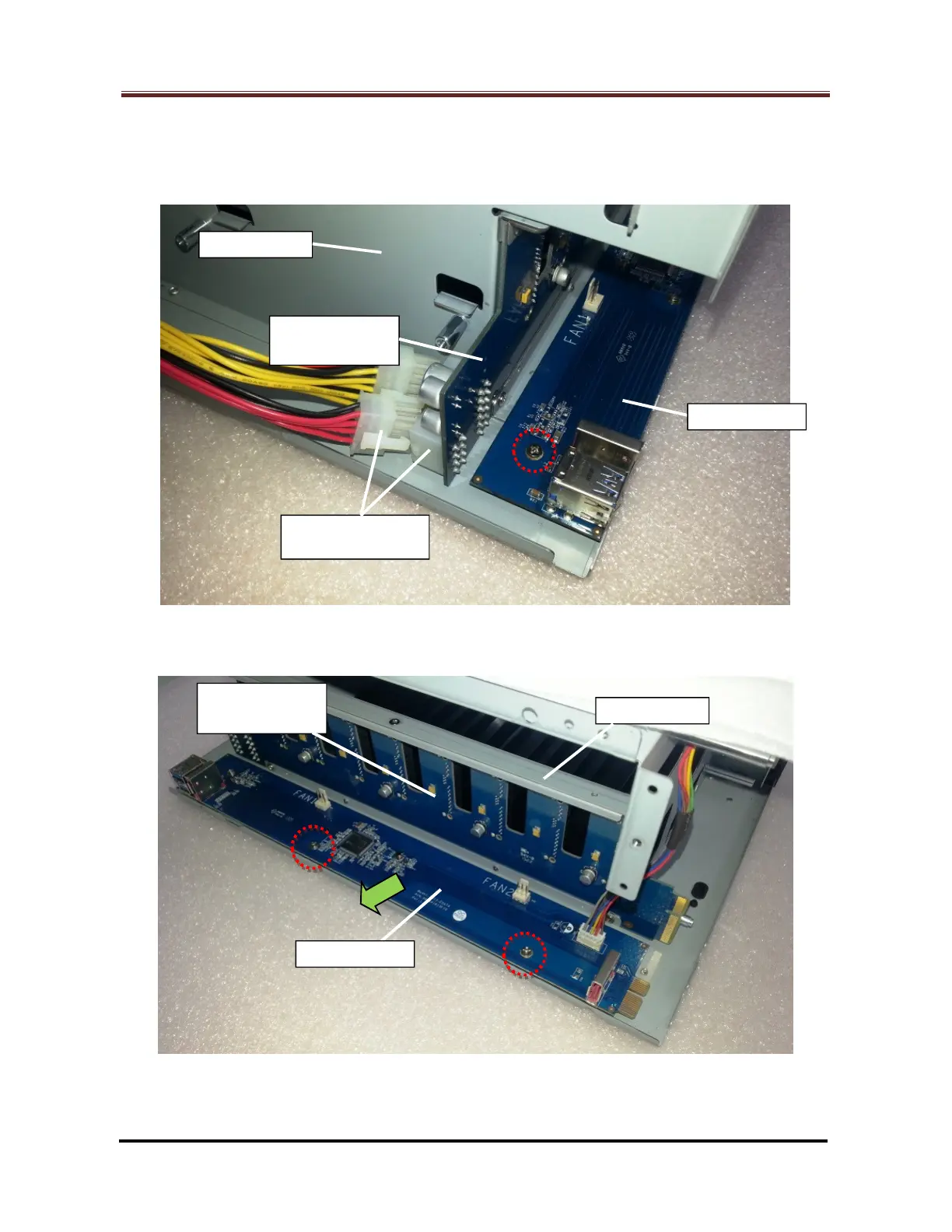
2.1.18 For DS1813+, DS1812+:
Release the three (3) screws (Marked by the red circles) which fix the eSATA
board. (Fig. 23 and Fig. 24) Then remove the eSATA board.
Fig. 23
Fig. 24
Backplane
Backplane







 To Next Page