How to Replace Hard Disk Backplane for 8 bay/5 bay DiskStation
Page 19 of 39
Date: 2014/4/11
Issued by: Hardware Development Group, Synology
®
Inc.
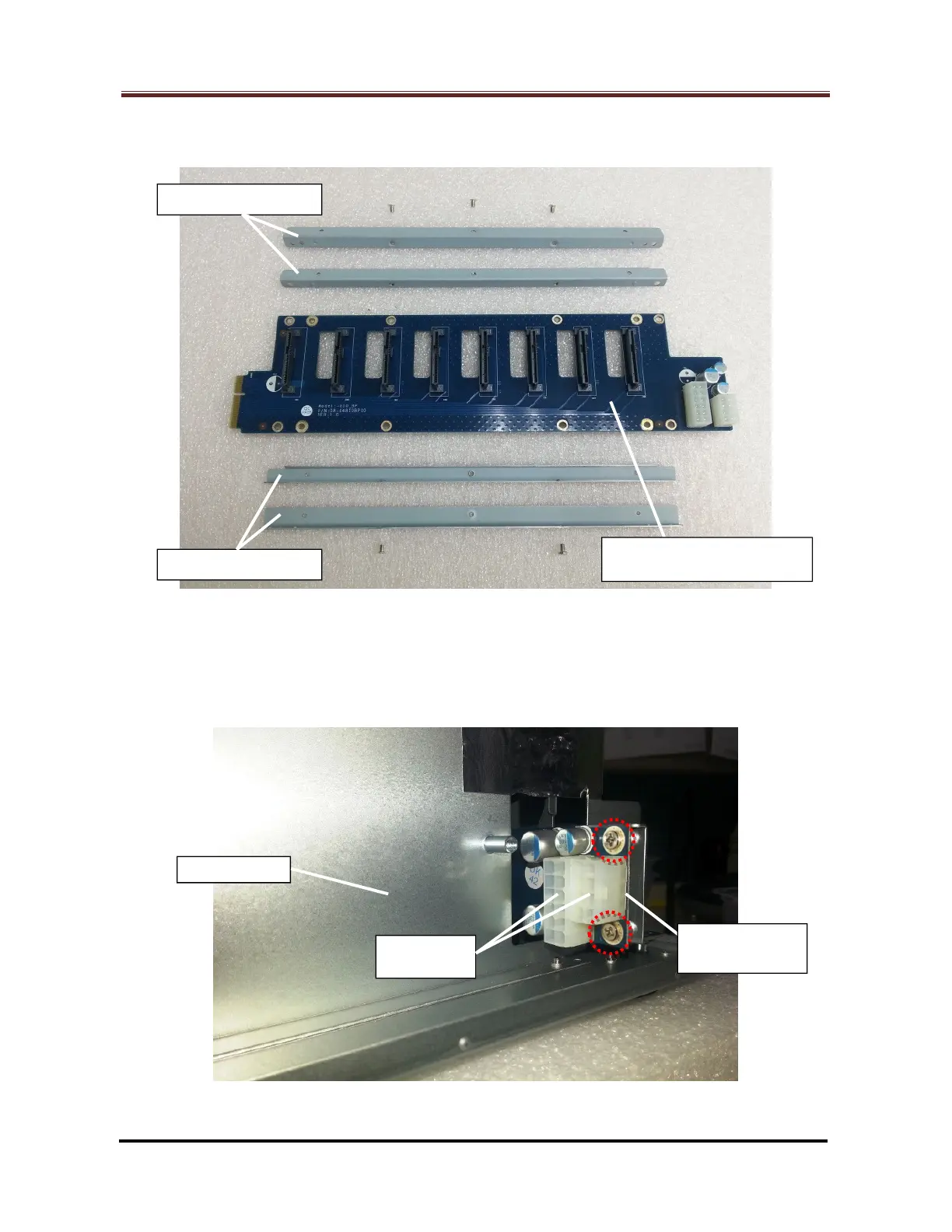
Fig. 29 shows the status after the defective HDD backplane is removed from the
two metal frame sets.
Fig. 29
2.1.19 For DS1513+, DS1512+, DS1511+, DX513 and DX510:
Release the five (5) screws (Marked by the red circles) which fix the defective
HDD backplane. (Fig. 30 and Fig. 31)
Fig. 30
Backplane







 To Next Page