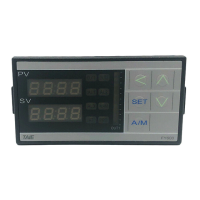
15. Modification of Input Signal
15.1 Input modify to thermocouple
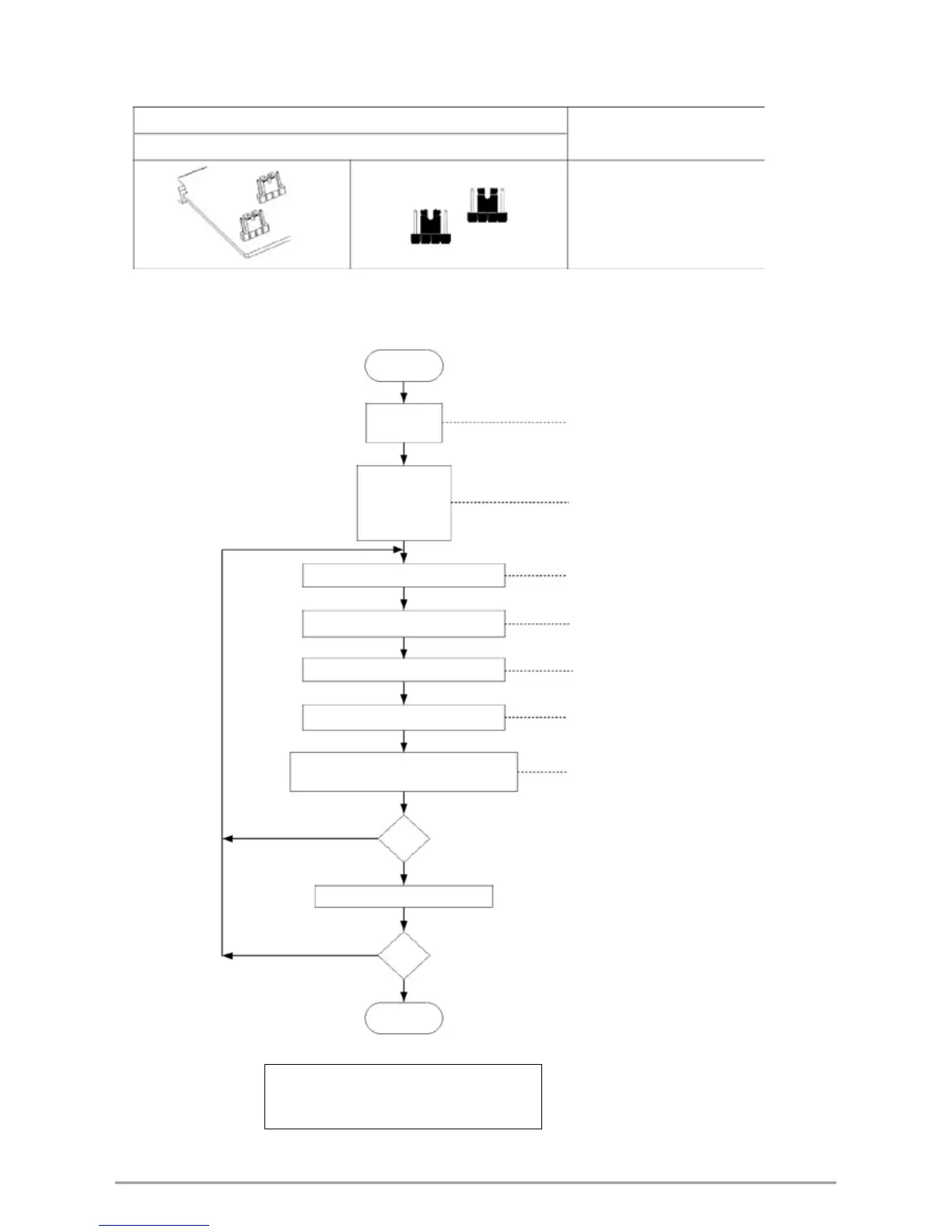
Jumper Position
Software Setting
Plug 2 pcs of Jumper in the middle slot as shown
Parameter set as “INP1=K1~L”
Thermocouple calibration flowchart
Start
SET 2_2 = 1
ANL1 = 0
ANH1 = 5FFF
INP1 = K1
USPL = 600.0
LSPL = -50.0
Input K type signal -50.0°C
Adjusts "ANL1" until PV = -50.0
Input K type signal 600.0°C
Adjusts "ANH1" until PV = 600.0
Input -50.0 °C Check the PV = -50.0
Input 600.0 °C Check the PV = 600.0
NO
OK ?
YES
Repeat step A~E 3~4 times
NO
OK ?
YES
End
Set the range you want
Ex: Low = 0.0 , High = 200.0
Set LSPL = 0.0 , USPL = 200.0
to display ANL1 & ANH1 & DP
at Input level (level 3)
Step A
Step B
Step C
Step D
Step E
FY/FU operation manual 56


 To Next Page
 Loading...