Auto-Negotiate: The LAN will automatically adjust it’s speed to the fastest available
6.4. Logging In
To change power supply output or the LAN settings, a user must first log in.
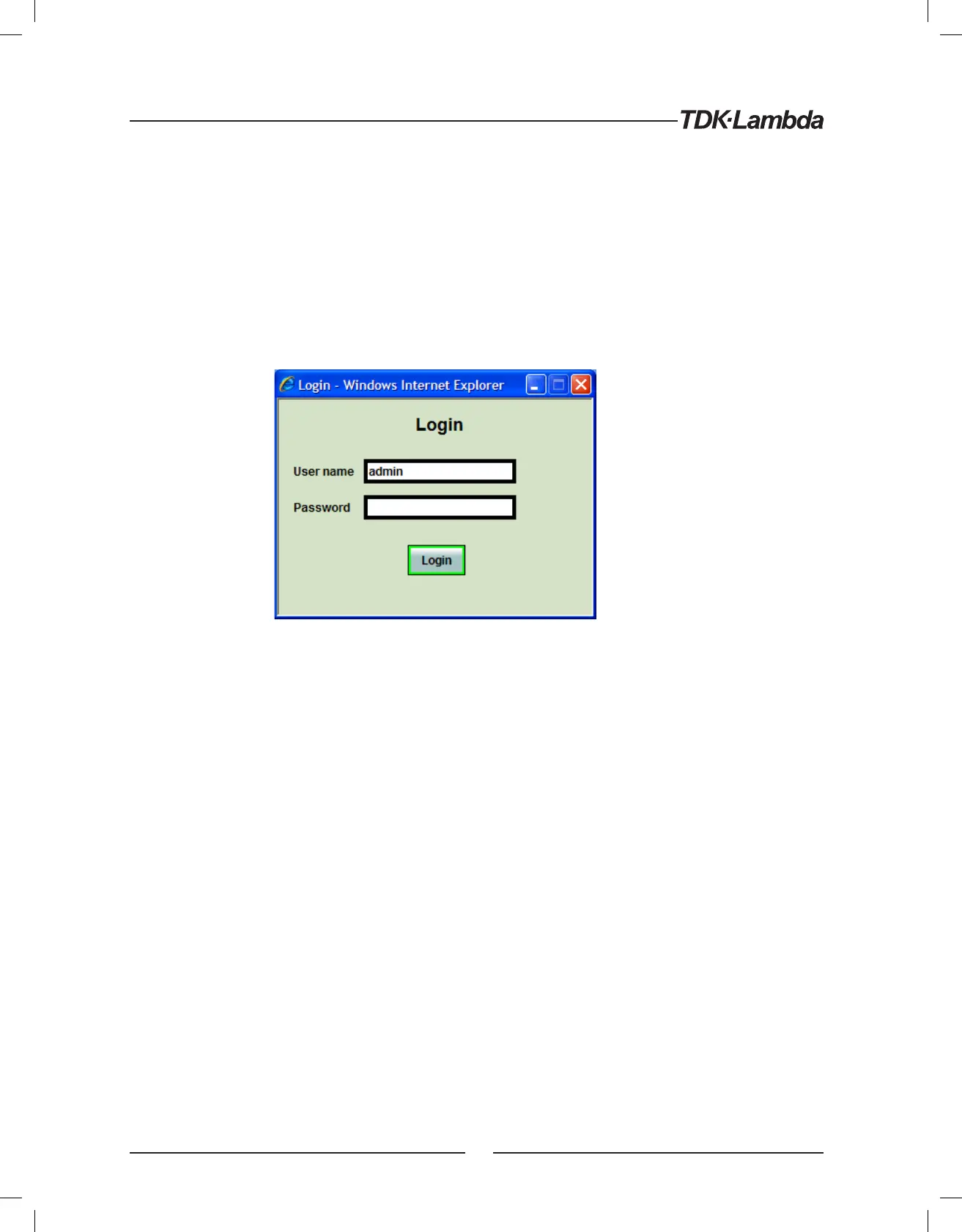
Click the “Login” button at the top-left side of the web page and a pop-up window appears.
The only acceptable user name,
“admin”, is shown.
The password may be set or removed on the LAN ➞ Users web page.
A front panel LAN Reset will clear the password (see section 5.3).
6.4.1. Login Rules
- Any number of users may view the web pages of a power supply at the same time.
However, the update rate becomes slower as more web pages are opened.
- Only one user at a time may be logged-in to modify the power supply settings.
- If an automation program with VISA or socket connection is running, then you may
view the web pages but you cannot login to change any settings.
- If a user is logged in, then a VISA or socket connection cannot be opened by an automation program.
- A user may logout by clicking the “Logout” button, by closing the web browser or by leaving the web
browser idle for “LAN Keep-alive” seconds (see section 6.6.3).
22













 To Next Page