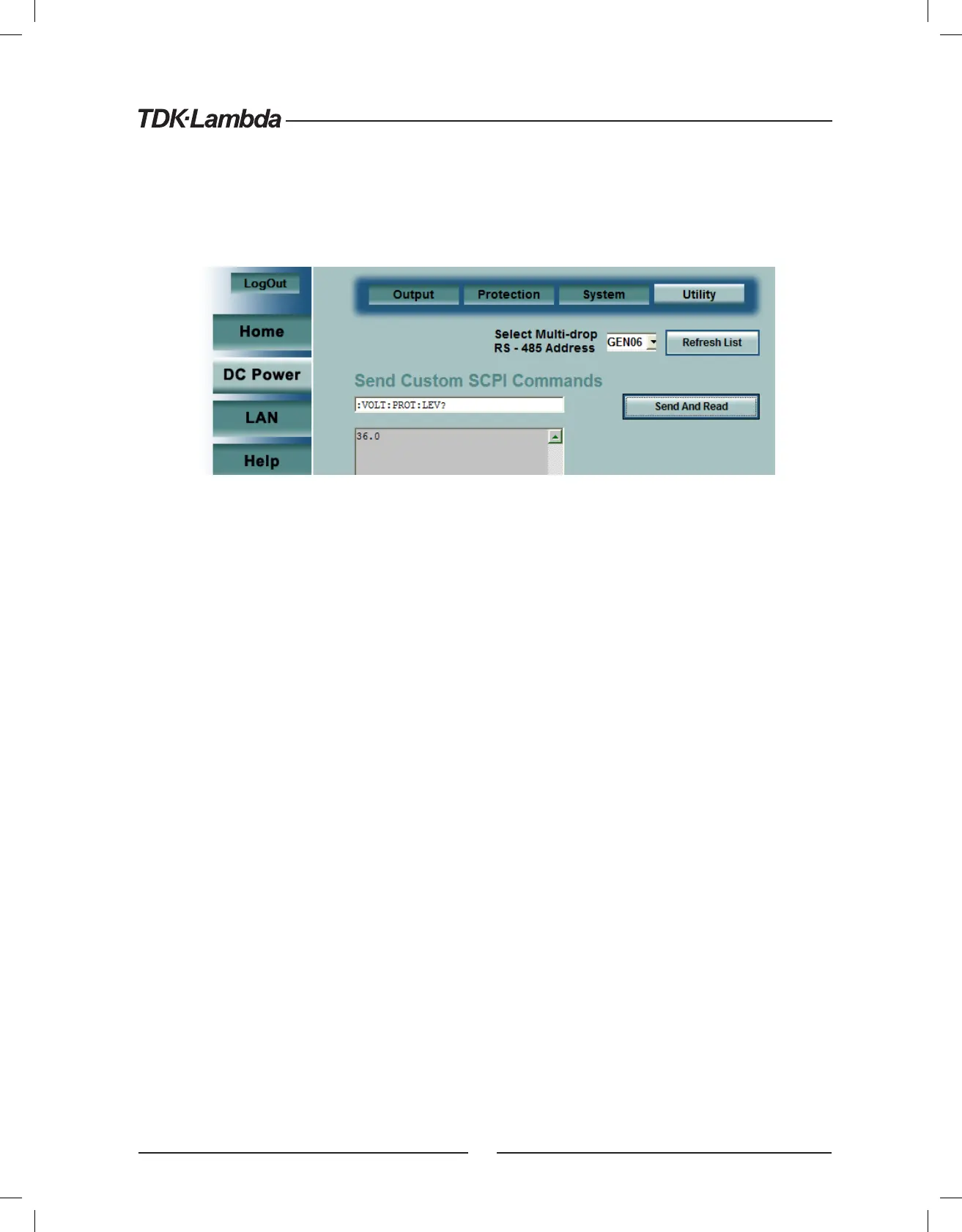
6.5.5. DC Power ➞ Utility Page
This page is used to send any SCPI command and see the response. It is a learning tool for SCPI operation
and it allows commands which are otherwise not on the web pages. The SCPI commands are described
in section 11.
After logging in (see section 6.4), type any SCPI message into the top text box. Then click the “Send and
Read” button.
For commands, there is no response. For queries, the response is shown in the middle text box
You may read any System Error message by clicking the “Read Errors” button. The error message (or “No
error”) will show in the bottom text box, otherwise see section 11.8.1 and section 13.
25













 To Next Page