EasyManua.ls Logo

Teac A-3300S - Recording With Microphones; Live Recording Tips; MIC;LINE Mixing

Teac A-3300S
30 pages
Print Icon
To Next Page IconTo Next Page
To Previous Page IconTo Previous Page
Loading...
Recording
With
Microphones
MIC/LINE
Mixing
Live
Recording
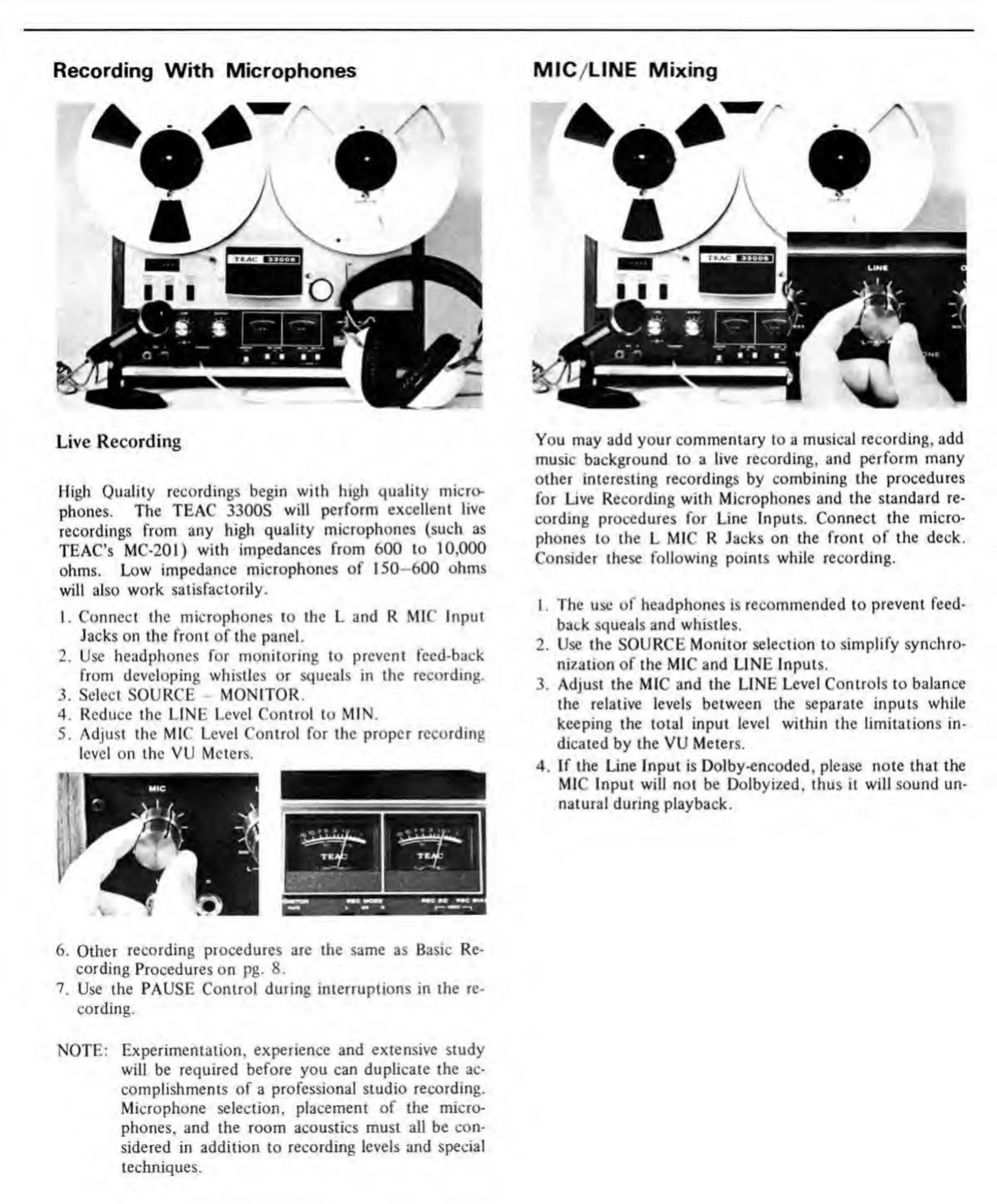
High
Quality
recordings
begin
with
high
quality
micro¬
phones.
The
TEAC
3300S
will
perform
excellent
live
recordings
from
any
high
quality
microphones
(such
as
TEAC’s
MC-201)
with
impedances
from
600
to
10,000
ohms.
Low
impedance
microphones
of
150—600
ohms
will
also
work
satisfactorily.
1.
Connect
the
microphones
to
the
L
and
R
MIC
Input
Jacks
on
the
front
of
the
panel.
2.
Use
headphones
for
monitoring
to
prevent
feed-back
from
developing
whistles
or
squeals
in
the
recording.
3.
Select
SOURCE
-
MONITOR.
4.
Reduce
the
LINE
Level
Control
to
MIN.
5.
Adjust
the
MIC
Level
Control
for
the
proper
recording
level
on
the
VU
Meters.
6.
Other
recording
procedures
are
the
same
as
Basic
Re¬
cording
Procedures
on
pg.
8.
7.
Use
the
PAUSE
Control
during
interruptions
in
the
re¬
cording.
NOTE:
Experimentation,
experience
and
extensive
study
will
be
required
before
you
can
duplicate
the
ac¬
complishments
of
a
professional
studio
recording.
Microphone
selection,
placement
of
the
micro¬
phones,
and
the
room
acoustics
must
all
be
con¬
sidered
in
addition
to
recording
levels
and
special
techniques.
You
may
add
your
commentary
to
a
musical
recording,
add
music
background
to
a
live
recording,
and
perform
many
other
interesting
recordings
by
combining
the
procedures
for
Live
Recording
with
Microphones
and
the
standard
re¬
cording
procedures
for
Line
Inputs.
Connect
the
micro¬
phones
to
the
L
MIC
R
Jacks
on
the
front
of
the
deck.
Consider
these
following
points
while
recording.
1.
The
use
of
headphones
is
recommended
to
prevent
feed¬
back
squeals
and
whistles.
2.
Use
the
SOURCE
Monitor
selection
to
simplify
synchro¬
nization
of
the
MIC
and
LINE
Inputs.
3.
Adjust
the
MIC
and
the
LINE
Level
Controls
to
balance
the
relative
levels
between
the
separate
inputs
while
keeping
the
total
input
level
within
the
limitations
in¬
dicated
by
the
VU
Meters.
4.
If
the
Line
Input
is
Dolby-encoded,
please
note
that
the
MIC
Input
will
not
be
Dolbyized,
thus
it
will
sound
un¬
natural
during
playback.

Related product manuals