EasyManua.ls Logo

Teac AG-V3050 - HALL Surround; Memory Backup Function

Teac AG-V3050
55 pages
Print Icon
To Next Page IconTo Next Page
To Previous Page IconTo Previous Page
Loading...
4.
Press
the
TEST
TONE
button
to
send
the
test
tone
signal
to
each
speaker
in
succession
as
shown
below.
pert
—>
CENTER—>
RIGHT-
5.
Adjust
the
CENTER
LEVEL
controls
so
that
the
center
speaker
sound
level
is
equal
to
that
of
the
left
speaker
and
then
to
that
of
the
right
speaker.
6.
Press
the
TEST
TONE
button
to
cease
testing.
Playing
Surr.
Sound
7.
Play
the
video
software
with
the
DOLBY
SURROUND
mark.
8.
Adjust
the
MASTER
VOLUME
control
for
the
most
appropriate
overall
volume.
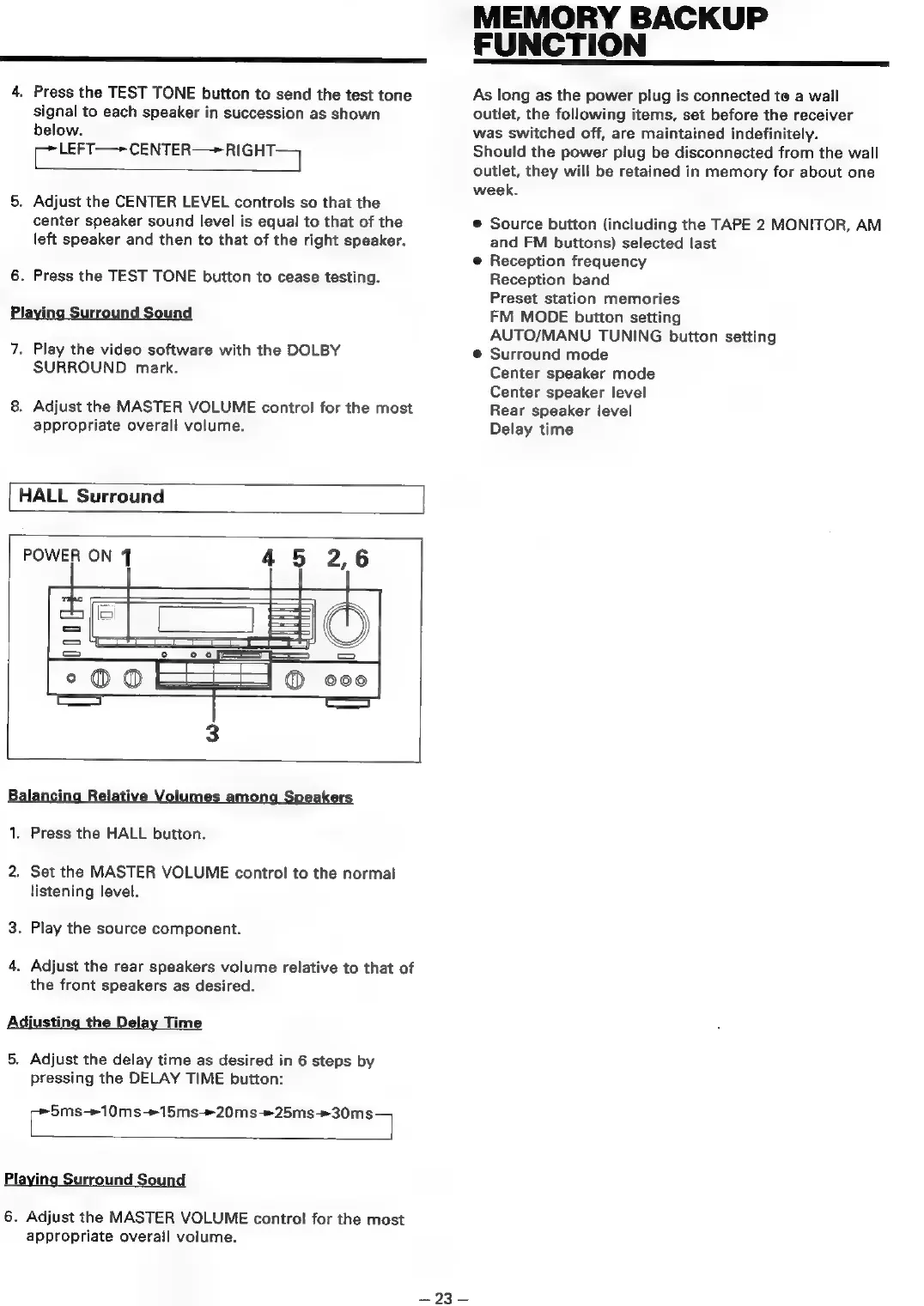
HALL
Surround
POWER
ON
45
2,6
1.
Press
the
HALL
button.
2.
Set
the
MASTER
VOLUME
control
to
the
normal
listening
level.
3.
Play
the
source
component.
4.
Adjust
the
rear
speakers
volume
relative
to
that
of
the
front
speakers
as
desired.
Adjusting
the
Delay
Time
5.
Adjust
the
delay
time
as
desired
in
6
steps
by
pressing
the
DELAY
TIME
button:
Cee
eee
Playing
Surround
Sound
6.
Adjust
the
MASTER
VOLUME
control
for
the
most
appropriate
overall
volume.
MEMORY
BACKUP
FUNCTION
As
long
as
the
power
plug
is
connected
te
a
wall
outlet,
the
following
items,
set
before
the
receiver
was
switched
off,
are
maintained
indefinitely.
Should
the
power
plug
be
disconnected
from
the
wall
outlet,
they
will
be
retained
in
memory
for
about
one
week.
©
Source
button
(including
the
TAPE
2
MONITOR,
AM
and
FM
buttons)
selected
last
@
Reception
frequency
Reception
band
Preset
station
memories
FM
MODE
button
setting
AUTO/MANU
TUNING
button
setting
@
Surround
mode
Center
speaker
mode
Center
speaker
level
Rear
speaker
level
Delay
time
ee
ee

Table of Contents

Related product manuals