- 18 -
TV Function
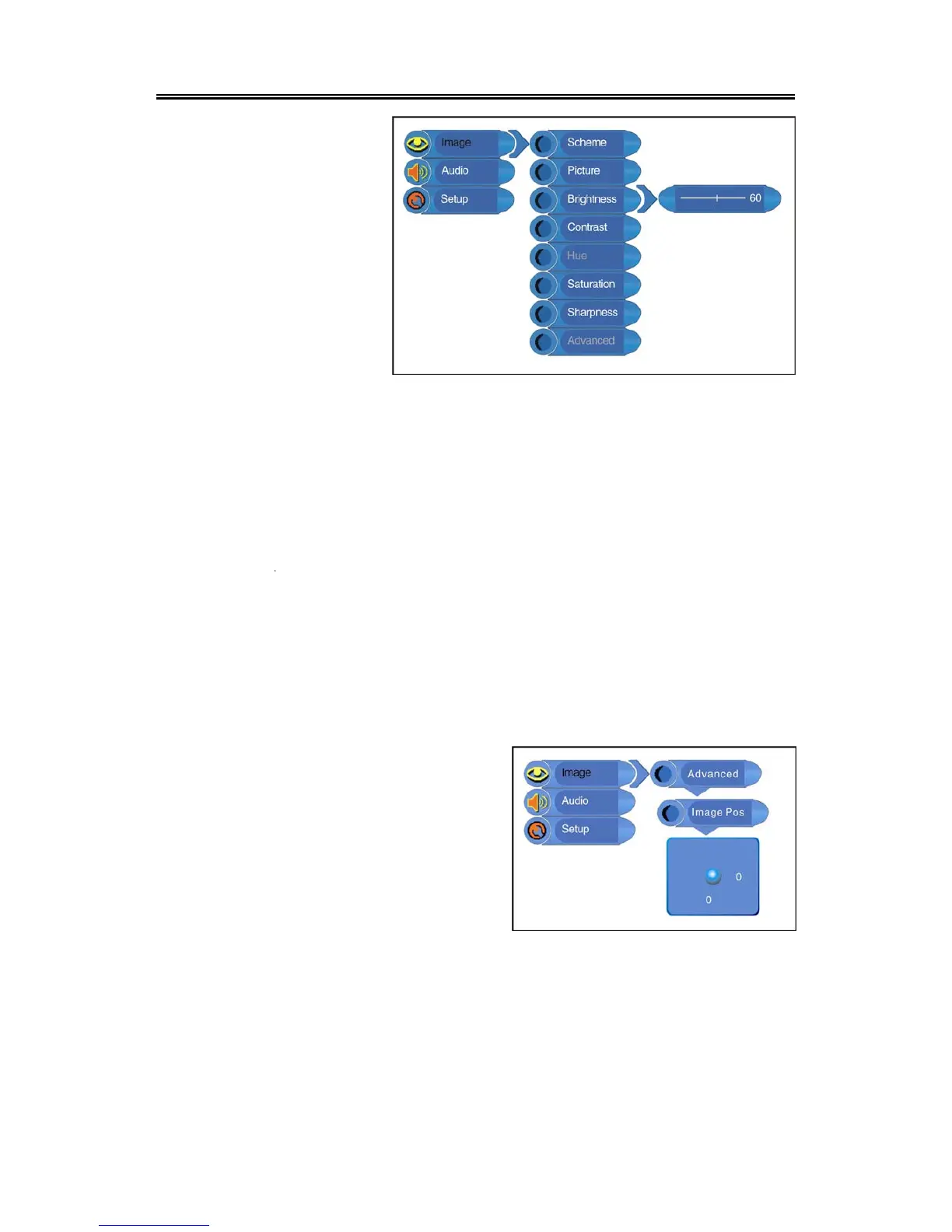
Brightness Setup
Press the ▲▼ button to select
Brightness and press the ◄►
button to adjust the value. Press
the MENU button to return to the
previous menu.
Contrast Setup
Press the ▲▼ button to select Contrast and press the ◄► button to adjust the value. Press the
MENU button to return to the previous menu.
Hue Setup
Press the ▲▼ button to select Hue and press the ◄► button to adjust the value. Press the MENU
button to return to the previous menu.
Note: This item is only available under NTSC TV signal mode.
Saturation Setup
Press the ▲▼ button to select Saturation and press the ◄► button to adjust the value. Press the
MENU button to return to the previous menu.
Sharpness Setup
Press the ▲▼ button to select Sharpness and press the ◄► button to adjust the value. Press the
MENU button to return to the previous menu.
Advanced Setup
Press the▲▼ button to select Advanced and press
the ENTER button to enter.
In the menu, press the ▲▼◄► direction button to
move the image. Press the MENU button to return
to the previous menu.
Note: This item is only available in DVD, VGA
and COMPONENT modes.



 To Next Page